How to Add Page Numbers to a PDF for Free
⏱ Takes less than 1 minute
Printing a report or thesis? PDFredo's free online tool adds page numbers to any PDF with full control over position, format, and starting number. No account, no watermarks, and your file is deleted from our EU servers after 30 minutes.
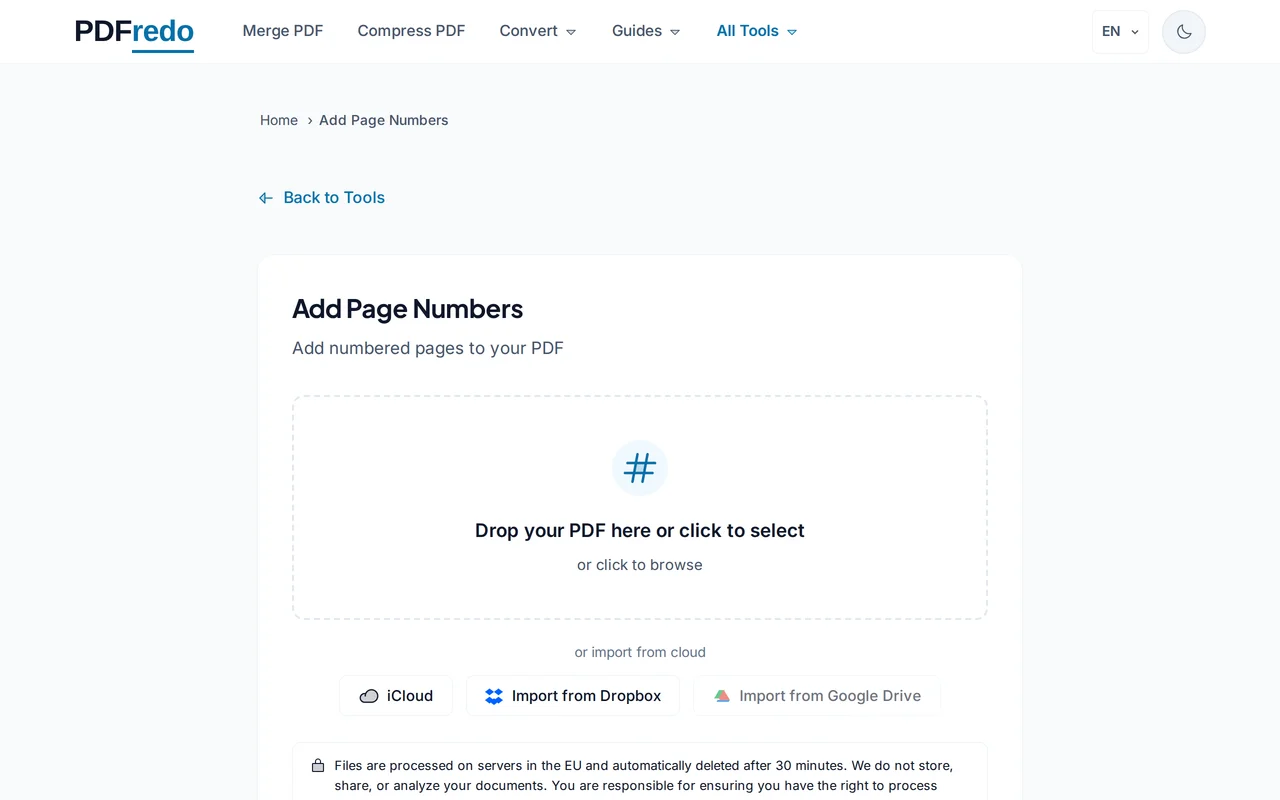
Upload your PDF
Drag your PDF into the upload area or click "Select File". A live preview of the first page appears.
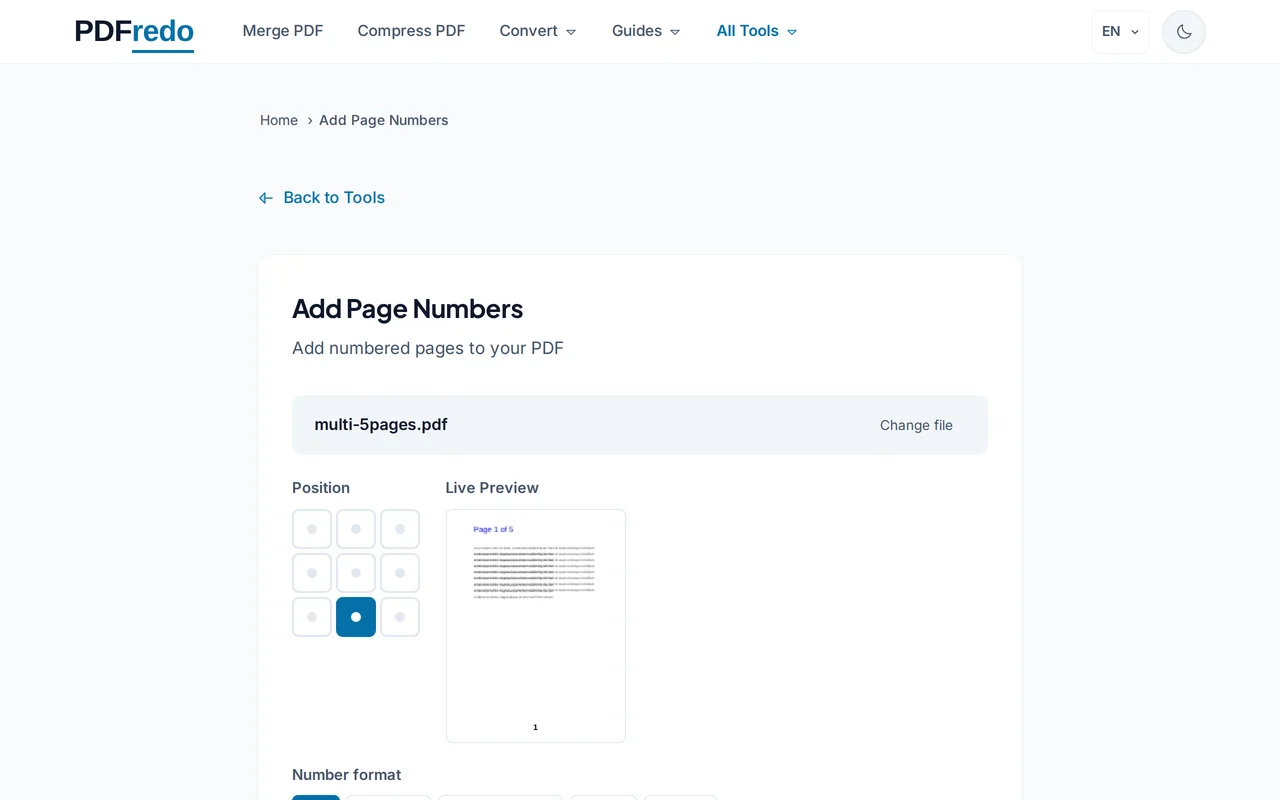
Customize position and format
Choose where numbers appear (top or bottom, left/center/right), pick a format like "1", "Page 1", or "1 of 10", and set the starting number.
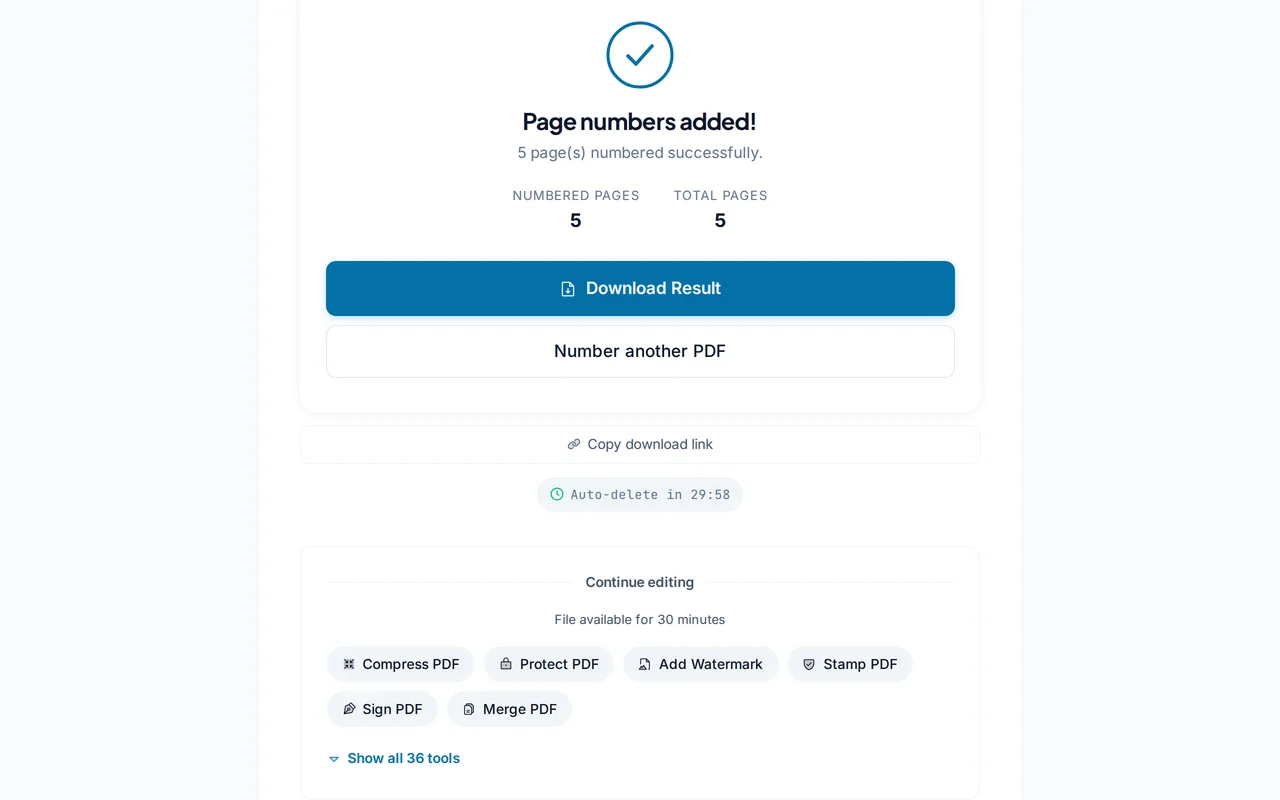
Download the numbered PDF
Click "Add Page Numbers". PDFredo writes the numbers into each page on secure EU servers and offers the file for download.
Pro Tips
- Use "1 of N" format so readers always see how much is left.
- Skip the cover page by starting numbering from page 2 using the "First page" option.
- Match your document font and size for a professional, native-looking result.
Frequently Asked Questions
Can I skip the cover page?
▾
Yes. Set the "Apply from" option to page 2 (or any page) and the cover stays number-free.
Can I use Roman numerals?
▾
Yes. Choose "i, ii, iii" for front matter or "I, II, III" for chapter numbering.
Will the numbers cover existing content?
▾
Position them in the margins (top or bottom) to avoid overlapping text. The live preview shows the result before saving.
Are my files safe?
▾
All processing happens on EU servers (Germany). Files are deleted automatically after 30 minutes.
Is it really free?
▾
Yes. No registration, no subscription, no watermarks on the output.
Can I remove page numbers later?
▾
Page numbers are flattened into the document once added. Keep your original if you might want the un-numbered version later.
Does it work on mobile?
▾
Yes. The tool runs in any modern browser on iOS and Android.