How to Compress a PDF Online for Free
⏱ Takes less than 1 minute
Large PDFs are painful to email and slow to load. PDFredo's free online PDF compressor reduces file size with three quality presets while keeping text sharp. No account, no watermarks, and your file is deleted from our EU servers after 30 minutes.
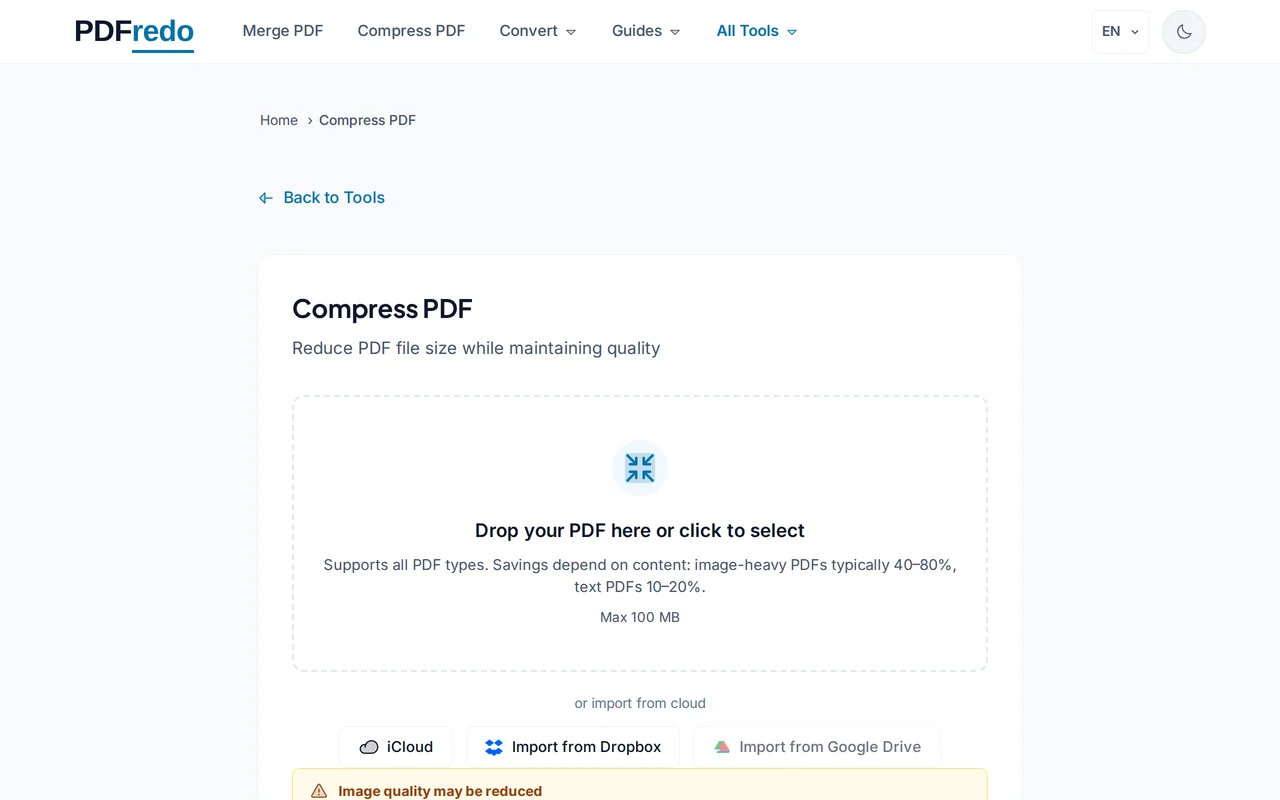
Upload your PDF
Drag your file into the upload area or click "Select File". Files up to 100 MB are supported.
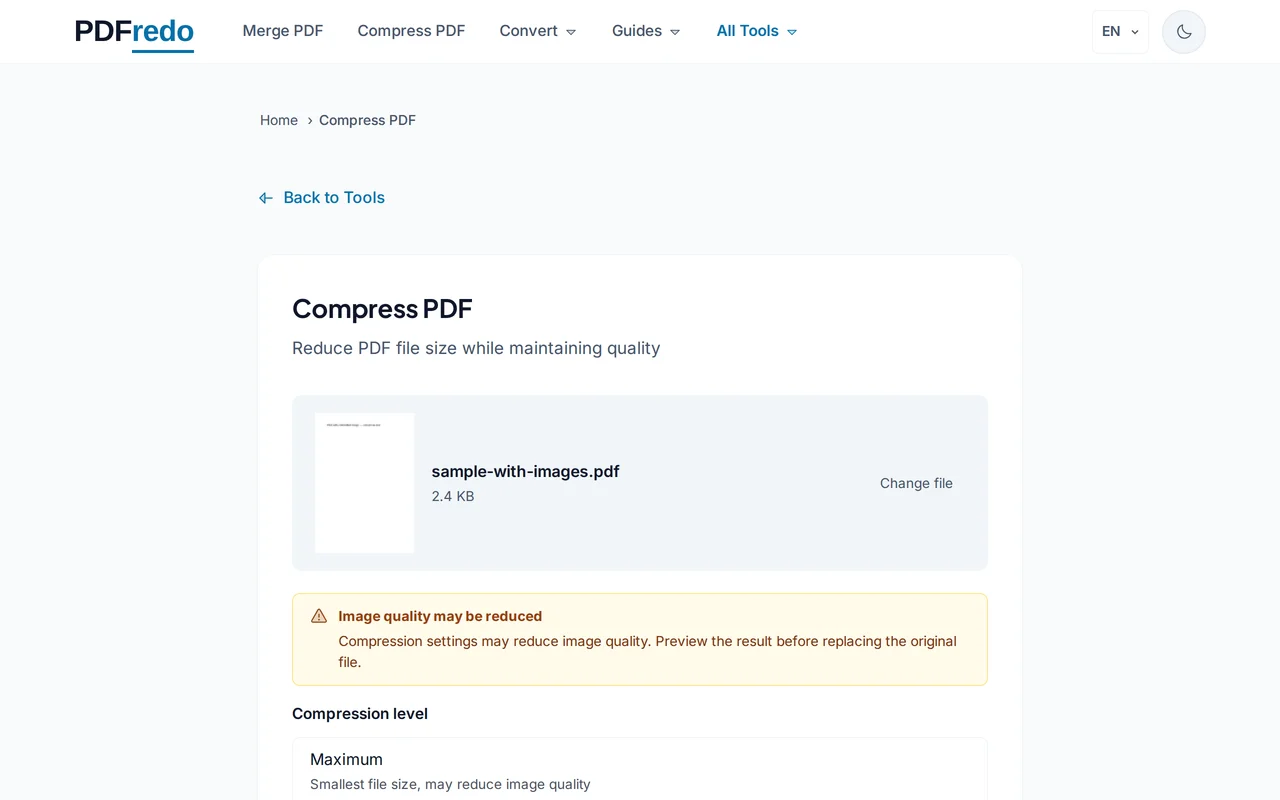
Choose a compression level
Pick Low (best quality), Medium (balanced), or High (smallest size). A live estimate shows how much you will save.
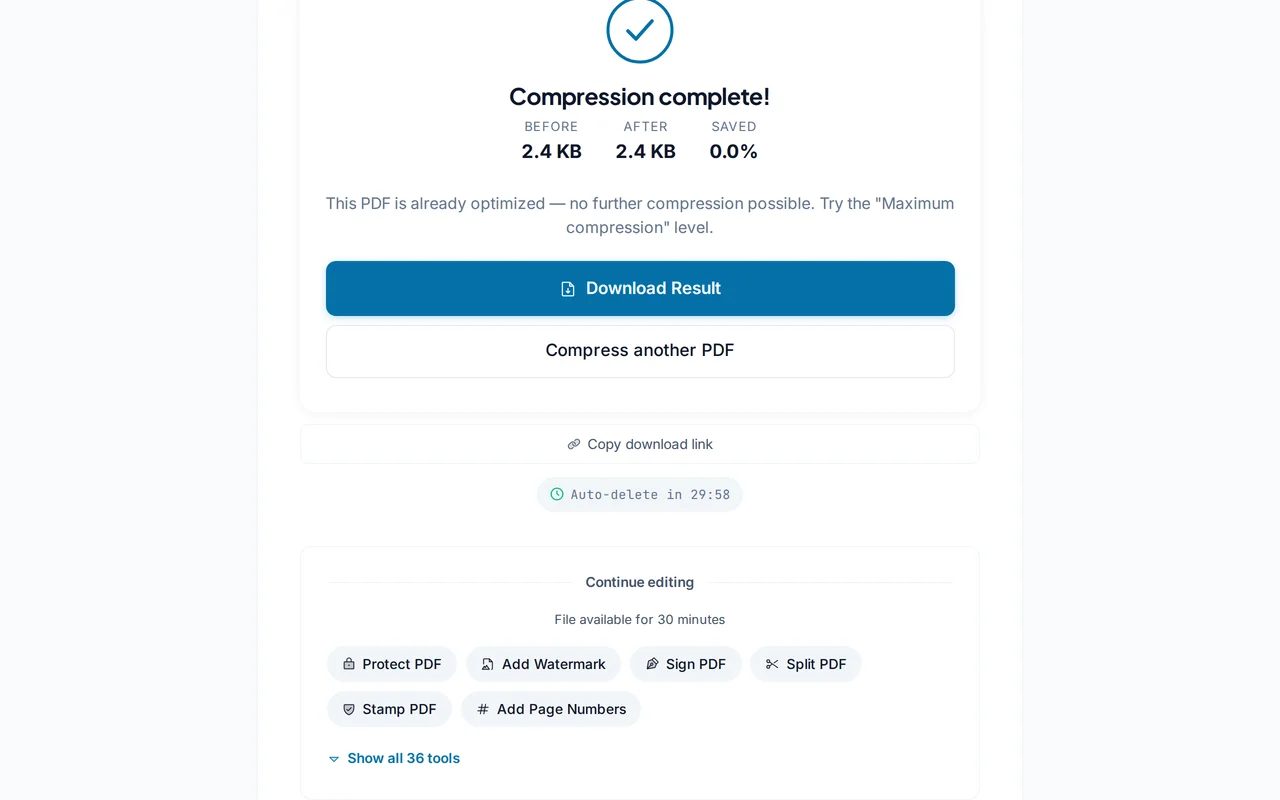
Download the compressed PDF
Click "Compress PDF". PDFredo optimizes images and fonts on secure EU servers, then gives you the smaller file to download.
Pro Tips
- High compression is ideal for email; Medium works best for printing.
- Scanned PDFs shrink the most. Try High for huge savings on image-heavy files.
- If a file is already small, expect diminishing returns. Text-only PDFs compress less.
Frequently Asked Questions
How much can I compress a PDF?
▾
Image-heavy PDFs often shrink by 60-90%. Text-only files may only drop 5-20% because text is already efficiently encoded.
Will compression reduce quality?
▾
Low keeps the original resolution. Medium downsamples images to 150 DPI. High targets 72 DPI. Still readable on screen.
Is the compressor really free?
▾
Yes. No registration, no subscription, no watermarks on the output.
Are my files private?
▾
Files are processed on EU servers (Germany) over HTTPS and deleted automatically after 30 minutes. We never share your documents.
What is the maximum file size?
▾
You can compress PDFs up to 100 MB per file.
Does it work on mobile?
▾
Yes. The tool runs in any modern browser on iOS and Android. No app needed.
Can I compress password-protected PDFs?
▾
No. Unlock the PDF first with our Unlock PDF tool, then come back to compress it.