How to OCR a Scanned PDF Online for Free
⏱ Takes less than 1 minute
Scanned PDFs are just images until you OCR them. PDFredo's free online OCR tool recognizes text in scans across 100+ languages and gives you a searchable, copyable PDF. No account, no watermarks, and your file is deleted from our EU servers after 30 minutes.
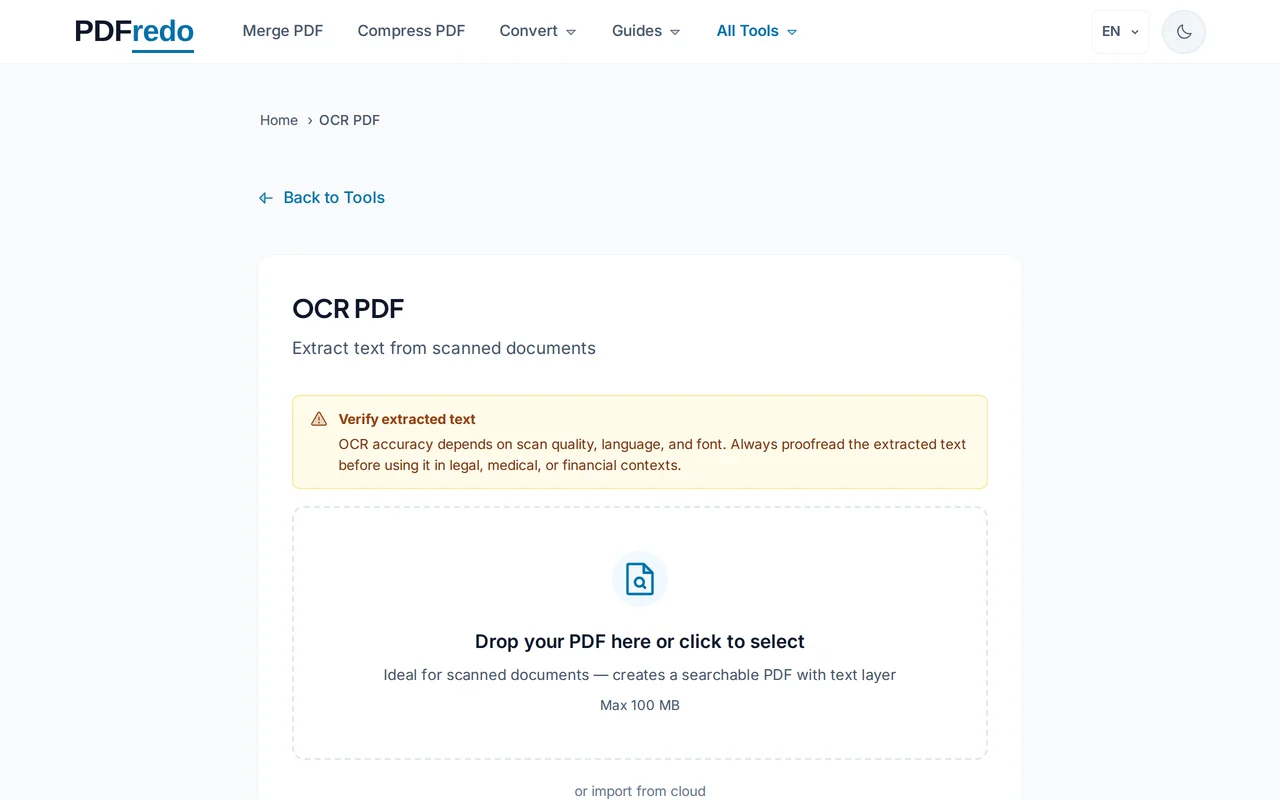
Upload your scanned PDF
Drag your file in or click "Select File". Files up to 100 MB are supported.
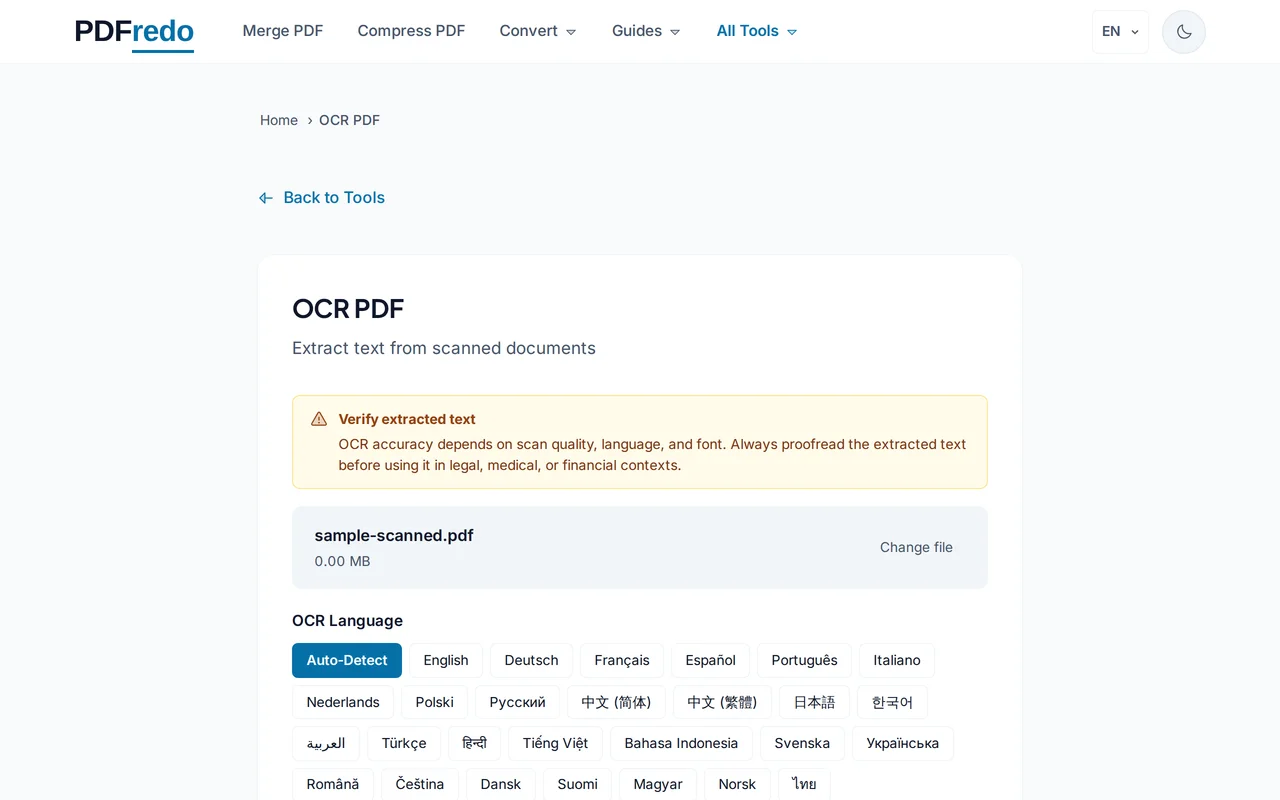
Select the document language
Choose one or more languages (e.g., English, German, French). Accurate language selection gives the best text recognition.
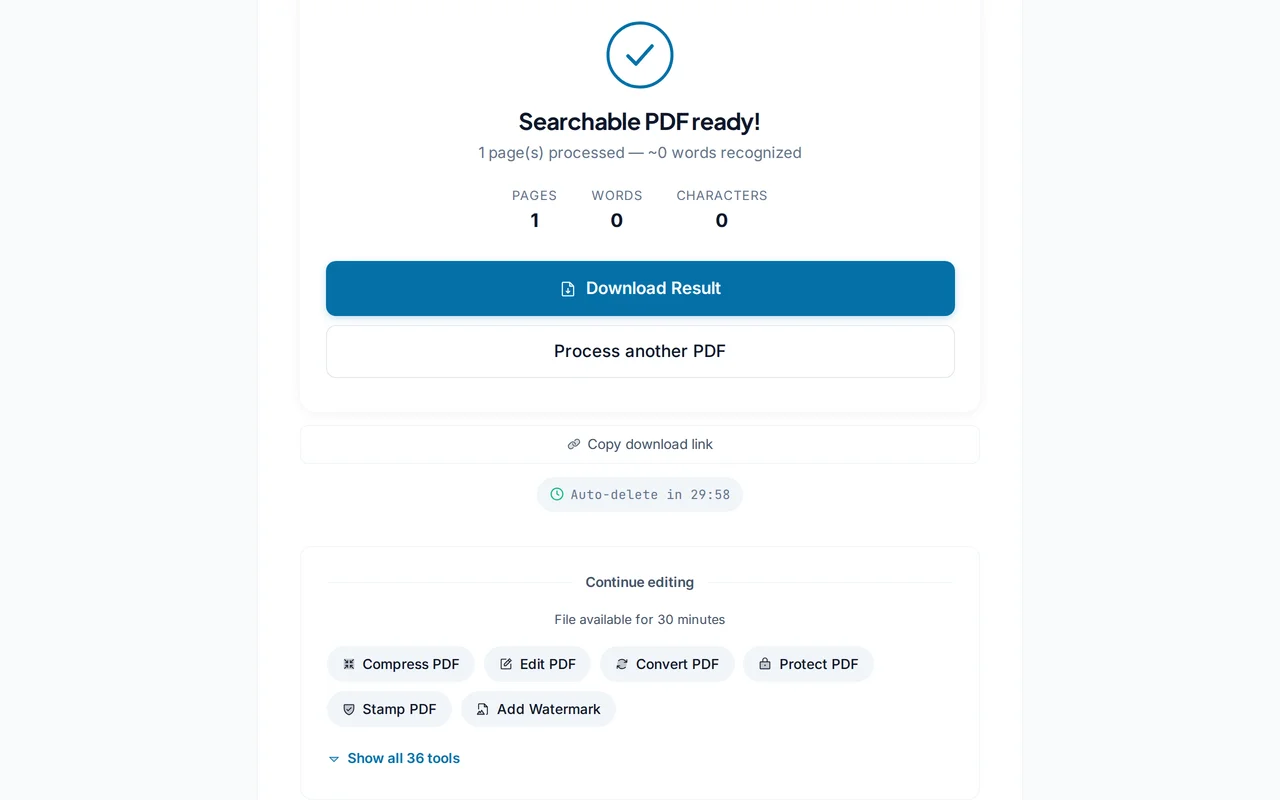
Download the searchable PDF
Click "Run OCR". PDFredo processes each page on secure EU servers and returns a PDF with an invisible text layer you can search and copy.
Pro Tips
- Select the correct language. OCR accuracy drops sharply if the wrong language is chosen.
- For multi-language documents, add every language you need; results improve with all of them selected.
- Clean up skew and stains with our Crop tool first to push OCR accuracy higher.
Frequently Asked Questions
Which languages are supported?
▾
Over 100, including English, German, French, Spanish, Italian, Portuguese, Dutch, Polish, Russian, Chinese, Japanese, Korean, and Arabic.
Can I OCR handwriting?
▾
OCR is optimized for printed text. Handwriting recognition is not supported reliably.
Will OCR change how my PDF looks?
▾
No. The original page image is kept and a hidden text layer is added behind it, so the visual result is identical.
Are my files private?
▾
Files are processed on EU servers (Germany) and deleted automatically after 30 minutes. We never share your documents.
Is the OCR tool free?
▾
Yes. No registration, no subscription, no watermarks.
How accurate is the recognition?
▾
Typical accuracy on clean 300 DPI scans is 98-99%. Poor scans, handwriting, and wrong language selection reduce accuracy.
Does it work on mobile?
▾
Yes. Any modern browser on iOS or Android.