How to Split a PDF Online for Free
⏱ Takes less than 1 minute
Need to break a big PDF into smaller documents? PDFredo's free online PDF splitter lets you split by custom ranges or every N pages. No account, no watermarks, and your files are deleted from our EU servers after 30 minutes.
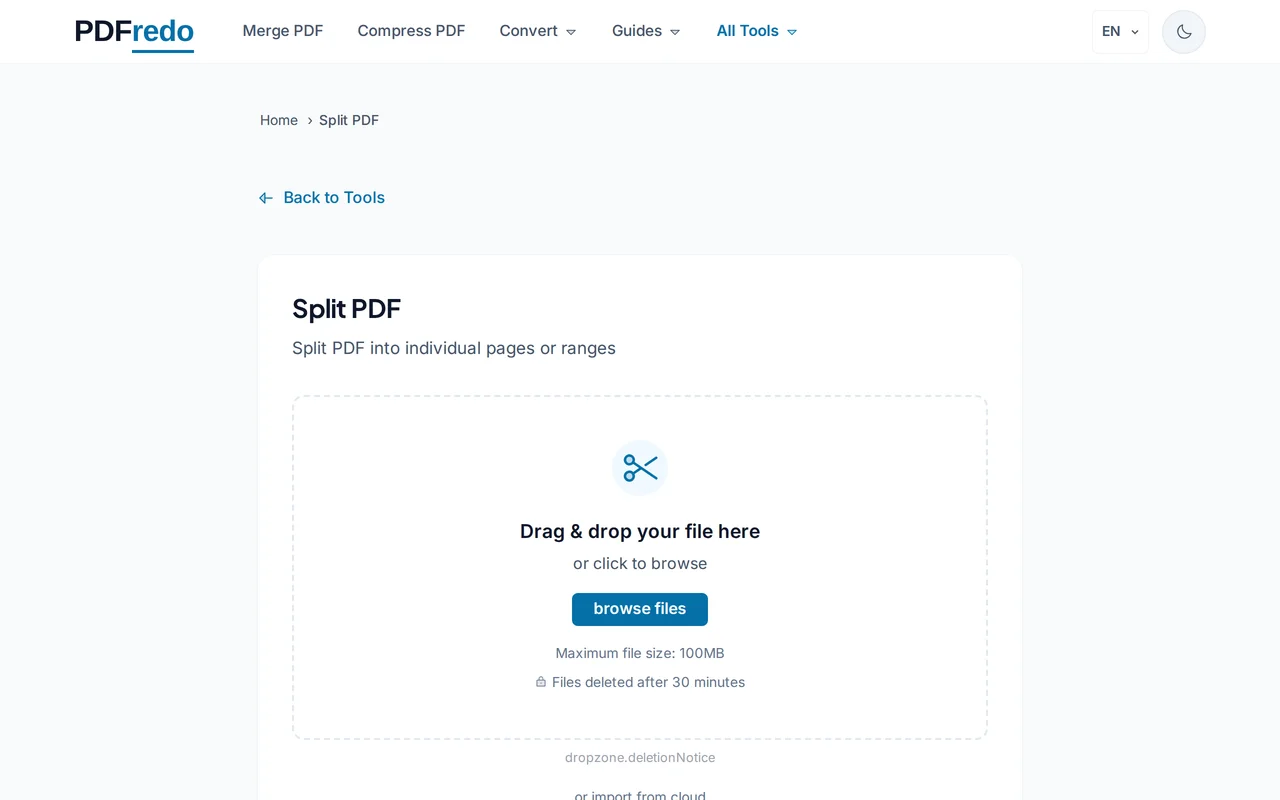
Upload your PDF
Click "Select File" or drag your PDF into the upload area. Files up to 100 MB are supported.
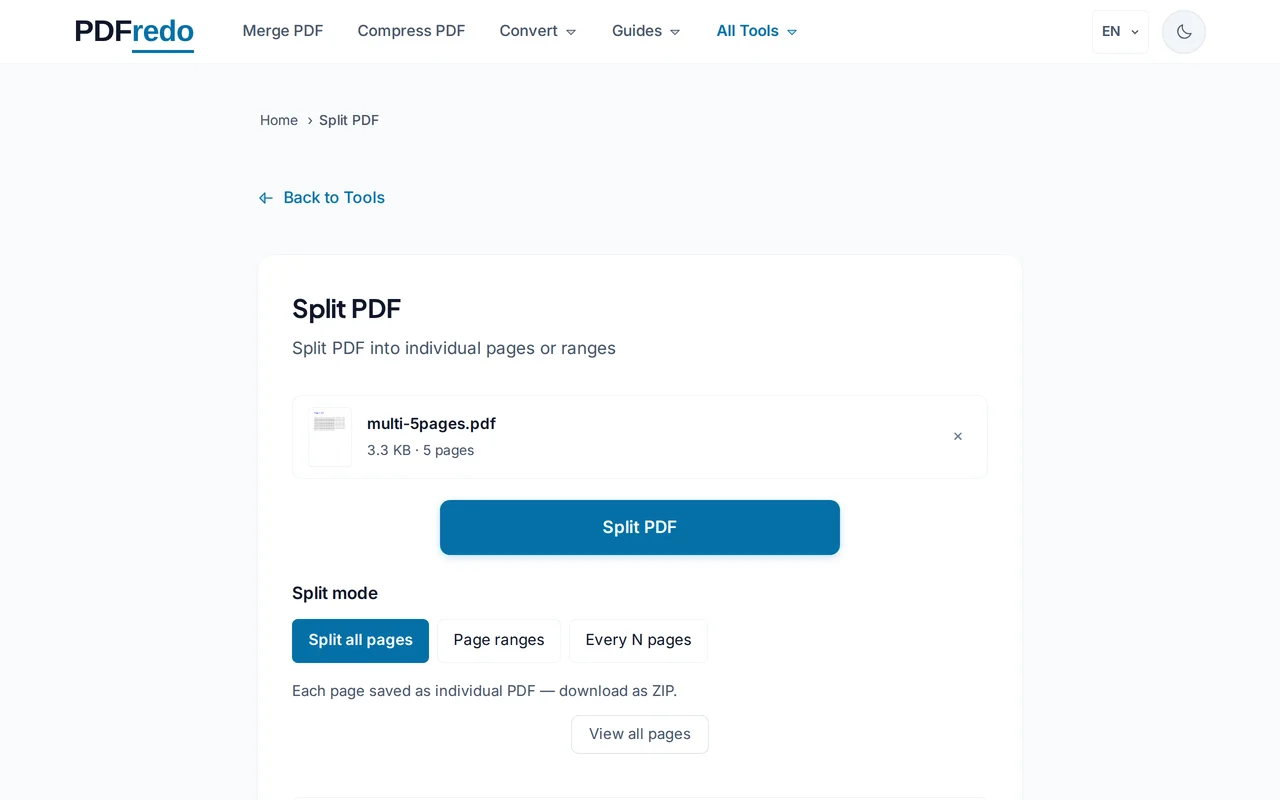
Choose how to split
Pick "Custom ranges" (e.g., 1-3, 5, 8-10) to extract specific sections, or "Every N pages" to split evenly. A live preview shows the result.
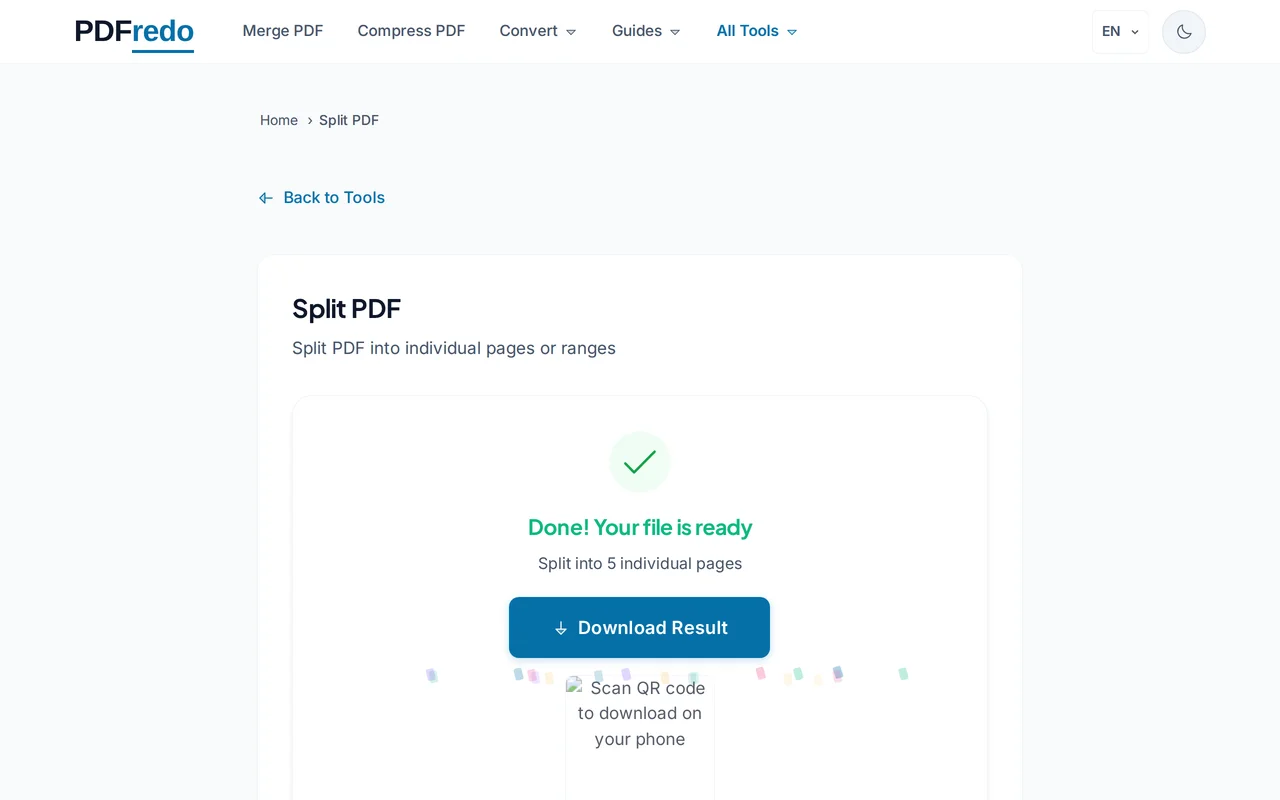
Download your split files
Click "Split PDF". PDFredo processes the file on secure EU servers and gives you a ZIP with all resulting PDFs.
Pro Tips
- Use custom ranges like "1-3, 7, 10-12" to extract several non-contiguous sections at once.
- Splitting every 1 page turns each page into its own PDF. Useful for batch sharing.
- Combine Split and Merge to reorder chapters of a large report without retyping anything.
Frequently Asked Questions
How do I split a PDF by chapters?
▾
Use "Custom ranges" and enter the start and end page of each chapter, separated by commas. For example 1-10, 11-25, 26-40.
Is there a page limit?
▾
You can split any PDF up to 100 MB, with no limit on page count inside that size.
Are my files secure?
▾
All processing happens on EU servers (Germany). Your files are deleted automatically after 30 minutes and never shared.
Is the splitter really free?
▾
Yes. No registration, no subscription, no watermarks on the output.
Can I split a password-protected PDF?
▾
Unlock it first with our Unlock PDF tool, then come back to split it.
Will splitting reduce quality?
▾
No. PDFredo splits pages without re-encoding, so fonts and images stay identical.
Does it work on mobile?
▾
Yes. The splitter runs in any modern browser on iOS and Android.