How to Merge PDF Files Online for Free
⏱ Takes less than 1 minute
Need to combine multiple PDF files into one document? PDFredo's free online PDF merger lets you upload up to 20 files, arrange them in any order, and download a single merged PDF in seconds. No account, no watermarks, and files are deleted after 30 minutes.
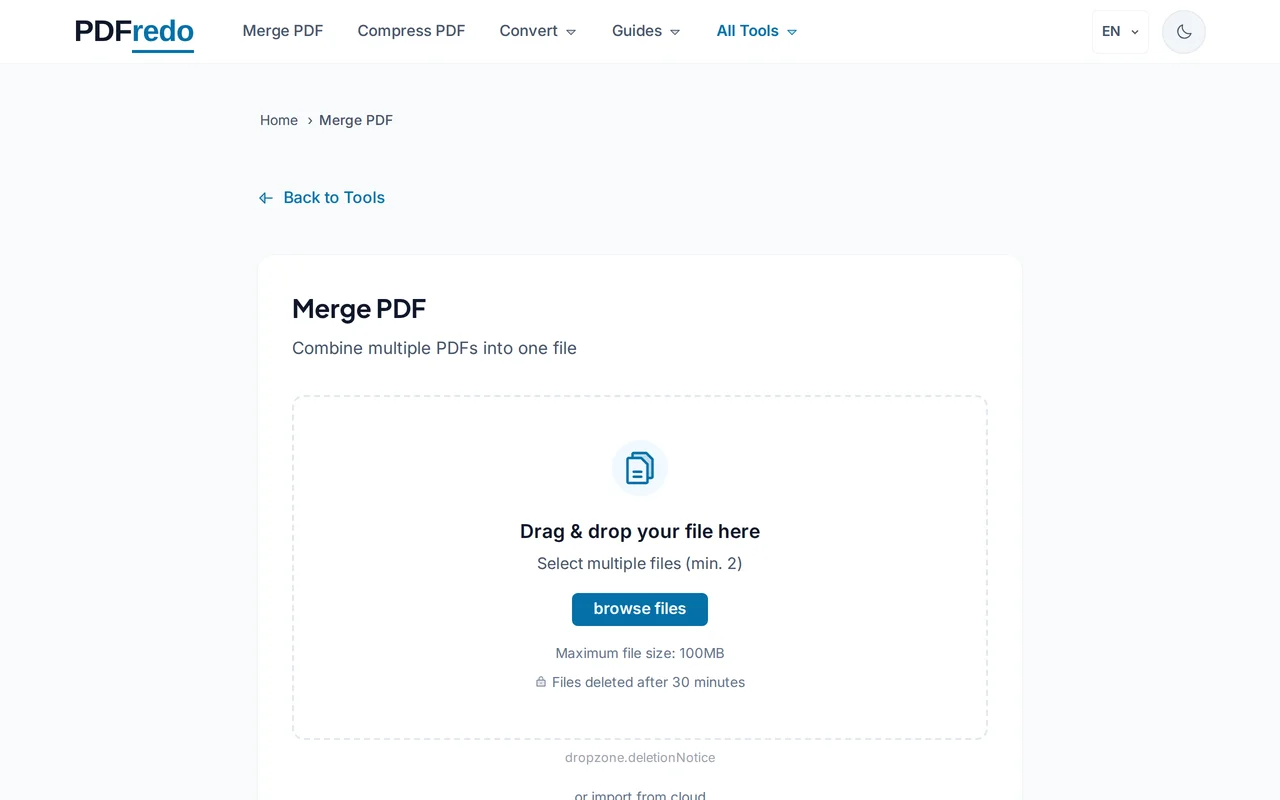
Upload your PDF files
Click "Select Files" or drag and drop your PDFs into the upload area. You can add up to 20 files at once, each up to 100 MB.
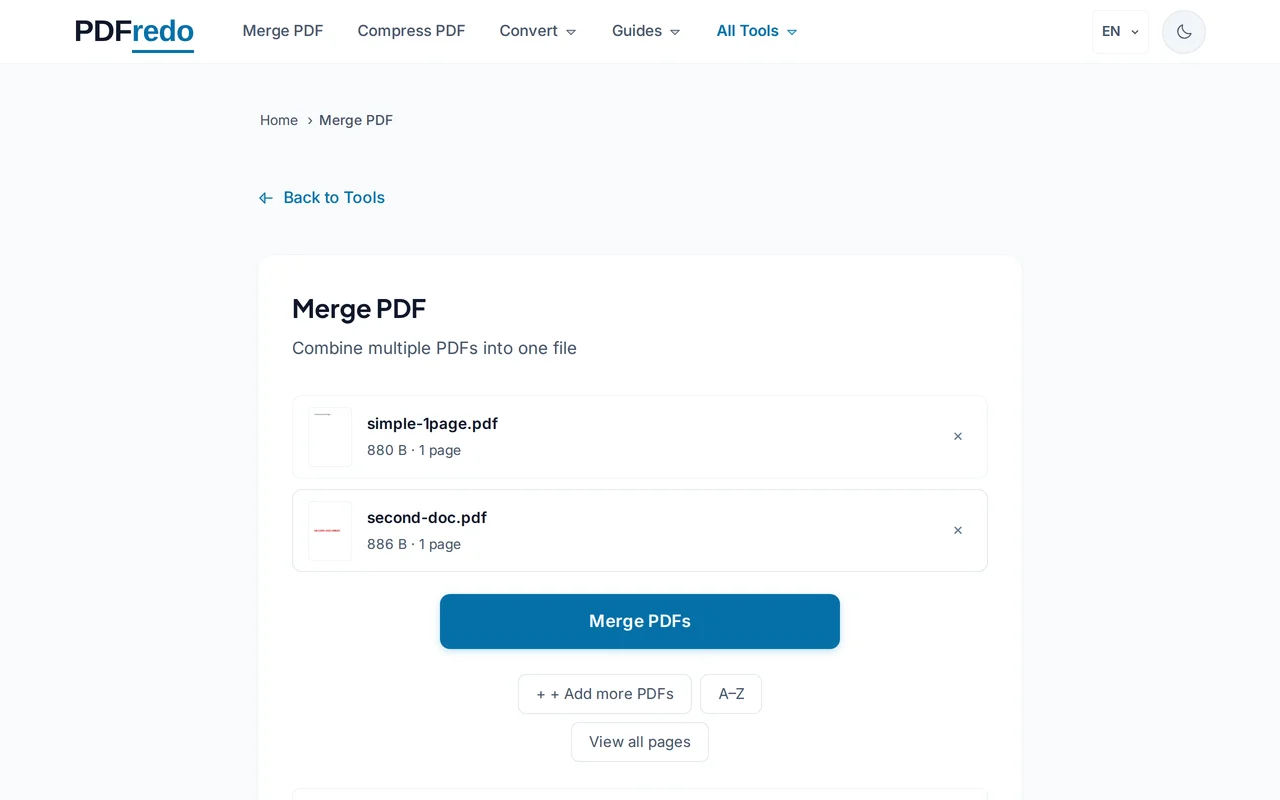
Set the order
Your uploaded files appear in a list. Drag and drop them to arrange the order. The top file becomes page 1 of your merged document.
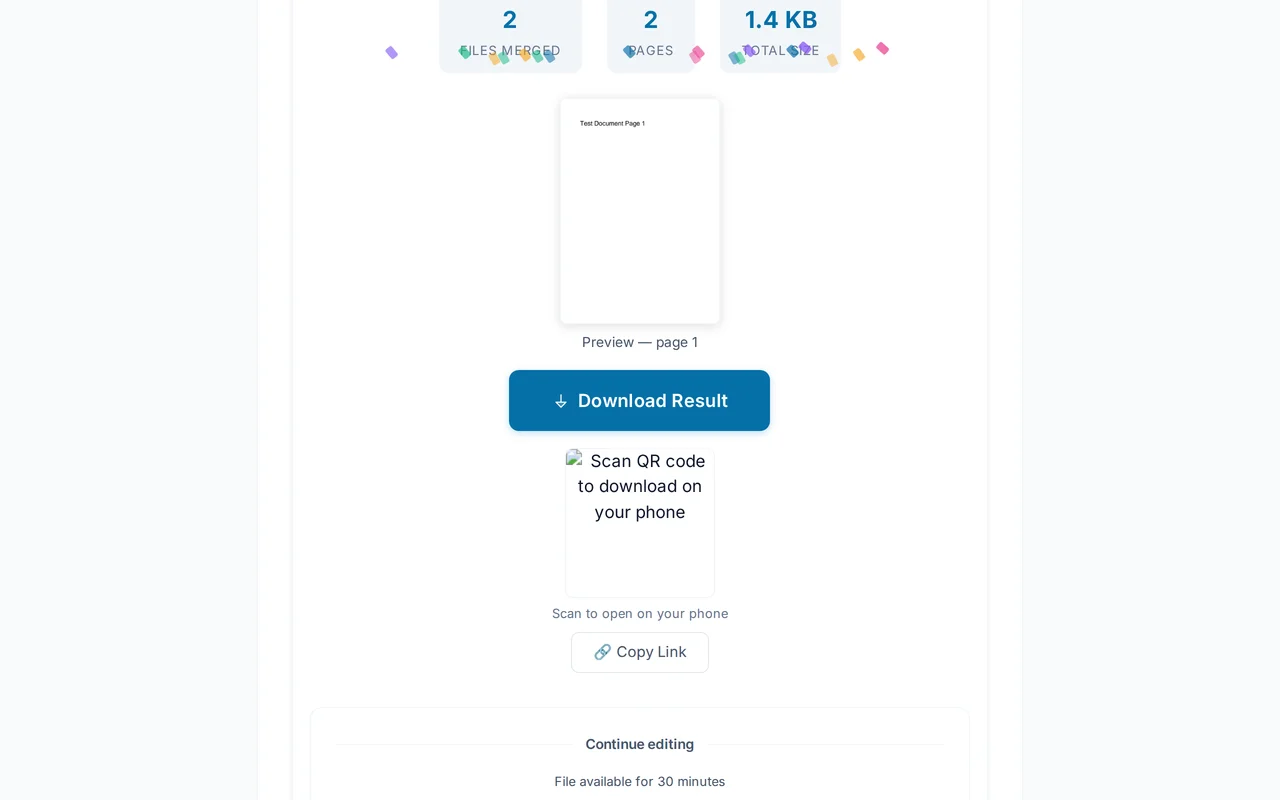
Download your merged PDF
Click "Merge PDF". PDFredo combines everything on secure EU servers in seconds. Click "Download" when ready.
Pro Tips
- Add files in any order and rearrange by dragging before merging.
- Password-protected PDFs must be unlocked first. Use our Unlock PDF tool.
- Very large merges? Compress your PDFs first to keep the final file manageable.
Frequently Asked Questions
How many PDF files can I merge at once?
▾
Up to 20 files at once, each up to 100 MB.
Is it free to merge PDFs?
▾
Yes. Completely free, no registration, no subscription, no watermarks.
Are my files safe?
▾
Your files are processed on EU servers (Germany) and automatically deleted after 30 minutes. We never share or store your documents.
Does merging reduce quality?
▾
No. PDFredo combines PDFs without re-encoding content, preserving original resolution, fonts, and images.
Can I merge password-protected PDFs?
▾
Remove the password first with our Unlock PDF tool, then come back to merge.
What is the maximum file size?
▾
Each individual file can be up to 100 MB. There is no combined total limit.
Can I merge PDFs on mobile?
▾
Yes. PDFredo works in any modern browser on iOS and Android. No app download needed.