How to Add a Watermark to a PDF for Free
⏱ Takes less than 1 minute
Protect drafts, brand your documents, or mark confidentiality. PDFredo's free online watermark tool adds text or image watermarks to any PDF with full control over position, opacity, and rotation, no account, no watermarks on the output beyond the one you set, and files are deleted from our EU servers after 30 minutes.
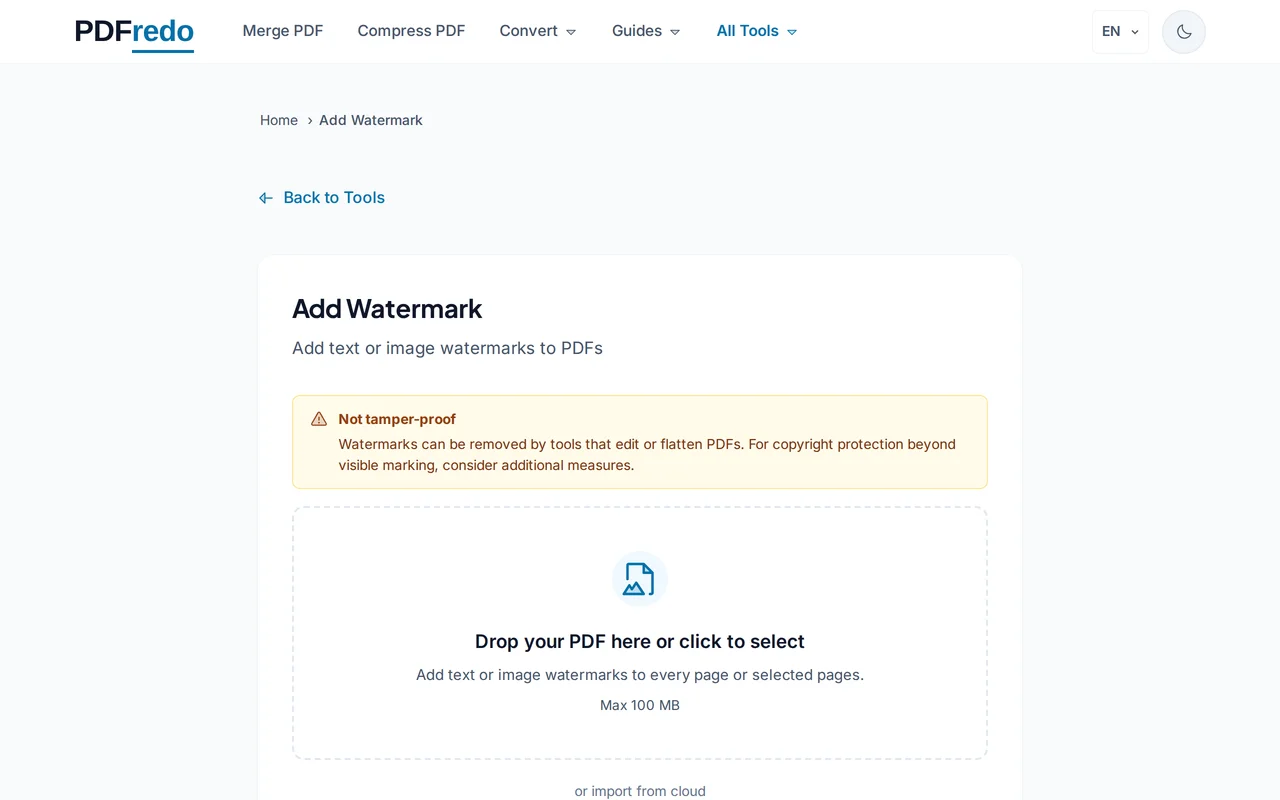
Upload your PDF
Click "Select File" or drag your PDF into the upload area. A live preview of the page appears.
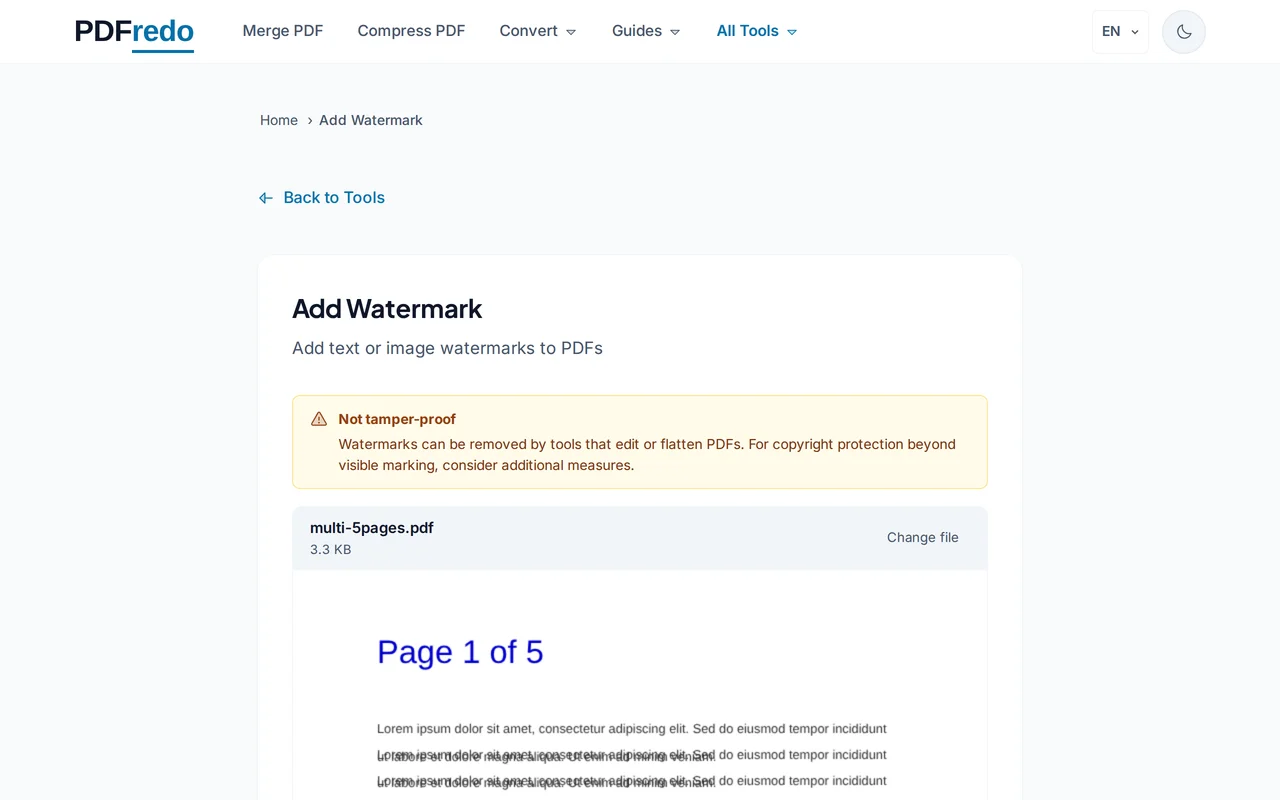
Design your watermark
Pick Text or Image. Adjust font, size, color, opacity, rotation, and position (corners, center, tiled). The preview updates live.
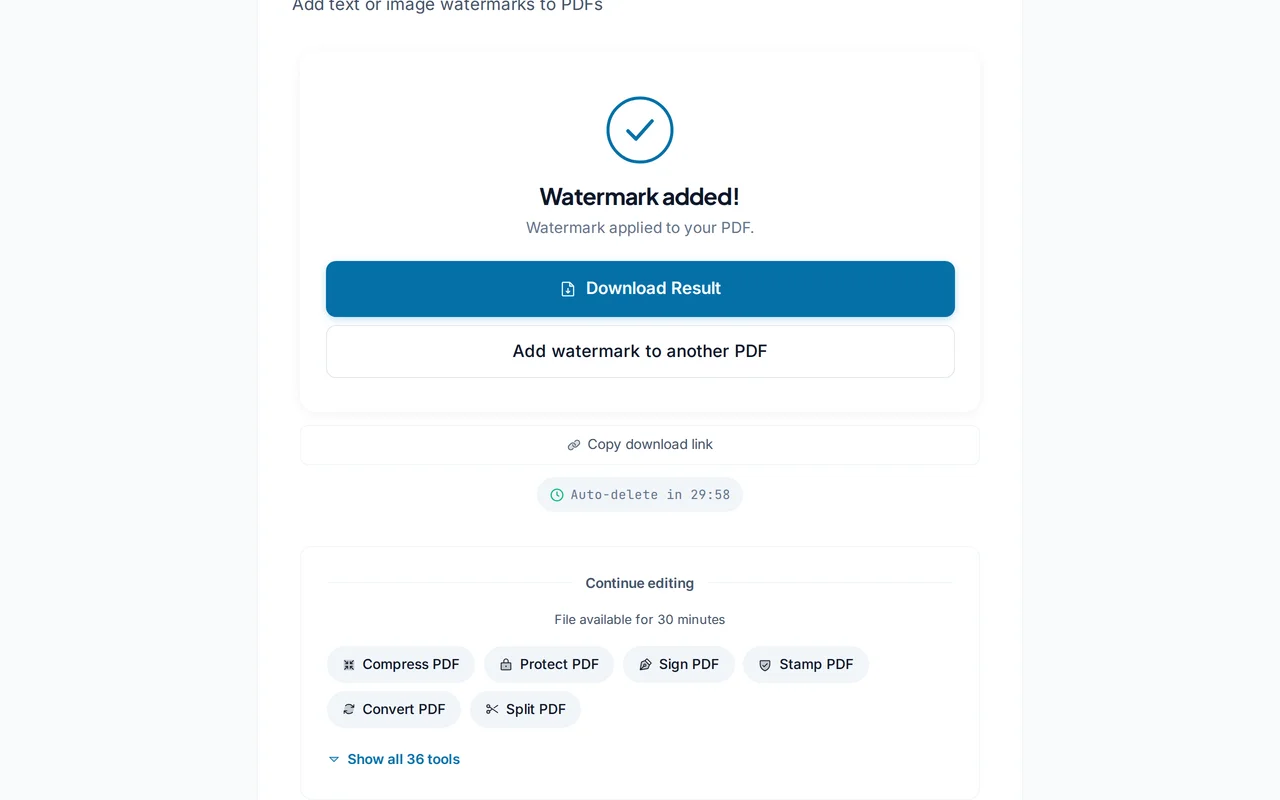
Download the watermarked PDF
Click "Apply Watermark". PDFredo stamps every page on secure EU servers and offers the file for download.
Pro Tips
- Use 20-30% opacity for a subtle draft watermark that does not block reading.
- Rotate text watermarks 45° across the center for a classic diagonal "DRAFT" look.
- Use a transparent PNG logo for brand watermarks instead of text.
Frequently Asked Questions
Can I watermark only some pages?
▾
Yes. Set a page range (e.g., 1-5) in the options. Pages outside the range stay unmarked.
Can I watermark with an image?
▾
Yes. Upload a PNG or JPG. Transparent PNG logos look cleanest over the content.
Is the watermark permanent?
▾
It is written into each page. Use our Edit or Redact tool if you need to remove it later. The more resistant the watermark, the harder removal becomes.
Are my files private?
▾
Files are processed on EU servers (Germany) and deleted automatically after 30 minutes.
Is the watermark tool free?
▾
Yes. No registration, no subscription, and we do not add our own watermark.
Can I use special characters in text watermarks?
▾
Yes. Unicode is supported, including accented letters and most non-Latin scripts.
Does it work on mobile?
▾
Yes. Any modern browser on iOS and Android.