How to Compare Two PDFs Side by Side
⏱ Takes less than 1 minute
Two versions of the same contract? PDFredo's free online PDF compare tool highlights every added, removed, or changed piece of text side by side. No account, no watermarks, and your files are deleted from our EU servers after 30 minutes.
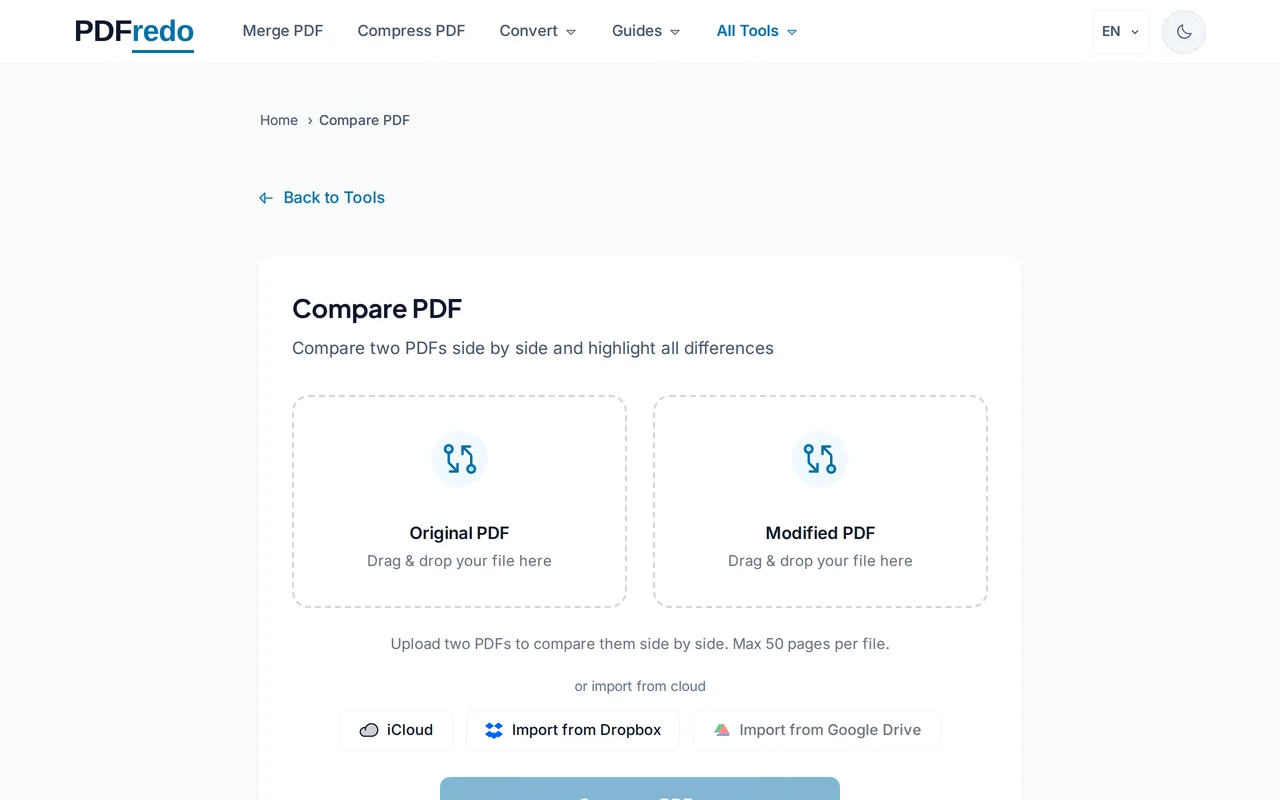
Upload both PDFs
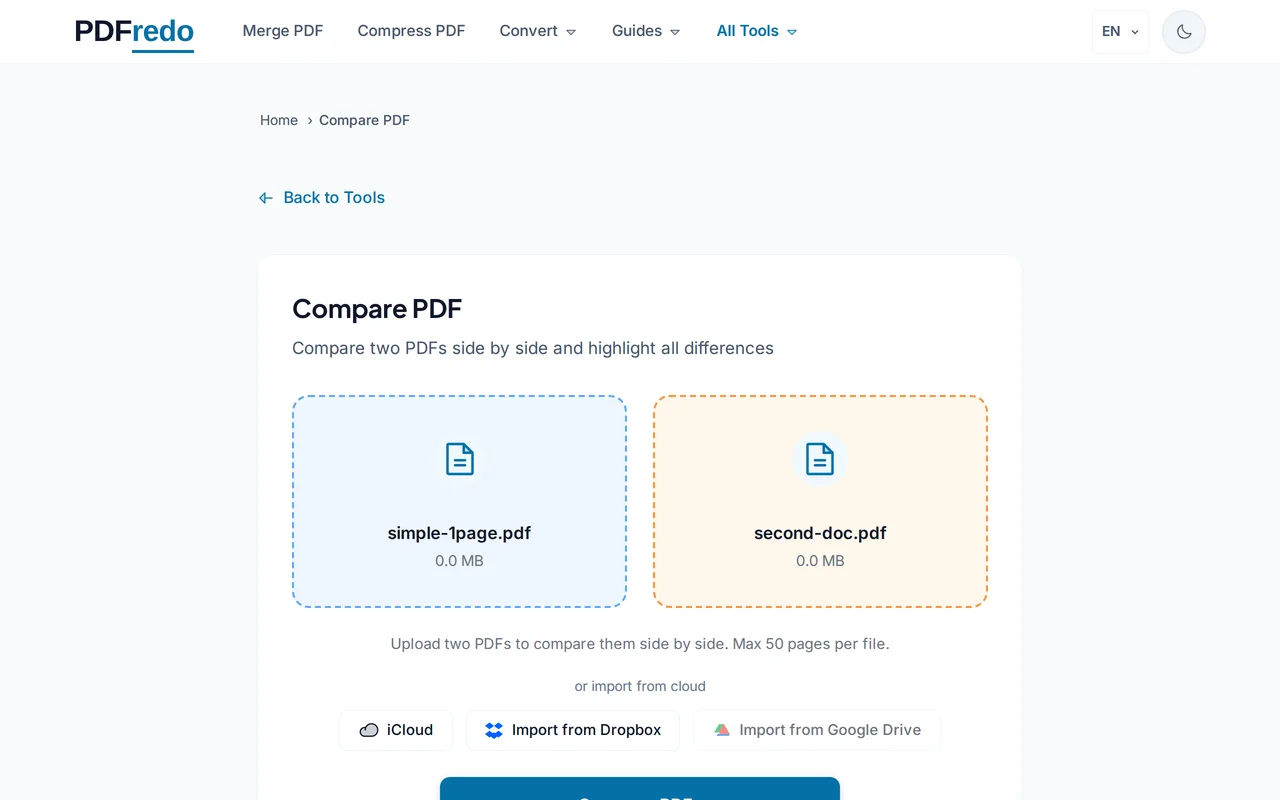
Drop the original PDF on the left and the new version on the right, or use the "Select File" buttons.
Run the comparison
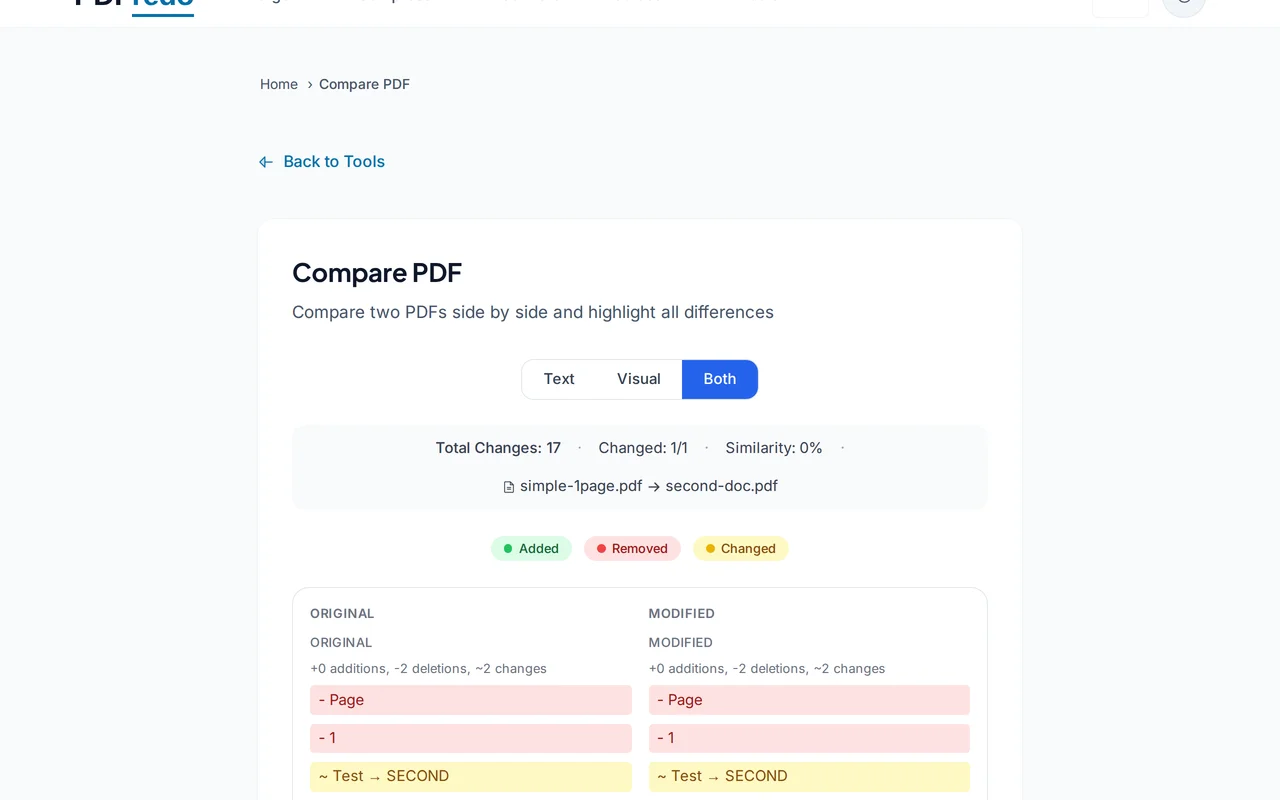
Click "Compare". PDFredo aligns the documents and highlights additions in green, deletions in red, and modifications in yellow.
Review the differences
Scroll through the synced side-by-side view or jump between changes with the arrow buttons. A summary counts all differences.
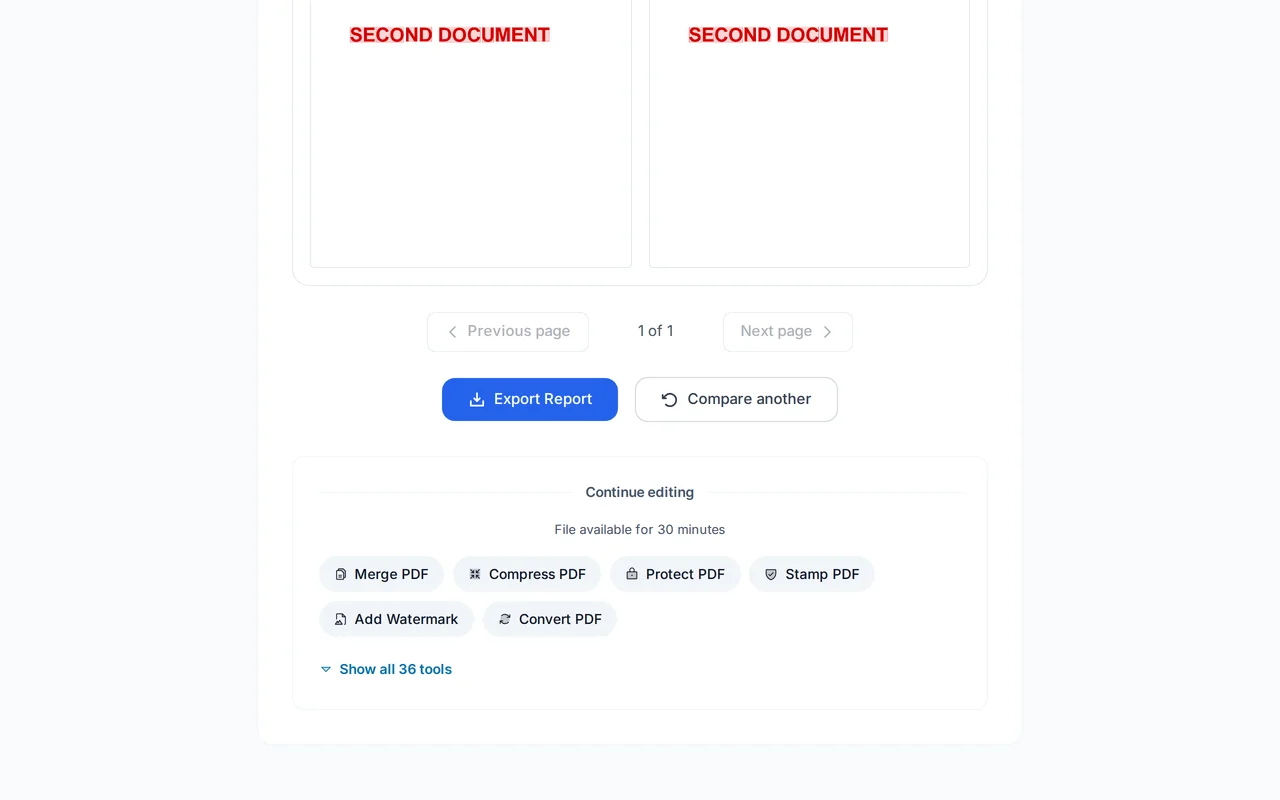
Download the diff report
Click "Download Report" to save a PDF that overlays the highlights on the original for sharing with reviewers.
Pro Tips
- For scanned PDFs, OCR both files first. Comparison needs real text layers.
- Use the "Ignore whitespace" option to focus on meaningful changes.
- Very different layouts confuse alignment. Use compare for versioned documents, not totally different files.
Frequently Asked Questions
Does compare work on scanned PDFs?
▾
Scanned PDFs need OCR first to get a text layer. Without it, only visual differences (images) are detected.
What counts as a difference?
▾
Any added, removed, or modified text. Formatting-only changes can be included or excluded with the "Ignore formatting" option.
Are both files kept confidential?
▾
Yes. Both files are processed on EU servers (Germany) and deleted automatically after 30 minutes.
Is there a size limit?
▾
100 MB per file. For larger documents, split first and compare sections.
Is compare really free?
▾
Yes. No registration, no subscription, no watermarks on the diff report.
Can I compare password-protected PDFs?
▾
Unlock them first with our Unlock tool, then compare.
Does it work on mobile?
▾
Yes, though a bigger screen (tablet or desktop) makes the side-by-side view much easier to read.