How to Convert Excel to PDF Online for Free
⏱ Takes less than 1 minute
Share a spreadsheet as a locked-in PDF. PDFredo's free online Excel-to-PDF converter renders .xlsx and .xls files with the correct orientation, scaling, and fonts. No account, no watermarks, and your file is deleted from our EU servers after 30 minutes.
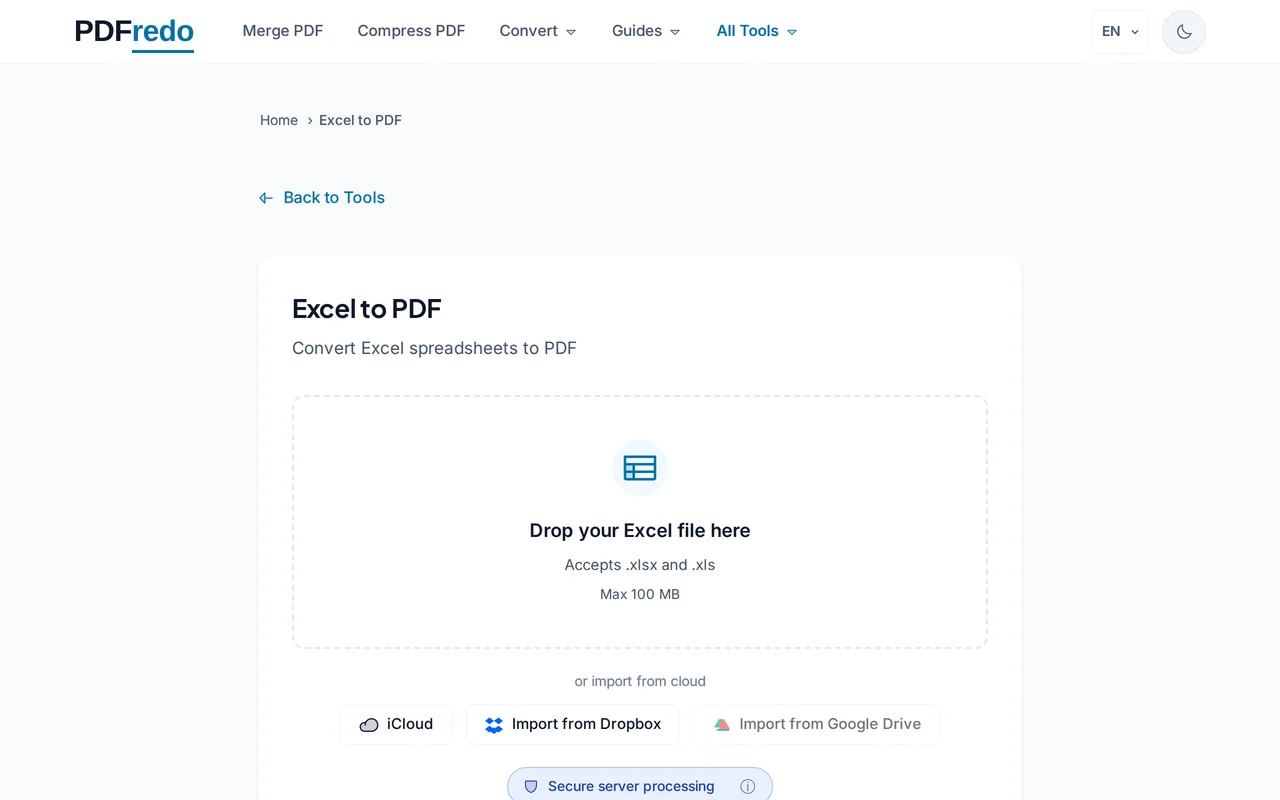
Upload your Excel file
Drag your .xlsx or .xls or click "Select File". Files up to 100 MB are supported.
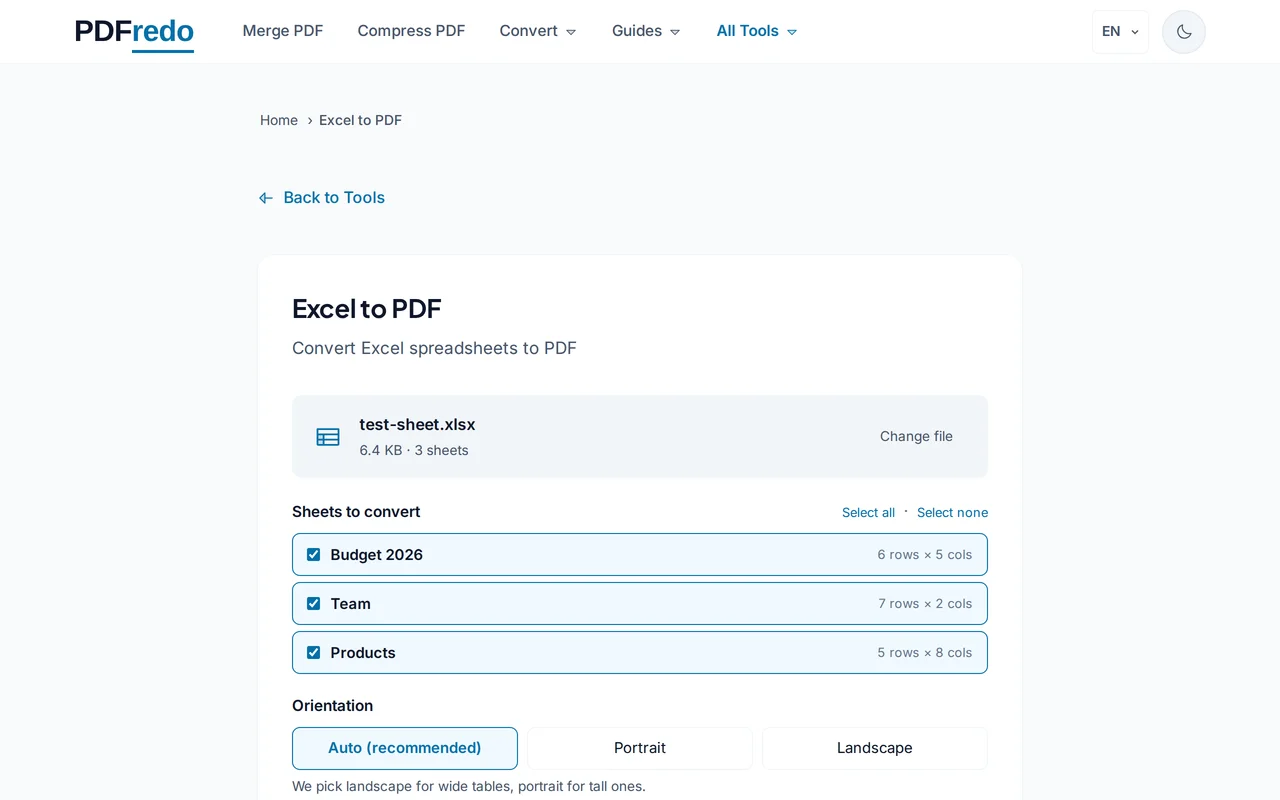
Pick page options
Choose portrait or landscape, fit-to-page, and which sheets to include. Preview shows each sheet before conversion.
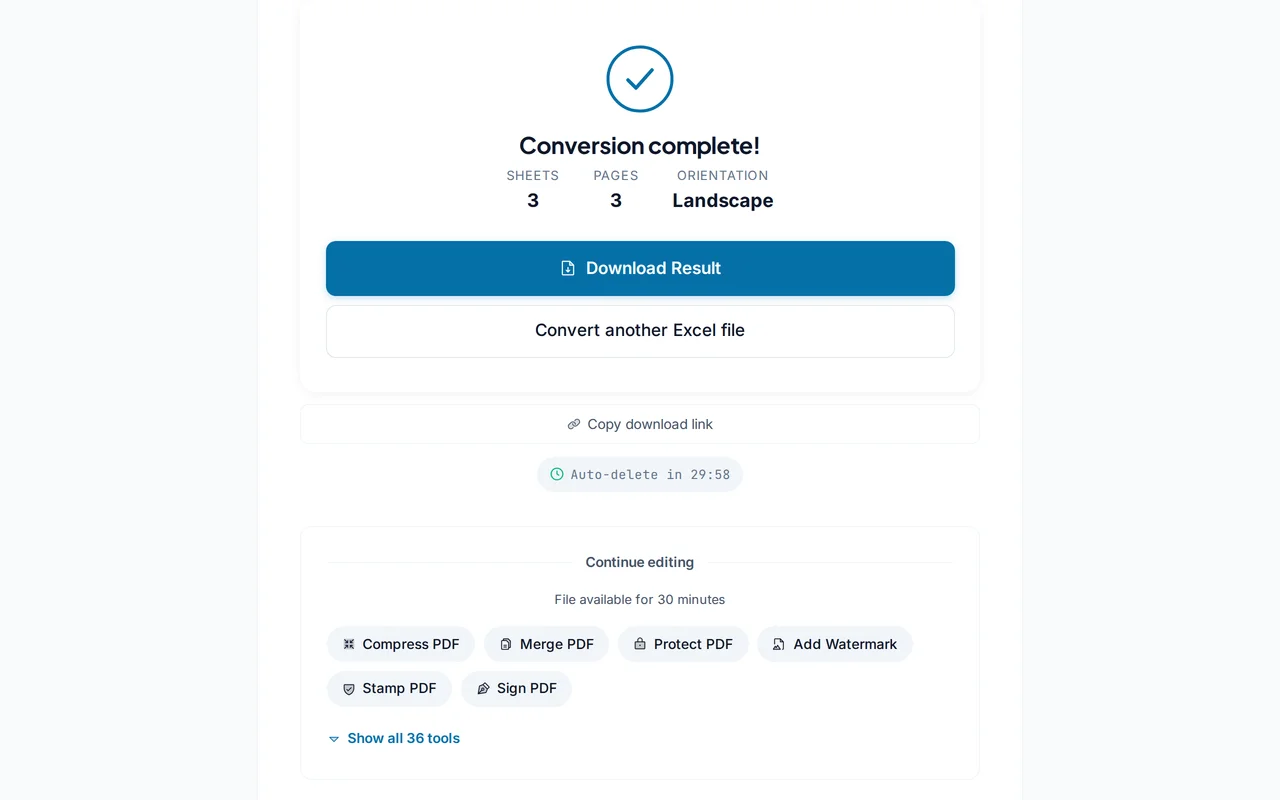
Download the PDF
Click "Convert". PDFredo renders each sheet on secure EU servers and offers the combined PDF for download.
Pro Tips
- Set print area and page breaks in Excel before converting. The PDF follows your print layout exactly.
- Use landscape for wide tables; fit-to-page keeps everything on one sheet.
- If you need only specific sheets, deselect the rest before converting.
Frequently Asked Questions
Which Excel versions are supported?
▾
Modern .xlsx (Office 2007+) and legacy .xls files.
Will formulas stay?
▾
PDF shows calculated values, not formulas. The formulas remain in the Excel source file.
Can I convert multiple sheets?
▾
Yes. Every selected sheet becomes a section in the combined PDF, or you can export each sheet as its own PDF.
Are my files private?
▾
Files are processed on EU servers (Germany) and deleted automatically after 30 minutes.
Is the converter free?
▾
Yes. No registration, no subscription, no watermarks.
Can I convert password-protected Excel files?
▾
Remove the password in Excel first, then upload here.
Does it work on mobile?
▾
Yes. Any modern browser on iOS or Android.