How to Convert HTML or URL to PDF for Free
⏱ Takes less than 1 minute
Archive a web page or send a styled HTML document as PDF. PDFredo's free online HTML-to-PDF converter works with uploaded .html files and public URLs, preserving CSS and images. No account, no watermarks, and your output is deleted from our EU servers after 30 minutes.
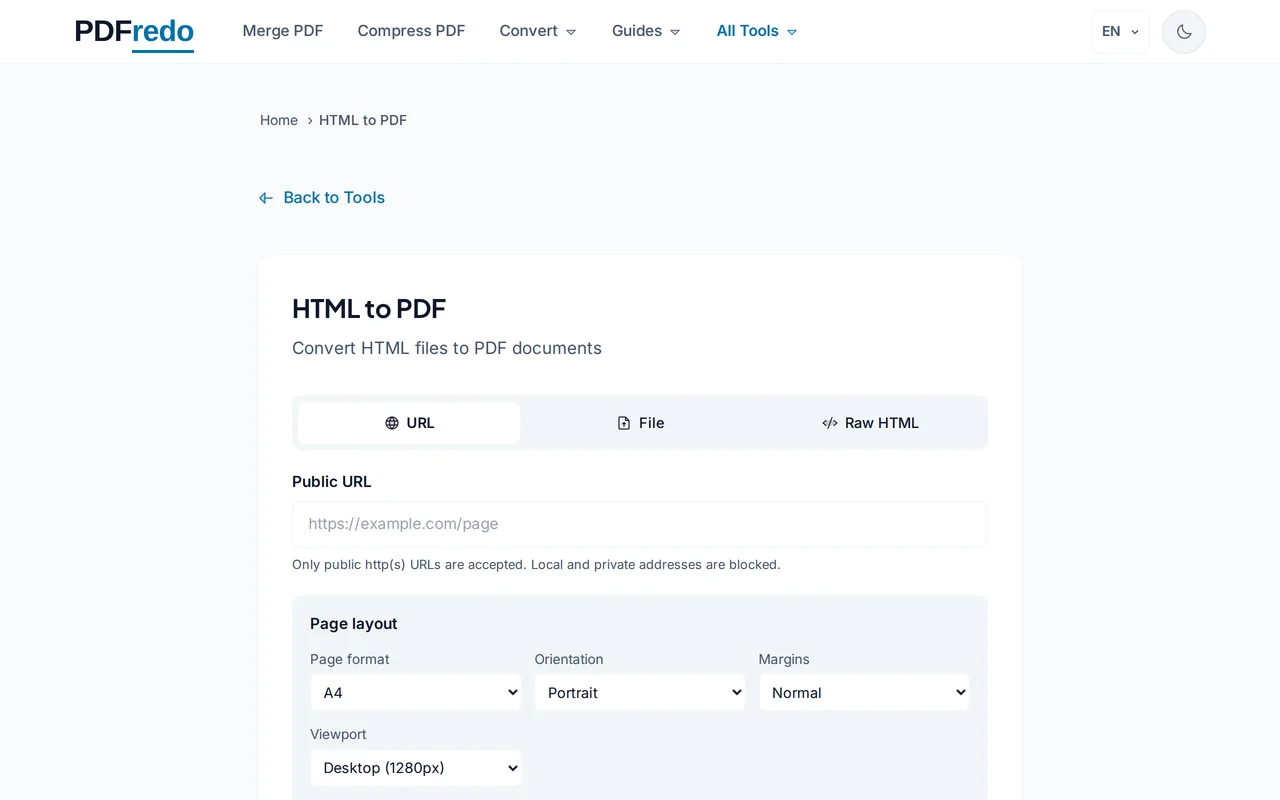
Provide your HTML
Paste a URL or upload a .html file (single file or ZIP with assets). Public, non-login pages convert best.
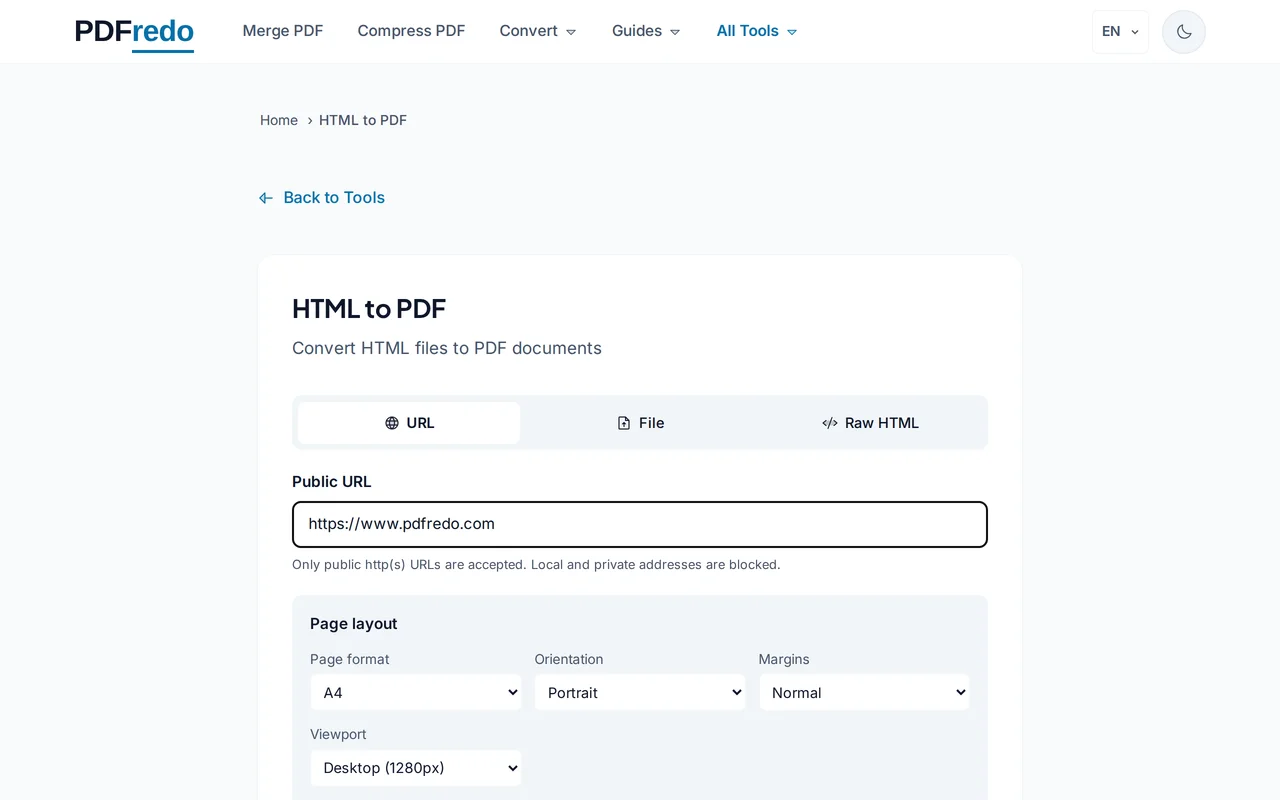
Pick page options
Choose page size, orientation, and margins. Enable "Include background" to keep CSS colors and images.
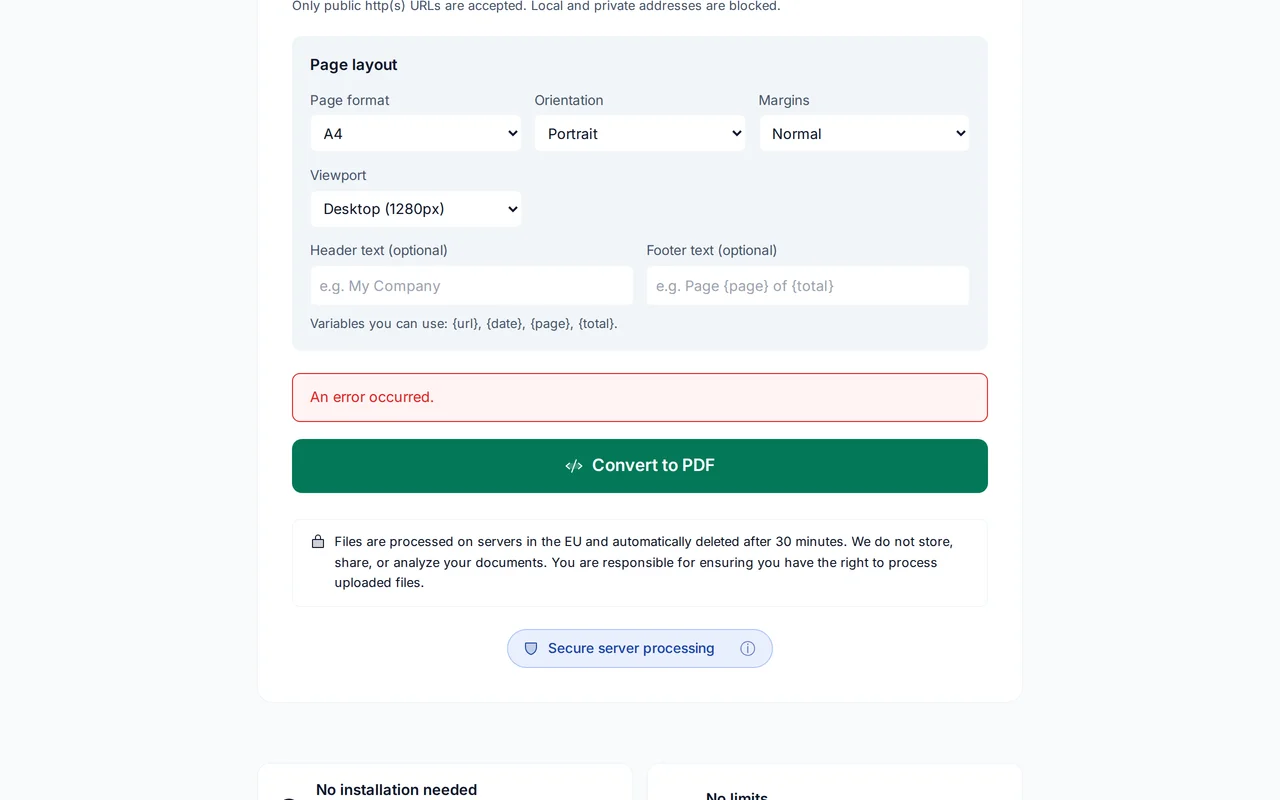
Download the PDF
Click "Convert". PDFredo renders the page on secure EU servers with a modern headless browser and offers the PDF for download.
Pro Tips
- Pages behind login cannot be crawled. Save them locally as .html first, then upload.
- Use A4 + landscape for wide dashboards; portrait for articles.
- Enable "Include background" so CSS colors and images come through.
Frequently Asked Questions
Can I convert a URL behind a login?
▾
No. PDFredo loads URLs as an anonymous visitor. Save the page locally (Cmd/Ctrl+S) and upload the .html file instead.
Does it run JavaScript?
▾
Yes. PDFredo uses a modern headless browser, so JS-rendered pages render correctly.
Will CSS be preserved?
▾
Yes. All modern CSS (flex, grid, custom fonts) renders like in Chrome or Edge.
Are my URLs private?
▾
We do not log the URLs you convert. Rendering happens on EU servers (Germany) and output is deleted after 30 minutes.
Is the converter free?
▾
Yes. No registration, no subscription, no watermarks.
Can I convert multi-page sites?
▾
Each run converts one URL or one HTML file. Convert pages separately and merge with our Merge tool.
Does it work on mobile?
▾
Yes. Any modern browser on iOS or Android.