How to Convert JPG, PNG, or HEIC to PDF
⏱ Takes less than 1 minute
Phone photos, scans, or screenshots, turn them into one PDF. PDFredo's free online image-to-PDF converter combines JPG, PNG, HEIC, and WebP into a single document with your chosen order and page size, no account, no watermarks, and your file is deleted from our EU servers after 30 minutes.
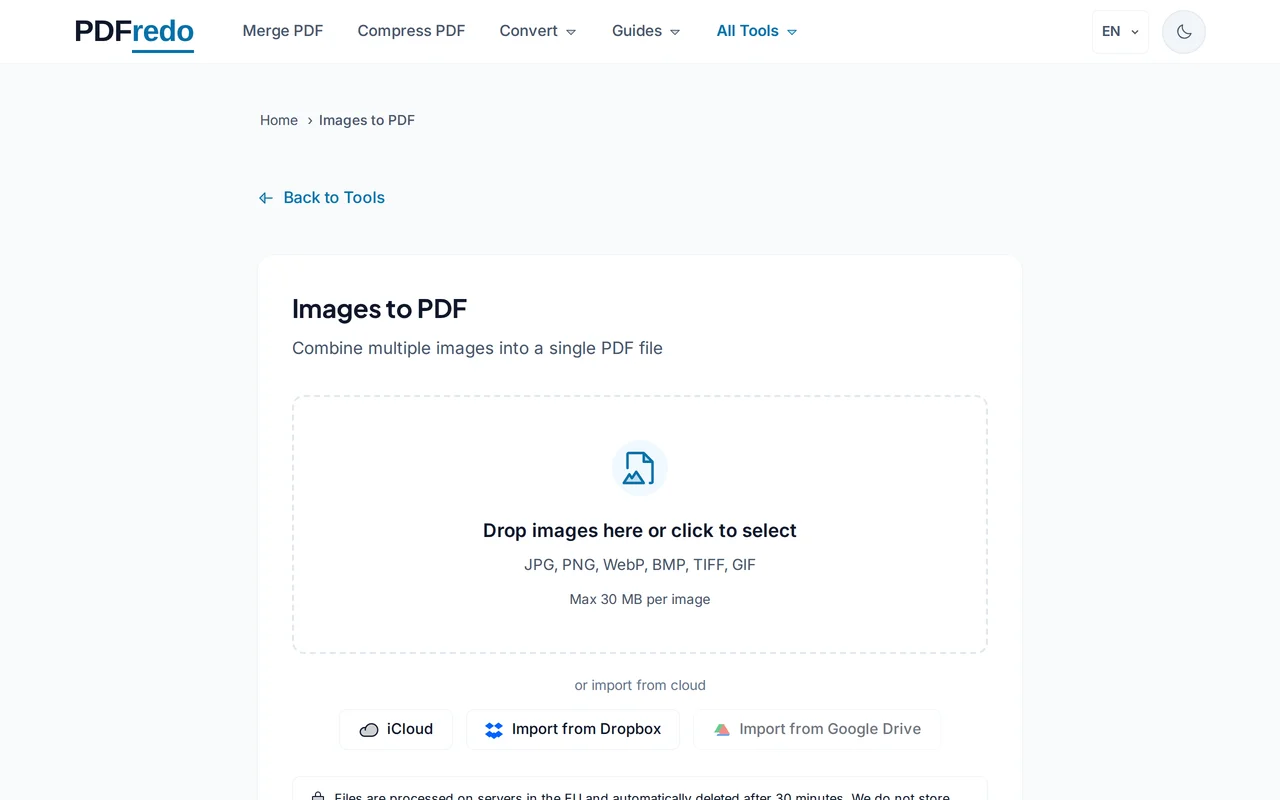
Upload your images
Drag in multiple JPG, PNG, HEIC, or WebP files or click "Select Files". Up to 20 images at once.
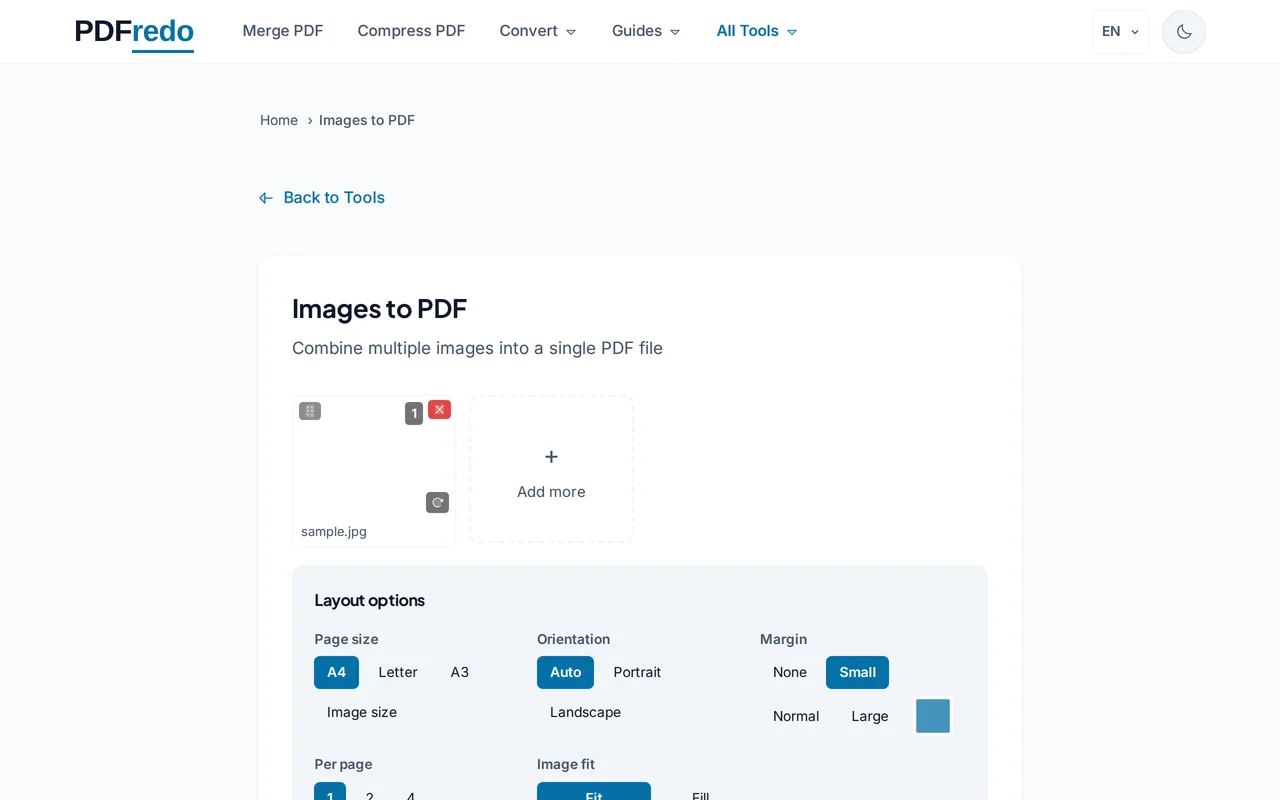
Arrange and configure
Drag thumbnails to set the order. Pick page size (A4, Letter), orientation, and margins. Preview updates live.
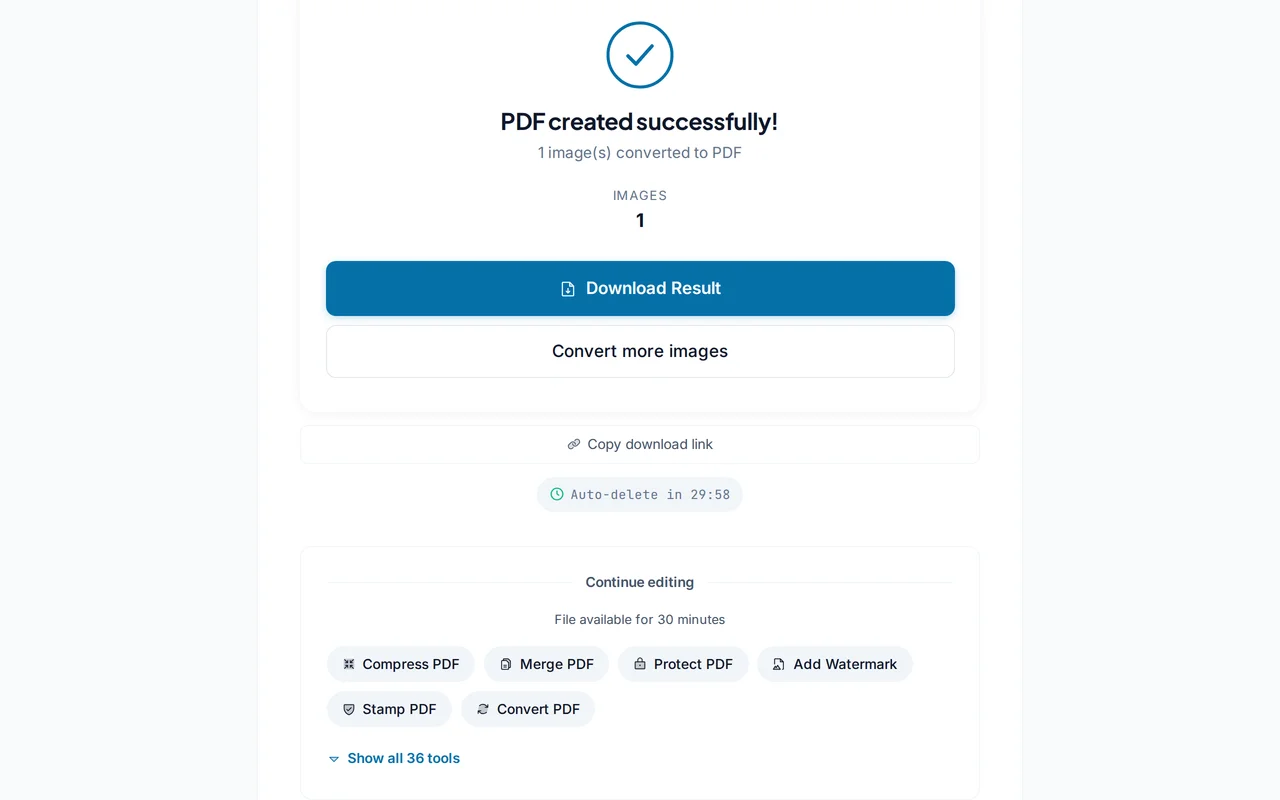
Download the PDF
Click "Create PDF". PDFredo builds the file on secure EU servers and offers it for download.
Pro Tips
- HEIC files from iPhone convert natively. No separate export step required.
- Use A4 and "Fit to page" for a professional printable result.
- For receipts or scans, run Compress afterward. Image PDFs can be very large.
Frequently Asked Questions
Which image formats are supported?
▾
JPG, PNG, HEIC, HEIF, WebP, BMP, TIFF, and GIF.
Can I merge many images into one PDF?
▾
Yes. Up to 20 images in one pass. Drag to reorder before converting.
Will image quality drop?
▾
By default, images are embedded at original quality. Enable the compression option if you want a smaller file.
Are my files private?
▾
Images are processed on EU servers (Germany) and deleted automatically after 30 minutes.
Is it really free?
▾
Yes. No registration, no subscription, no watermarks.
What page size should I pick?
▾
A4 for international use, Letter for US documents. "Fit to image" keeps the original aspect ratio without margins.
Does it work on mobile?
▾
Yes. Upload directly from your phone gallery on iOS or Android.