How to Convert PDF to Excel (.xlsx) for Free
⏱ Takes less than 1 minute
Need to turn a PDF report into a spreadsheet? PDFredo's free online PDF-to-Excel converter detects tables and exports them as editable .xlsx. No account, no watermarks, and your file is deleted from our EU servers after 30 minutes.
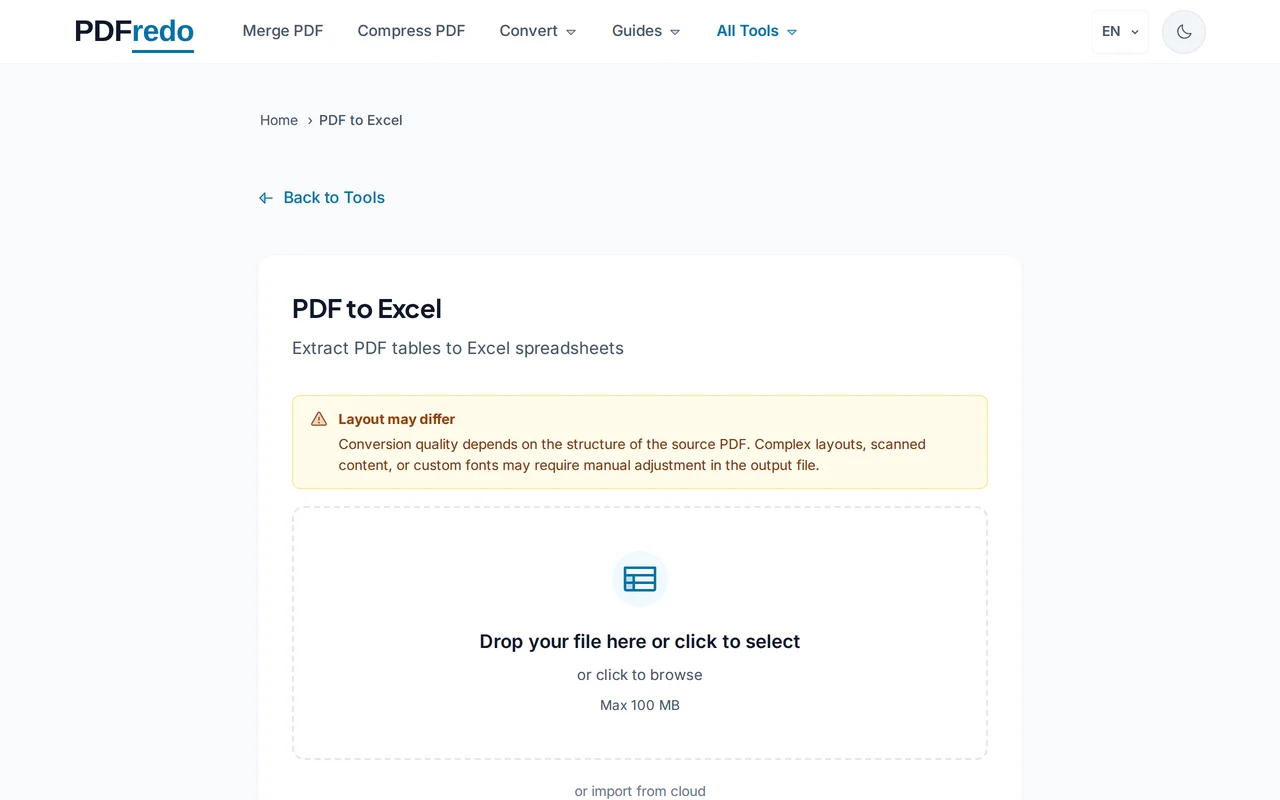
Upload your PDF
Drag your file or click "Select File". Files up to 100 MB are supported.
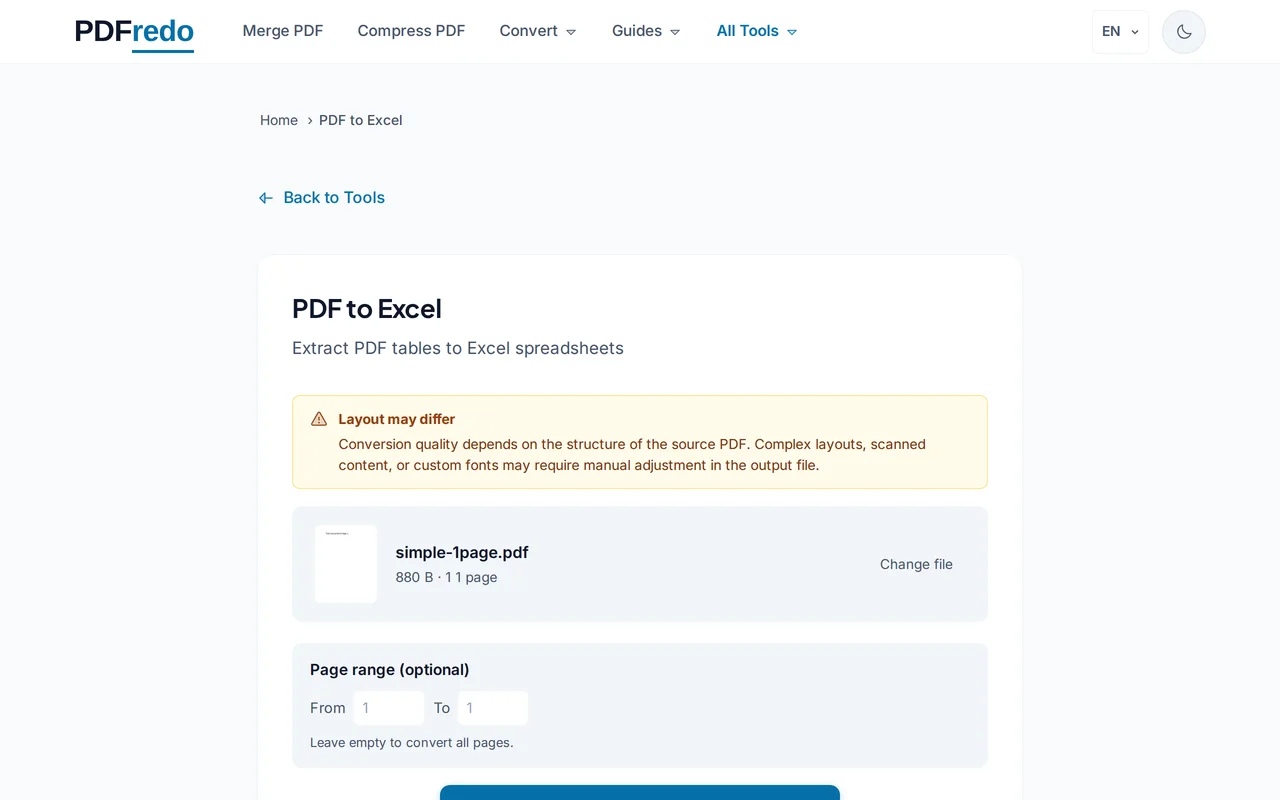
Start the conversion
Click "Convert to Excel". PDFredo detects table structures on secure EU servers and maps rows and columns automatically.
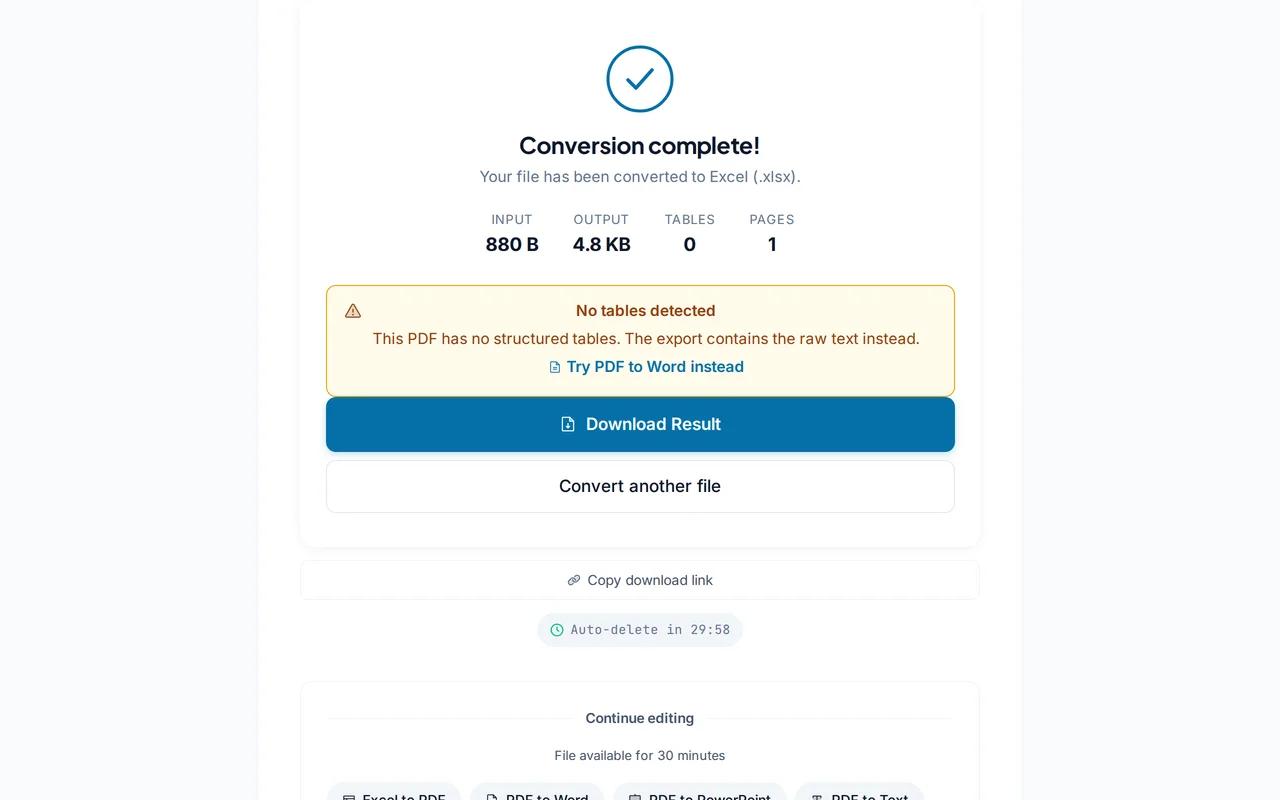
Download the .xlsx file
Open in Excel, Google Sheets, or LibreOffice Calc. Each PDF table becomes a worksheet you can edit and sort.
Pro Tips
- Clean PDF tables with borders convert most accurately. Fuzzy scans benefit from OCR first.
- Split multi-table pages into separate sheets using the "Each table = new sheet" option.
- Review numeric columns: currencies and dates sometimes need a quick format fix after conversion.
Frequently Asked Questions
How accurate is table detection?
▾
Well-structured tables with clear grid lines convert with 95%+ accuracy. Borderless tables may need manual cleanup.
Can I convert scanned PDFs?
▾
Run our OCR tool first. Without OCR, numbers remain as images and cannot be imported to cells.
Will formulas be preserved?
▾
PDF does not store formulas. Only calculated values. You will need to re-enter formulas in Excel.
Are my files private?
▾
Files are processed on EU servers (Germany) and deleted automatically after 30 minutes.
Is the converter free?
▾
Yes. No registration, no subscription, no watermarks.
Can I convert multiple tables at once?
▾
Yes. Every detected table becomes its own sheet in the output workbook.
Does it work on mobile?
▾
Yes. Any modern browser on iOS or Android.