How to Convert PDF to JPG or PNG for Free
⏱ Takes less than 1 minute
Need PDF pages as images? PDFredo's free online PDF-to-Image converter exports each page as a crisp JPG or PNG at your chosen resolution. No account, no watermarks, and your file is deleted from our EU servers after 30 minutes.
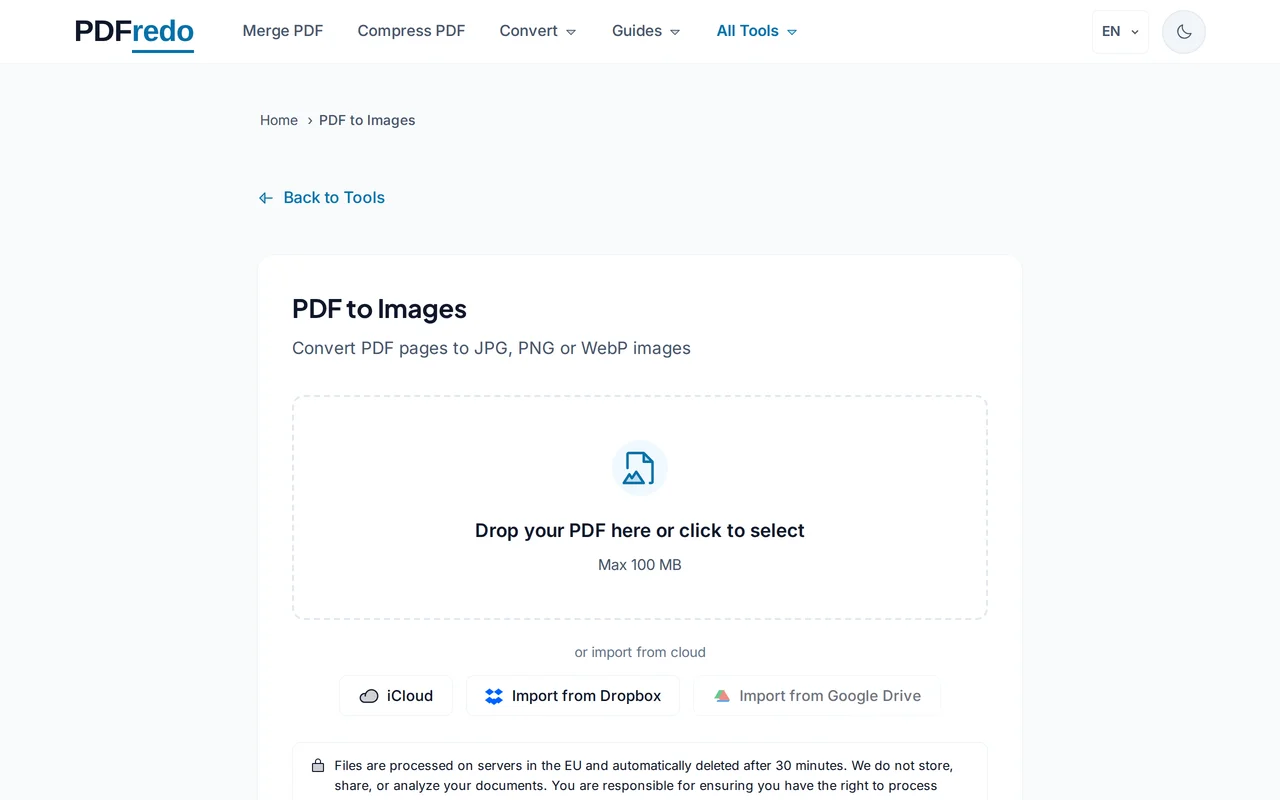
Upload your PDF
Drag your file or click "Select File". Files up to 100 MB are supported.
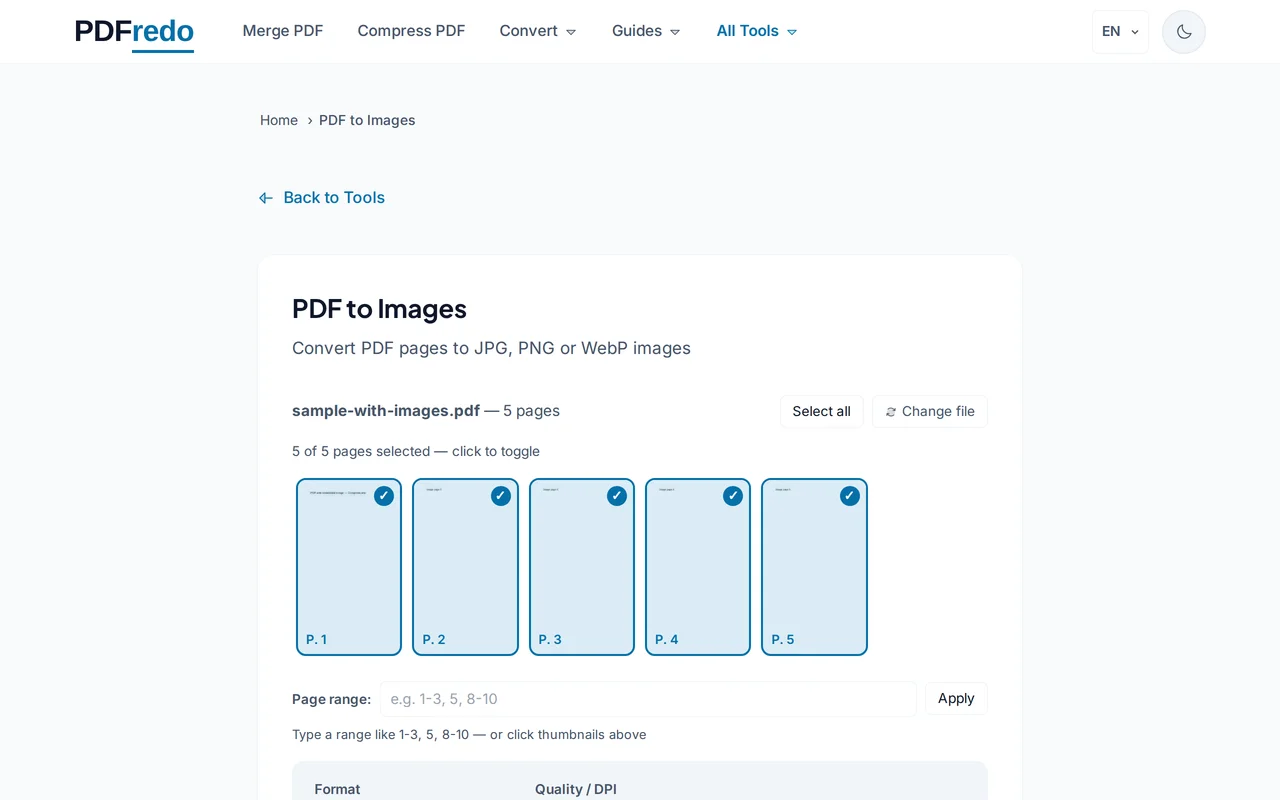
Pick format and resolution
Choose JPG (smaller) or PNG (lossless). Set DPI. 72 for screen, 150 for print, 300 for high-res reproduction.
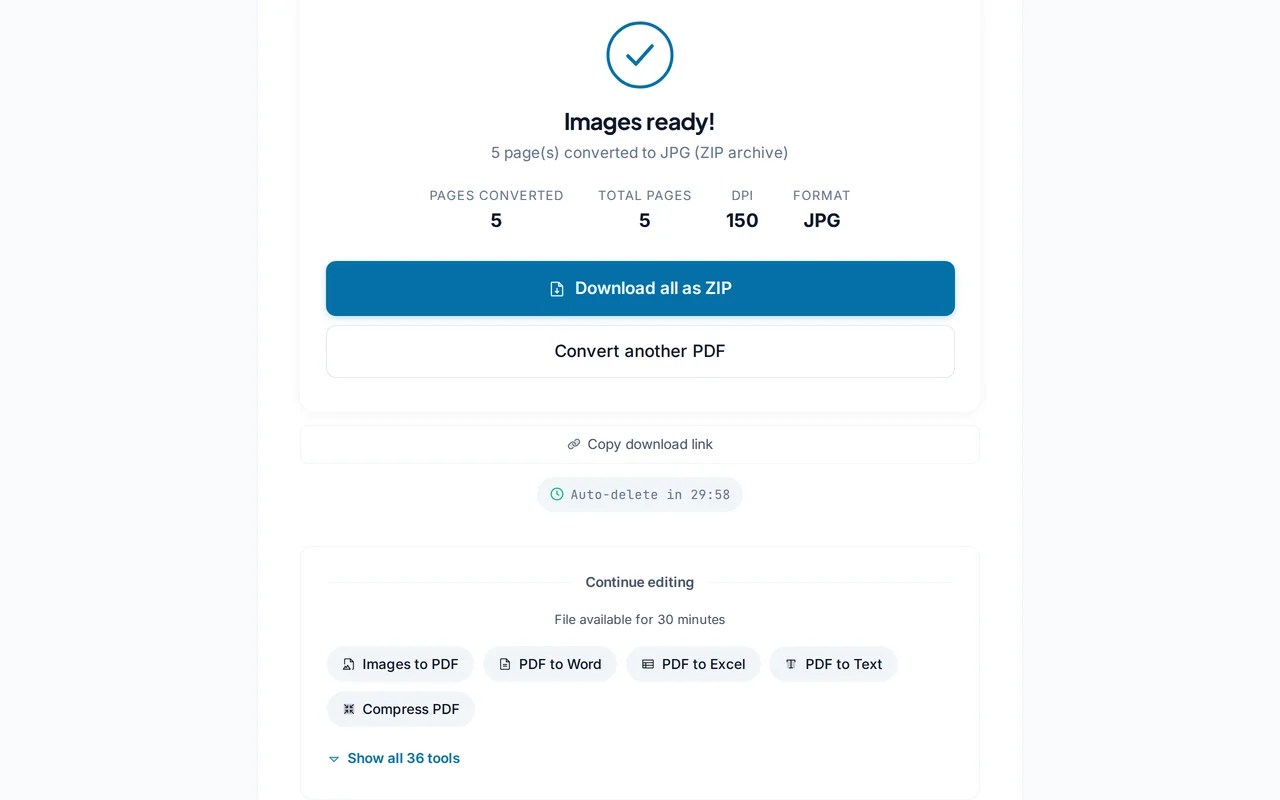
Download the images
Click "Convert". PDFredo renders every page on secure EU servers and gives you a ZIP with all images.
Pro Tips
- Use PNG when transparency or sharp lines matter (charts, logos).
- Use JPG for photo-heavy pages to keep the ZIP small.
- For a single page as image, use Extract first to isolate the page, then convert.
Frequently Asked Questions
Which image format is best?
▾
PNG is lossless and handles text sharply. JPG is smaller and great for photo-heavy pages.
What DPI should I pick?
▾
72 DPI for on-screen use, 150 DPI for office printing, 300 DPI for professional printing.
Can I convert only some pages?
▾
Yes. Enter a page range (e.g., 1-5) to export only the pages you need.
Are my files private?
▾
Files are processed on EU servers (Germany) and deleted automatically after 30 minutes.
Is it free?
▾
Yes. No registration, no subscription, no watermarks on the output.
How big will the ZIP be?
▾
At 150 DPI JPG, each page is usually 200-500 KB. PNG at 300 DPI can be several MB per page.
Does it work on mobile?
▾
Yes. Any modern browser on iOS or Android.