How to Convert PDF to PowerPoint for Free
⏱ Takes less than 1 minute
Want to reuse a PDF deck as slides? PDFredo's free online PDF-to-PowerPoint converter turns each page into an editable slide with text, images, and shapes preserved. No account, no watermarks, and your file is deleted from our EU servers after 30 minutes.
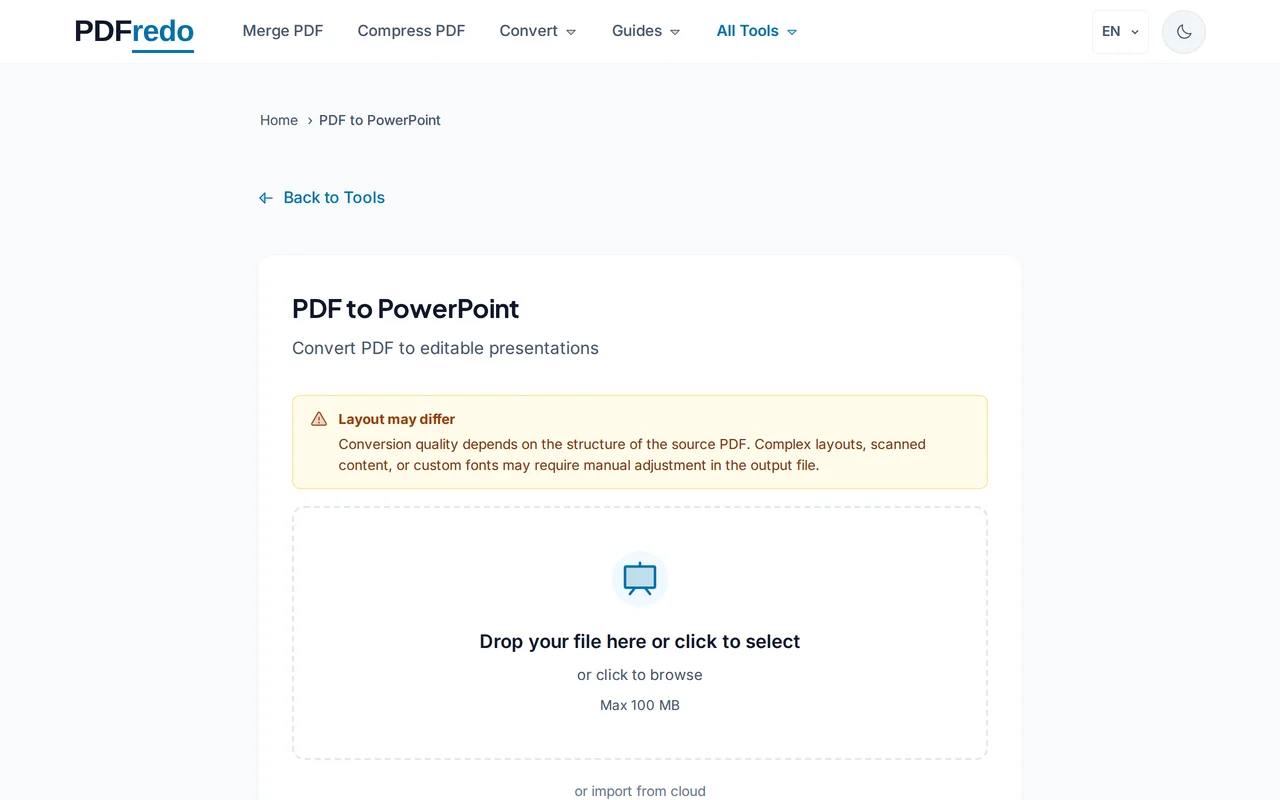
Upload your PDF
Drag your PDF in or click "Select File". Files up to 100 MB are supported.
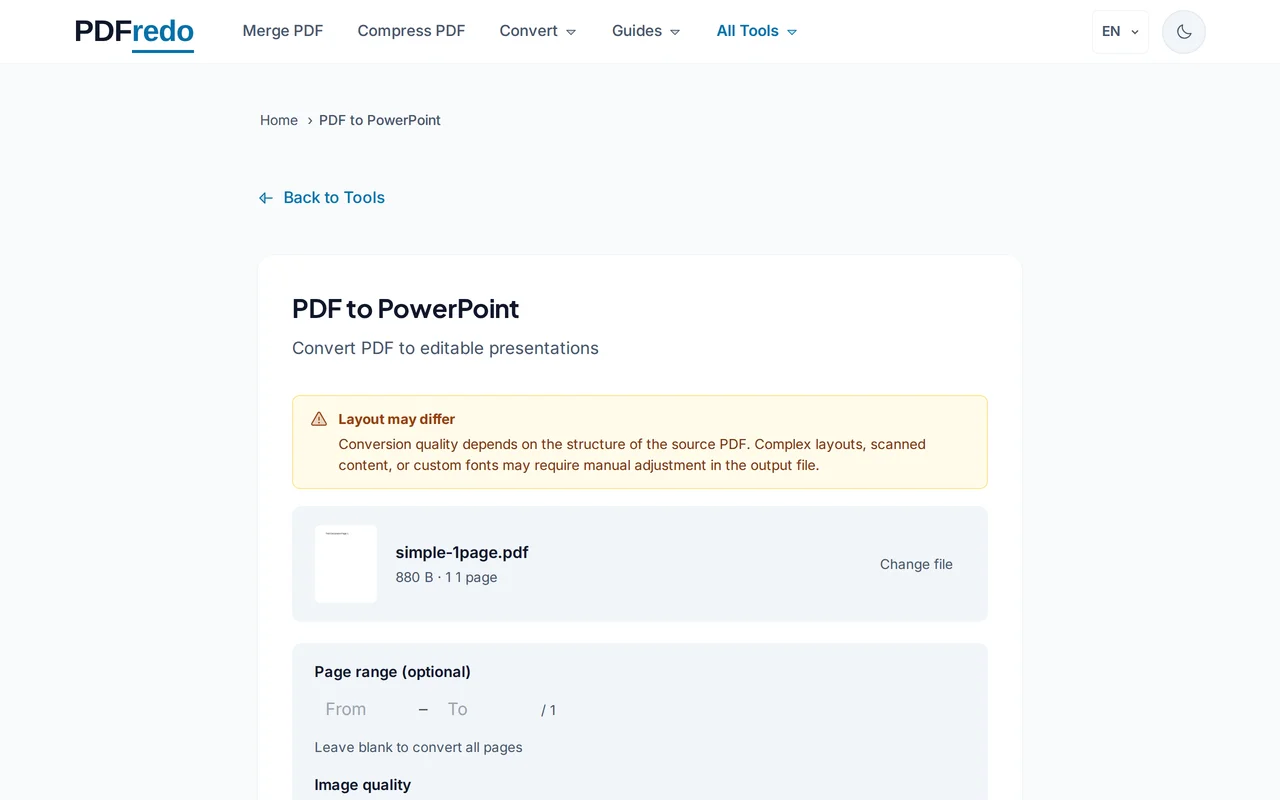
Start the conversion
Click "Convert to PowerPoint". PDFredo turns every PDF page into an editable slide on secure EU servers.
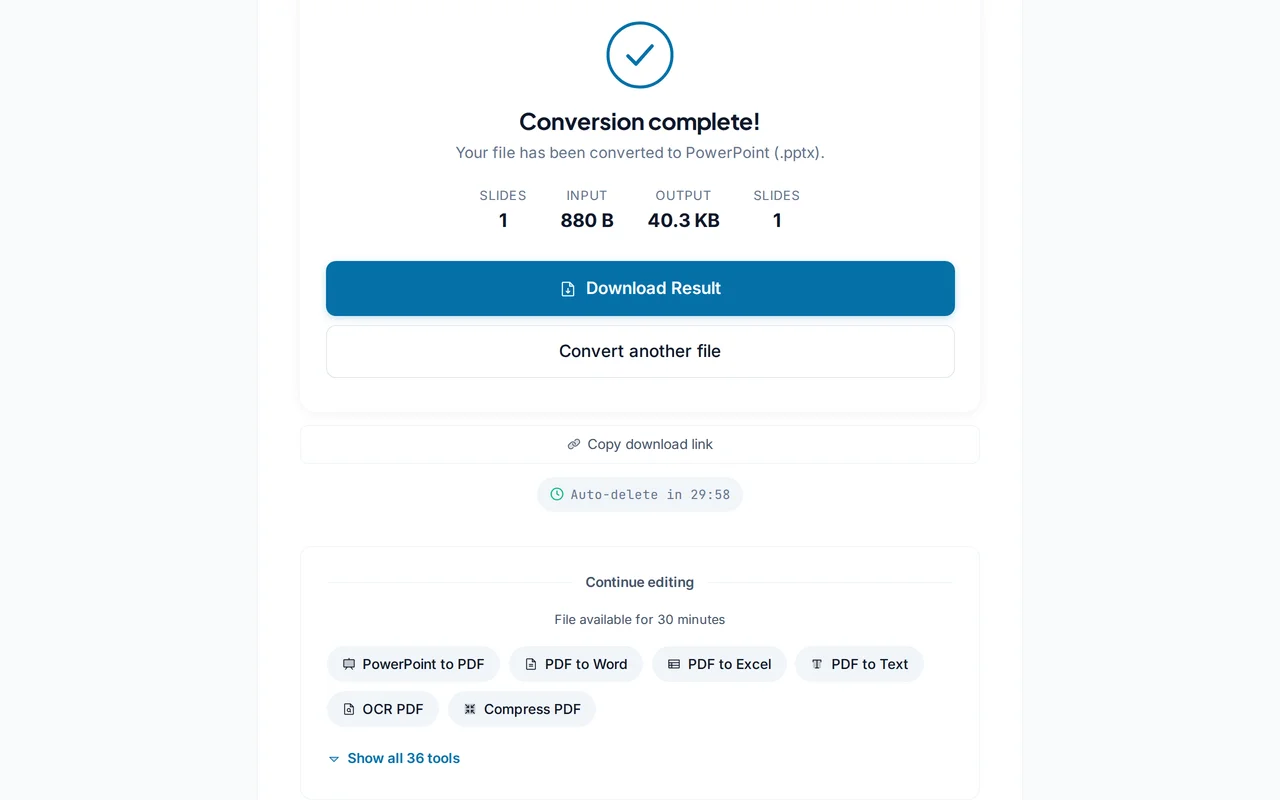
Download the .pptx file
Open the file in PowerPoint, Keynote, or Google Slides. Text, images, and layout come through as editable elements.
Pro Tips
- Standard 16:9 slide PDFs convert the cleanest. Complex infographics may need small tweaks.
- For scanned decks, run our OCR tool first so text stays editable instead of becoming an image.
- After editing, use our PowerPoint-to-PDF tool to export back for easy sharing.
Frequently Asked Questions
Will text be editable in PowerPoint?
▾
Yes. Text is reconstructed as real text boxes, so you can edit, restyle, and move it freely.
Does one PDF page become one slide?
▾
Yes. Each page maps to a single slide in the output deck.
Can I convert scanned PDFs?
▾
Run our OCR tool first to add a text layer; otherwise text appears as images.
Are my files private?
▾
Files are processed on EU servers (Germany) and deleted automatically after 30 minutes.
Is the converter free?
▾
Yes. No registration, no subscription, no watermarks.
Will animations be preserved?
▾
PDF does not store animations, so the converted deck starts clean. Add animations in PowerPoint if needed.
Does it work on mobile?
▾
Yes. Any modern browser on iOS or Android.