How to Convert PowerPoint to PDF for Free
⏱ Takes less than 1 minute
Sharing a deck with someone without PowerPoint? PDFredo's free online PowerPoint-to-PDF converter turns .pptx and .ppt into a clean PDF with fonts, images, and layout preserved. No account, no watermarks, and your file is deleted from our EU servers after 30 minutes.
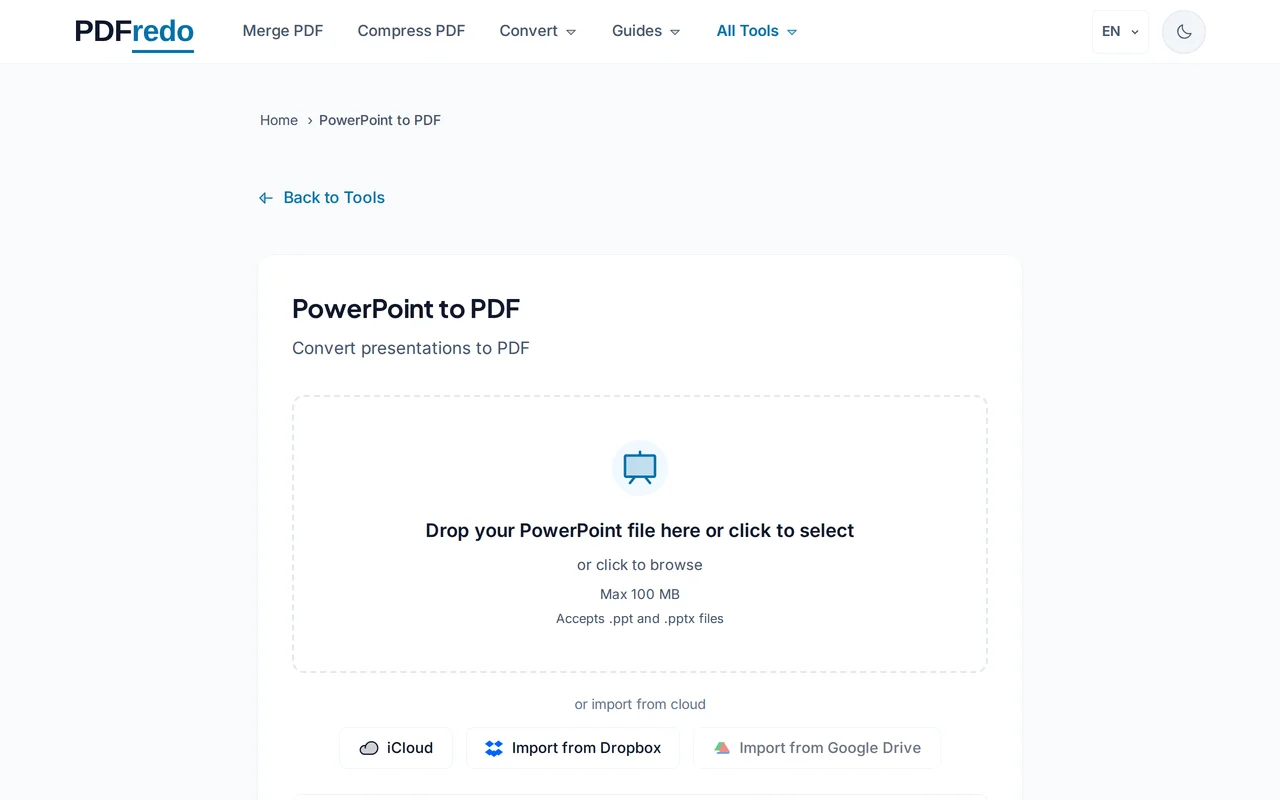
Upload your PowerPoint file
Drag your .pptx or .ppt or click "Select File". Files up to 100 MB are supported.
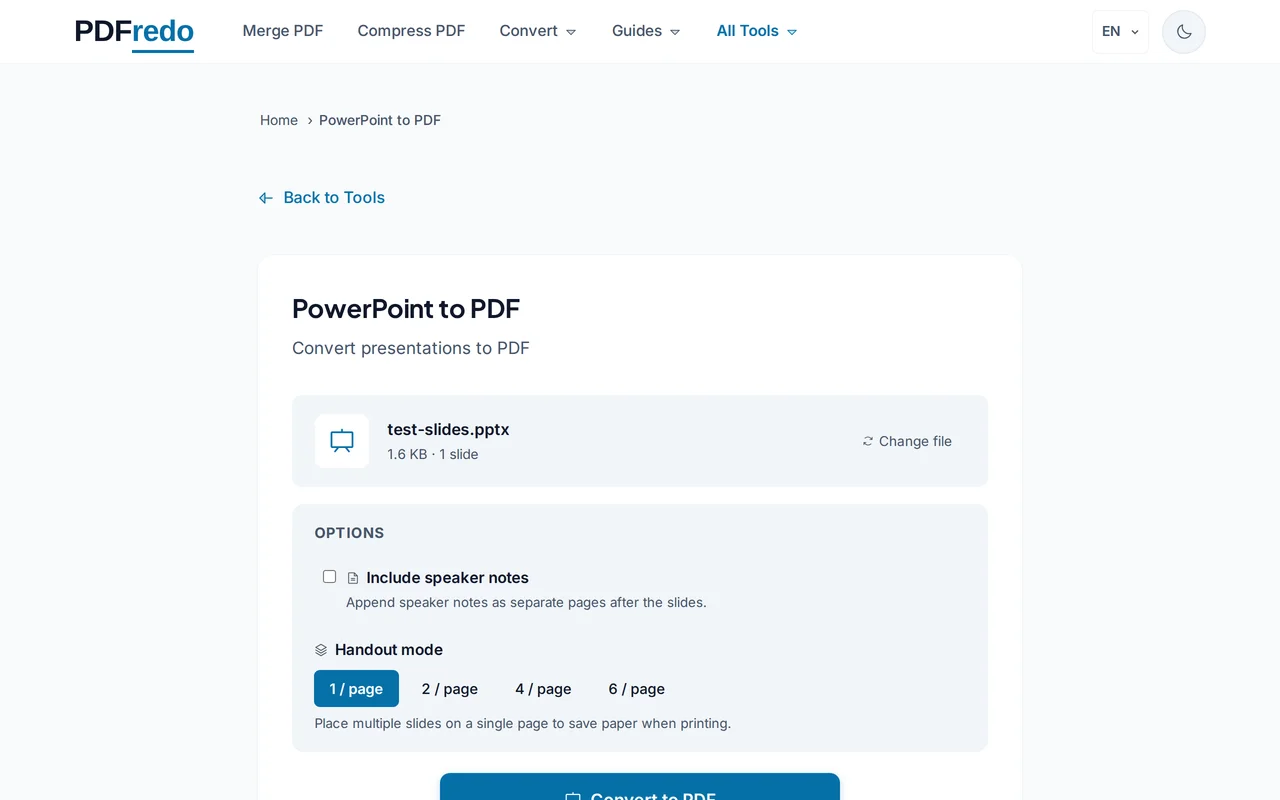
Pick page options
Choose one slide per page (default) or multiple slides per page for handouts. Include or exclude speaker notes.
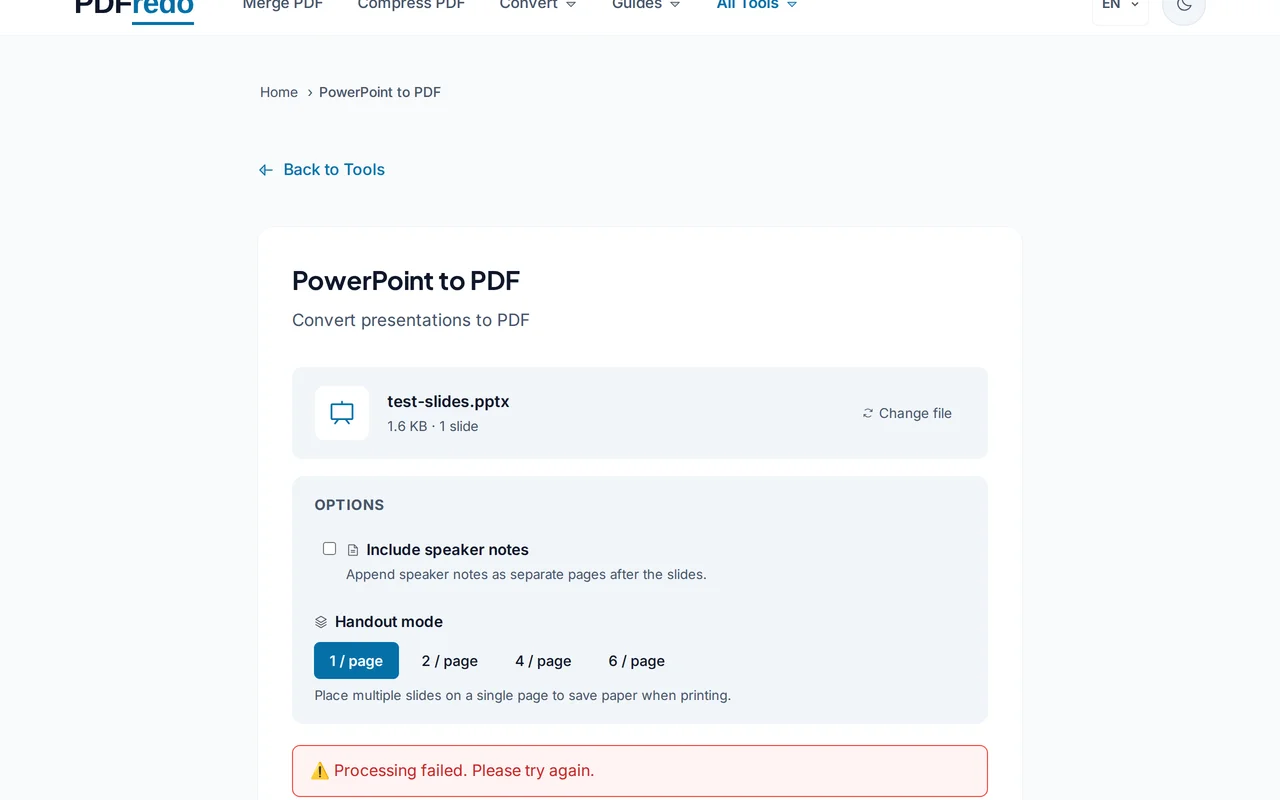
Download the PDF
Click "Convert". PDFredo renders every slide on secure EU servers and offers the PDF for download.
Pro Tips
- Use handouts layout (4 or 6 slides per page) when printing for audiences.
- Include speaker notes for review copies; exclude them for final distribution.
- Fonts not installed on our servers are substituted. Embed fonts in PowerPoint for pixel-perfect output.
Frequently Asked Questions
Will animations be in the PDF?
▾
No. PDF is static. Slides show their final state with all elements visible.
Can I include speaker notes?
▾
Yes. The "Include notes" option prints each slide with its notes below.
Which formats are supported?
▾
Modern .pptx (Office 2007+) and legacy .ppt.
Are my files private?
▾
Files are processed on EU servers (Germany) and deleted automatically after 30 minutes.
Is the converter free?
▾
Yes. No registration, no subscription, no watermarks.
Can I convert password-protected files?
▾
Remove the password in PowerPoint first, then upload here.
Does it work on mobile?
▾
Yes. Any modern browser on iOS or Android.