How to Convert Word to PDF Online for Free
⏱ Takes less than 1 minute
Need to share a Word document as PDF? PDFredo's free online Word-to-PDF converter turns .docx and .doc files into PDFs with fonts, images, and formatting preserved. No account, no watermarks, and your file is deleted from our EU servers after 30 minutes.
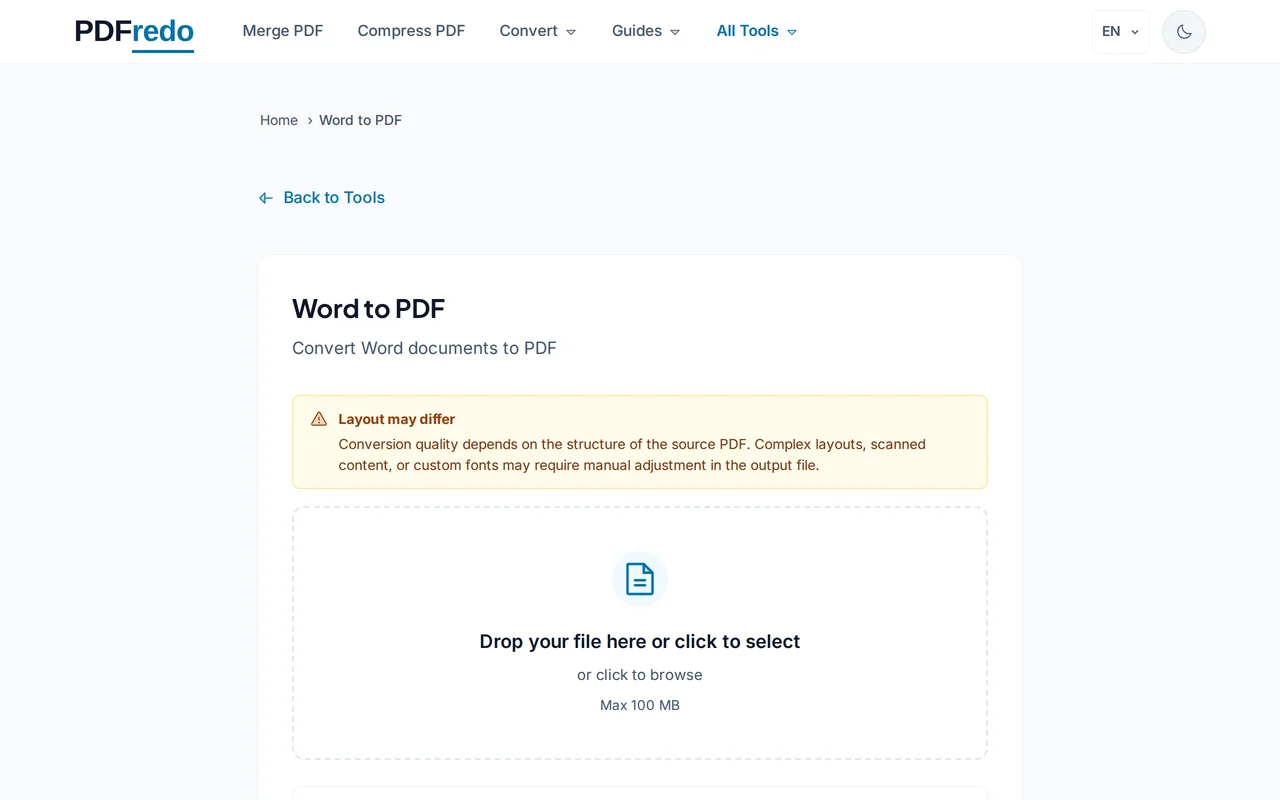
Upload your Word file
Drag your .docx or .doc or click "Select File". Files up to 100 MB are supported.
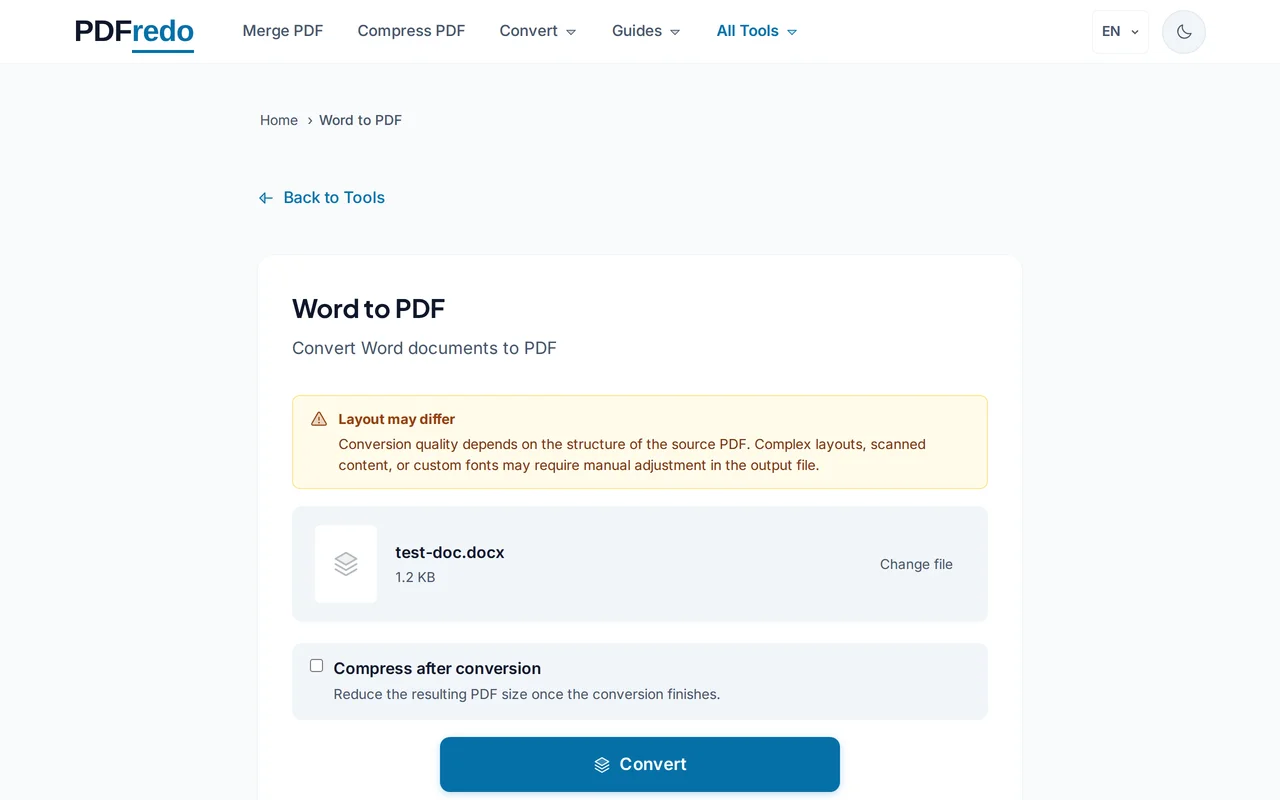
Start the conversion
Click "Convert to PDF". PDFredo renders pages on secure EU servers with the correct fonts and page breaks.
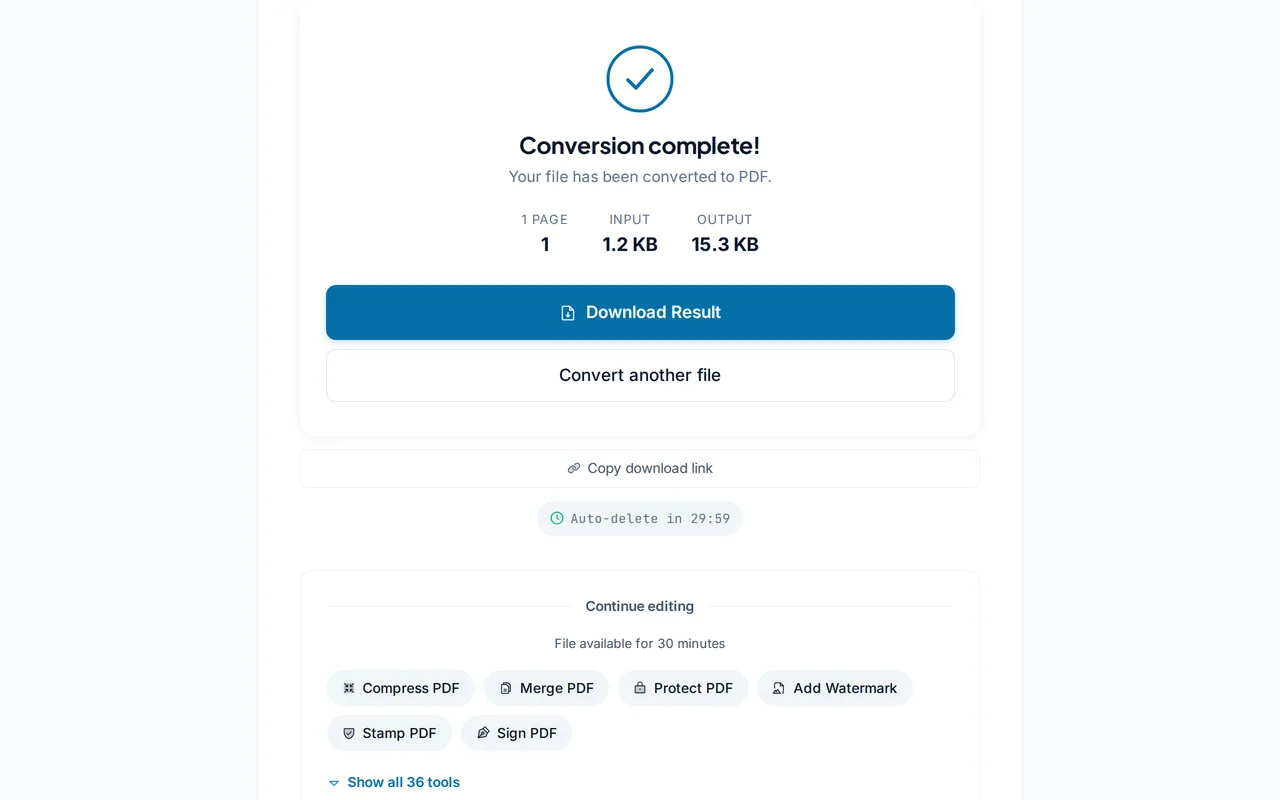
Download the PDF
Your PDF is ready in seconds. Fonts, tables, images, and headers arrive exactly like in Word.
Pro Tips
- Embed fonts in Word (Save options > "Embed fonts in the file") for pixel-perfect PDF output.
- Long documents with tracked changes? Accept or reject changes first for a clean PDF.
- Use Compress afterwards if the PDF is too big to email.
Frequently Asked Questions
Which Word versions are supported?
▾
Modern .docx (Office 2007 and later) and legacy .doc files are both supported.
Are fonts preserved?
▾
Yes, when the font is common or embedded in the .docx. Unknown fonts fall back to the closest match.
Will tables and images look the same?
▾
Yes. Tables, images, headers, and footers render identically to how Word displays them.
Are my files private?
▾
Files are processed on EU servers (Germany) and deleted automatically after 30 minutes.
Is the converter free?
▾
Yes. No registration, no subscription, no watermarks.
Can I convert password-protected Word files?
▾
Remove the password in Word first, then upload here.
Does it work on mobile?
▾
Yes. Any modern browser on iOS or Android.