How to Create a Fillable PDF Form for Free
⏱ Takes less than 1 minute
Turn a static PDF into a form anyone can fill in. PDFredo's free online form builder lets you add text fields, checkboxes, and radio buttons to any page. No account, no watermarks, and your file is deleted from our EU servers after 30 minutes.
Upload your PDF
Drag your PDF or click "Select File". The document loads in the form editor with a field toolbar.
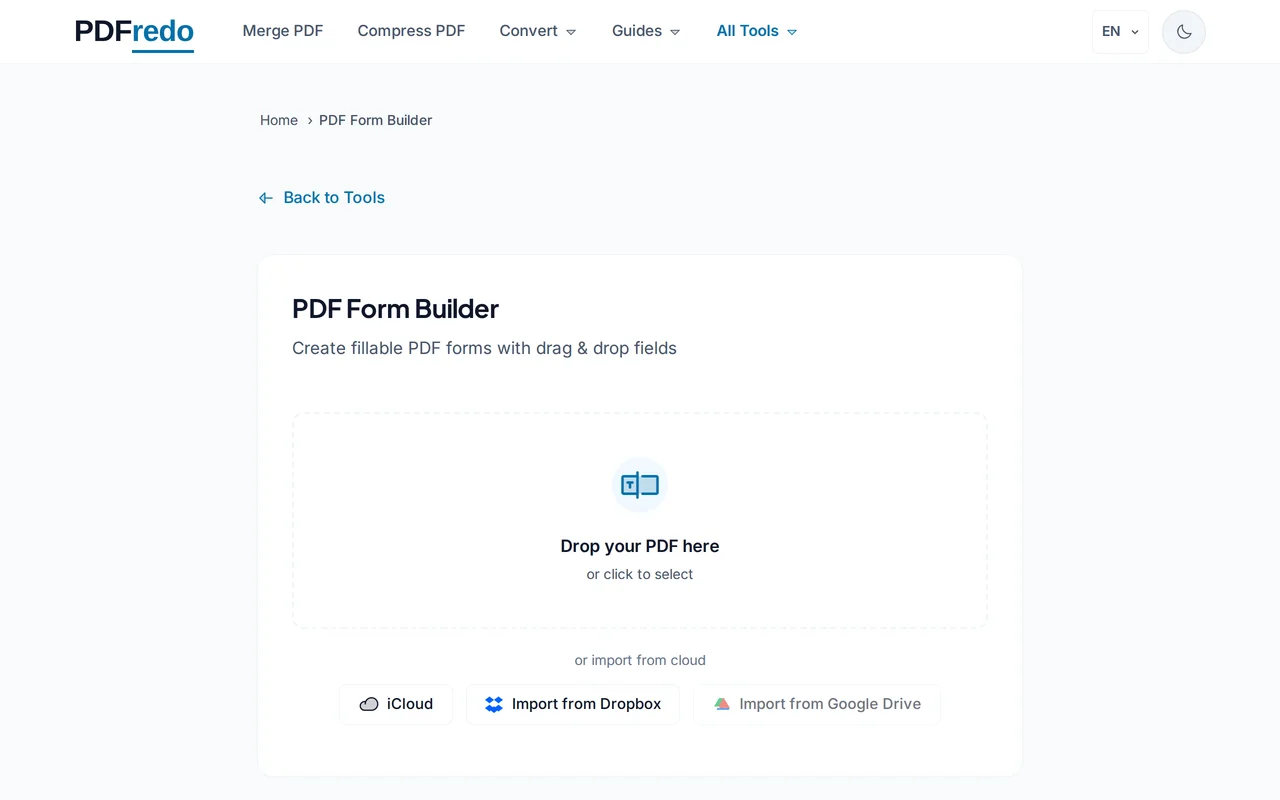
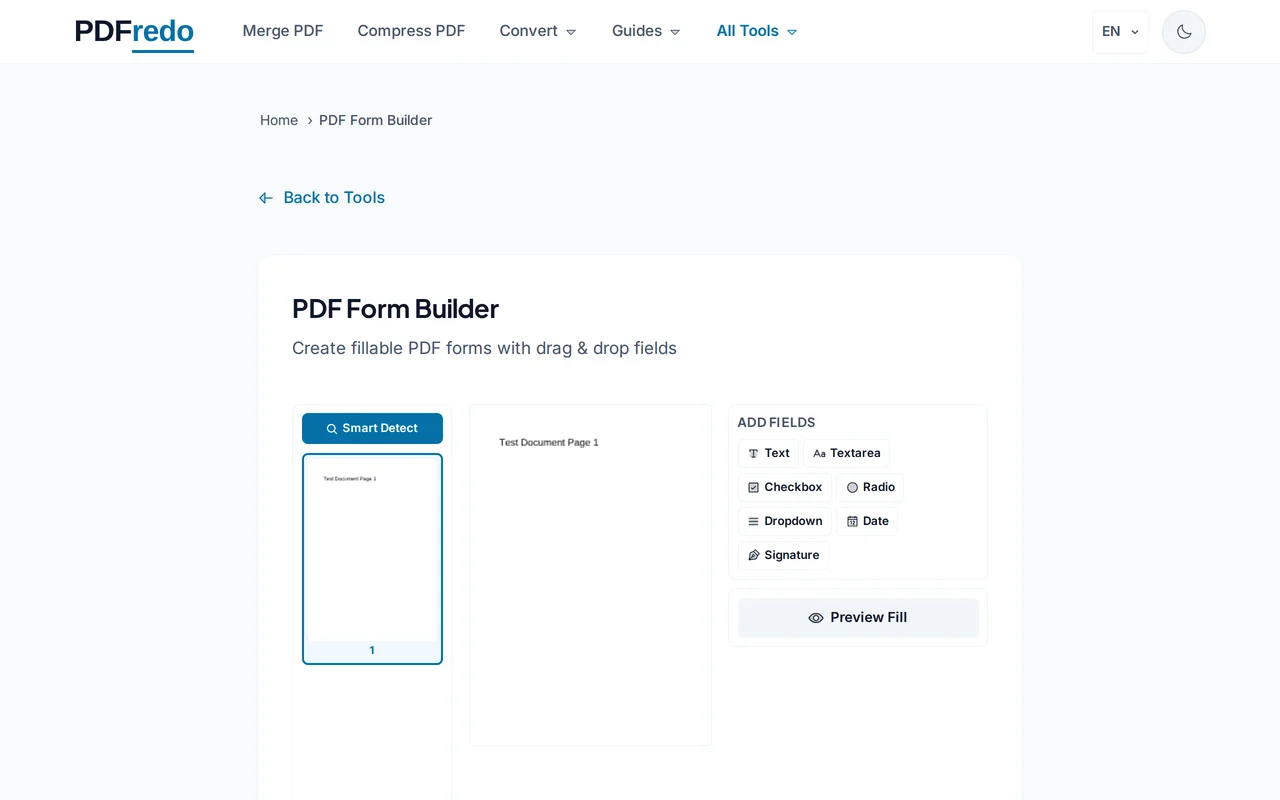
Add fields
Pick Text, Checkbox, Radio, Dropdown, or Signature. Click on the page to place each field and drag to resize.
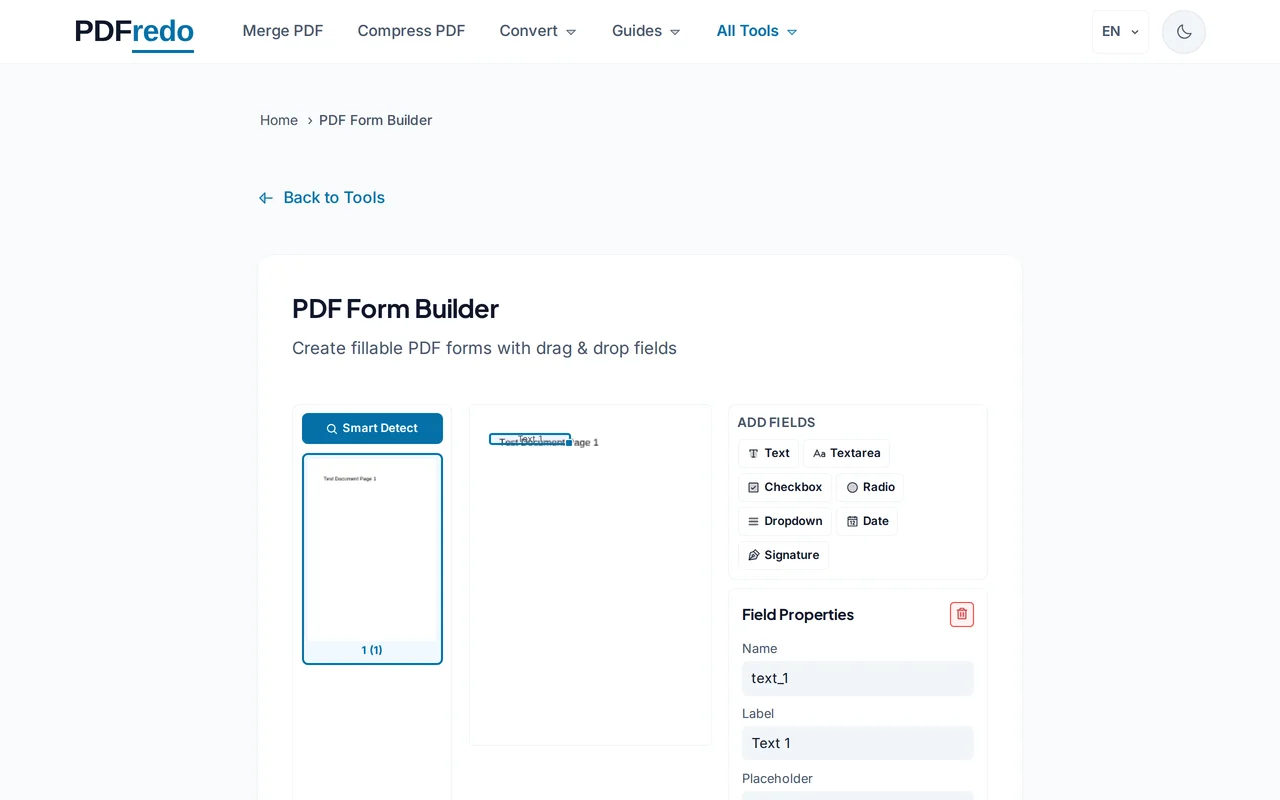
Configure properties
Set field names, placeholders, required flags, and default values in the side panel. Group radios so only one can be selected.
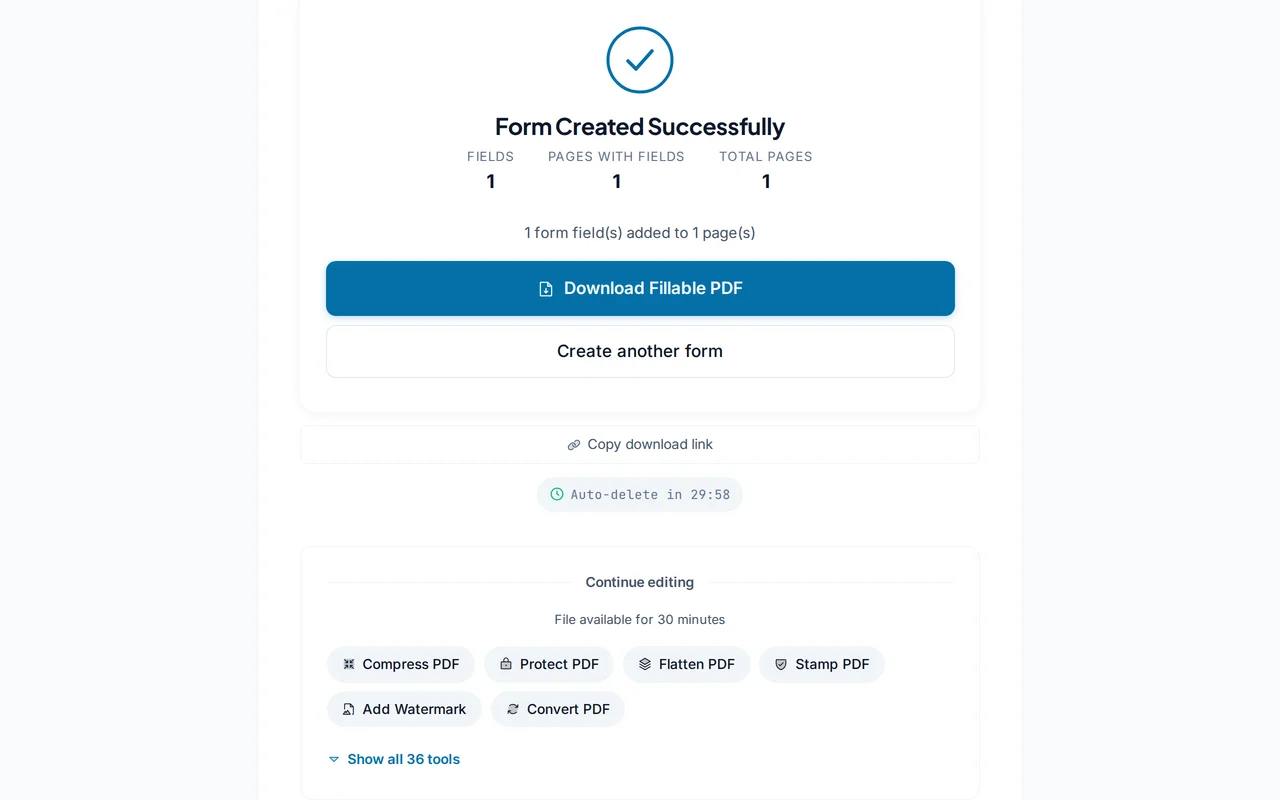
Download the fillable PDF
Click "Save Form". PDFredo writes the form into the PDF on secure EU servers and offers it for download.
Pro Tips
- Use clear field names. They become default labels in most PDF readers.
- Mark sensitive fields as required so users cannot skip them.
- Use our Flatten tool once the form is filled in to lock the answers permanently.
Frequently Asked Questions
Which PDF readers can fill in my form?
▾
Any standards-compliant PDF viewer. Adobe Reader, Preview on macOS, Edge, Chrome, Firefox, and most mobile viewers.
Can users save their answers?
▾
Yes. Modern PDF viewers let users save filled forms. Flatten the filled version to make answers permanent.
Can I add calculations or validation?
▾
Basic validation (required, format) is supported. Complex calculations can be added later via our Edit tool.
Are my files private?
▾
Files are processed on EU servers (Germany) and deleted automatically after 30 minutes.
Is the form builder free?
▾
Yes. No registration, no subscription, no watermarks.
Can I collect responses automatically?
▾
PDFredo builds the form; sharing and collection happens outside our service (email, upload, etc.).
Does it work on mobile?
▾
Yes, but building forms is easier on a tablet or desktop with more screen space.