How to Crop a PDF Online for Free
⏱ Takes less than 1 minute
Too much white space or oversized scan borders? PDFredo's free online PDF cropper lets you trim margins or crop to any region with a live preview. No account, no watermarks, and your file is deleted from our EU servers after 30 minutes.
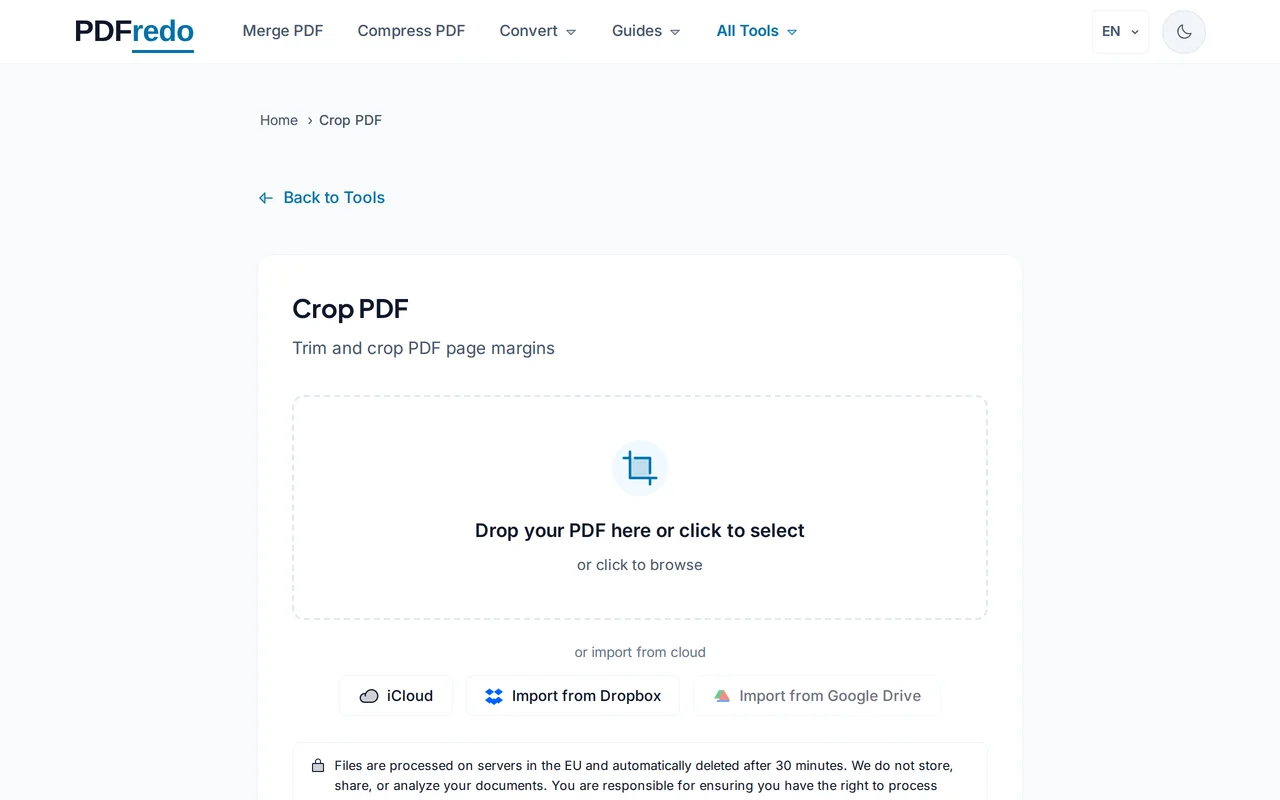
Upload your PDF
Drag your PDF in or click "Select File". The first page appears in the crop editor.
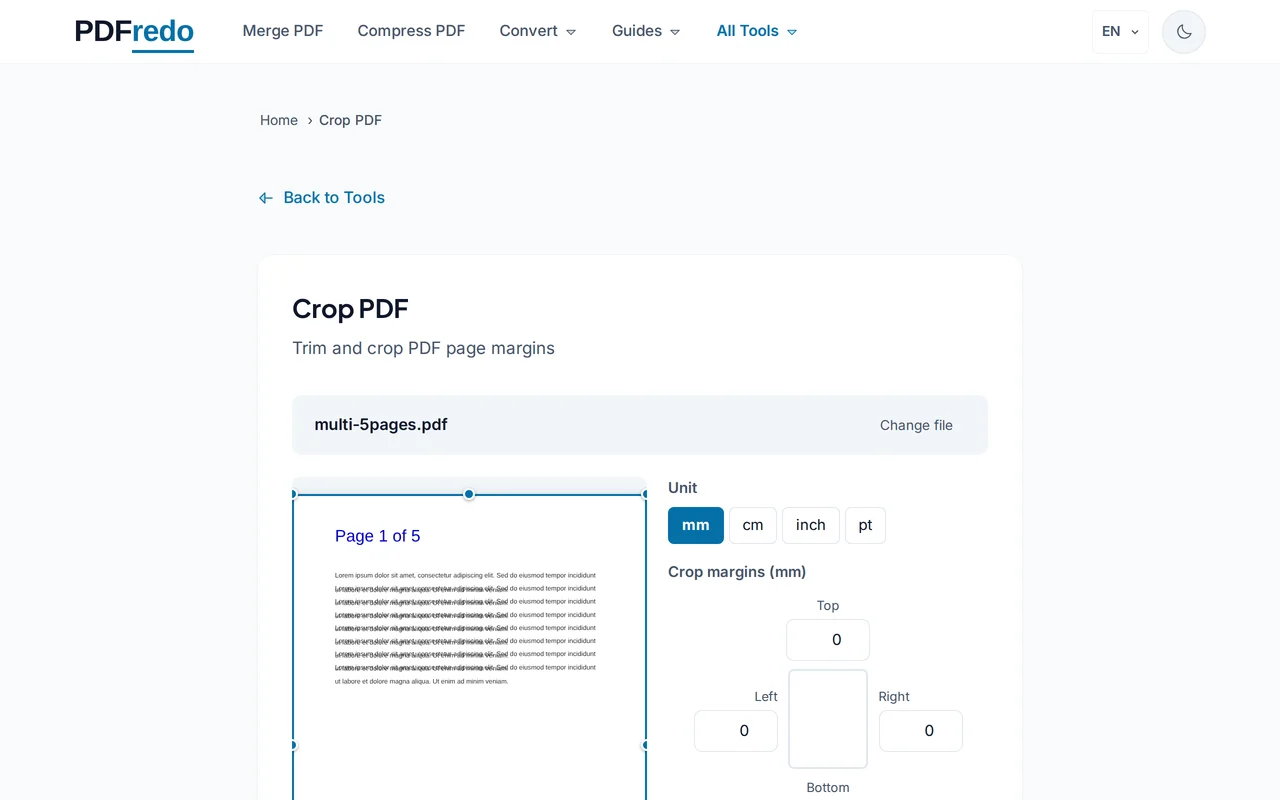
Draw the crop area
Drag the crop box to set exact edges, or use "Auto-trim margins" to detect white space automatically. Apply to one page or all pages.
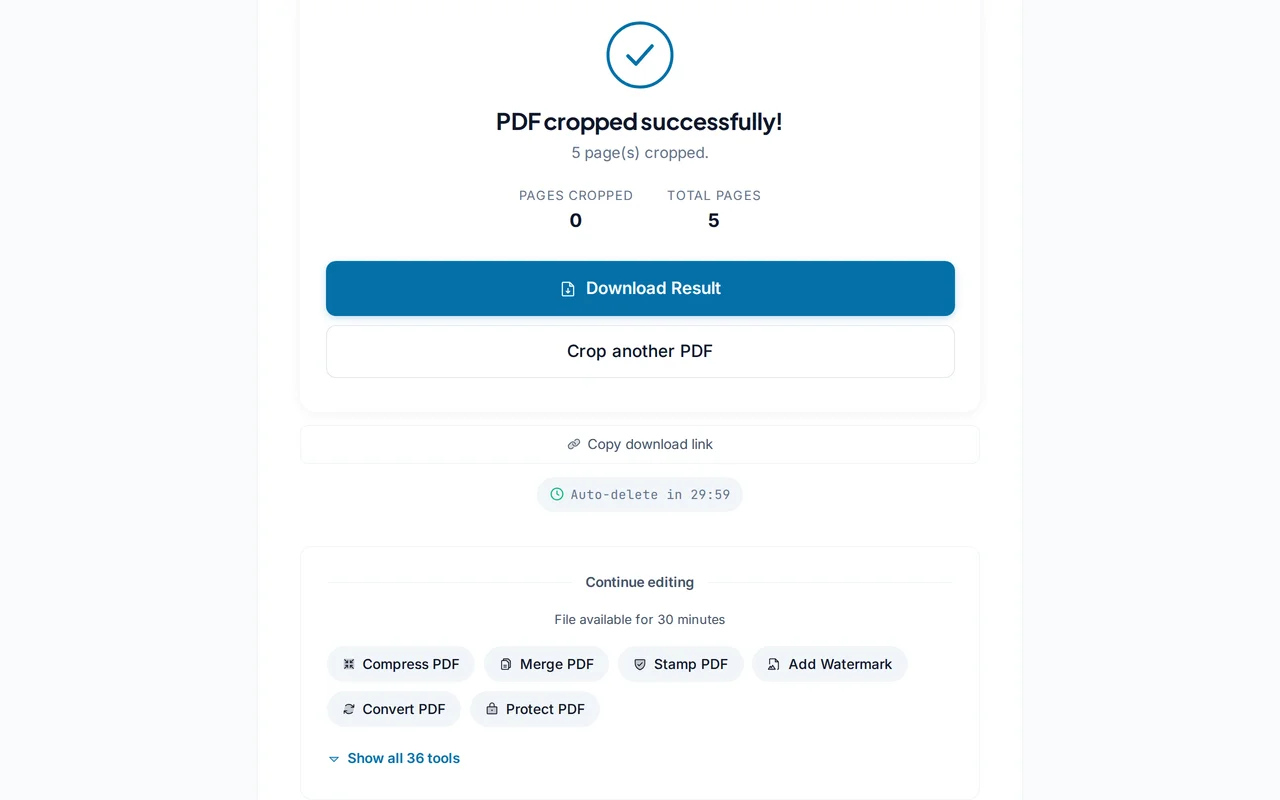
Download the cropped PDF
Click "Apply Crop". PDFredo rewrites the page boxes on secure EU servers and offers the cropped file for download.
Pro Tips
- Use "Auto-trim margins" first. It usually nails the right crop in one click.
- Apply different crops per page only when pages have very different layouts.
- If you crop too tight, the content stays in the file. Just re-crop wider to recover it.
Frequently Asked Questions
Does cropping delete the trimmed content?
▾
Crop changes the visible page box but keeps the original content in the file. Use our Flatten tool to make the crop permanent.
Can I crop only specific pages?
▾
Yes. Use the page range selector (e.g., 1-3) to apply the crop to chosen pages only.
Will cropping change text or images?
▾
No. Cropping only trims the page box. Text and images inside stay untouched.
Are my files private?
▾
Files are processed on EU servers (Germany) and deleted automatically after 30 minutes.
Is the crop tool free?
▾
Yes. No registration, no subscription, no watermarks.
Can I re-crop after saving?
▾
Yes. As long as you did not flatten the file, re-cropping can expand or tighten the view.
Does it work on mobile?
▾
Yes. Any modern browser on iOS and Android.