How to Remove Pages from a PDF for Free
⏱ Takes less than 1 minute
Got blank pages or sections you do not need? PDFredo's free online page remover lets you delete any pages and save a cleaner PDF. No account, no watermarks, and your file is deleted from our EU servers after 30 minutes.
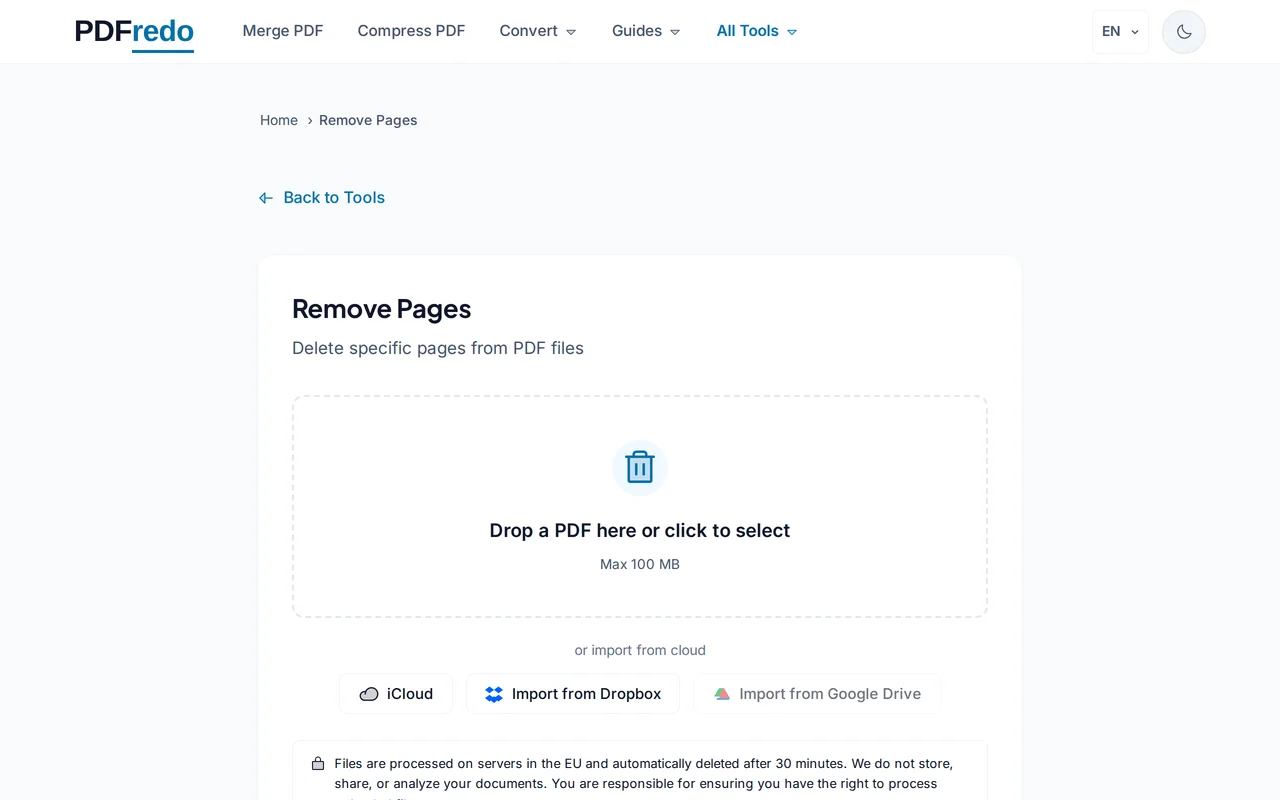
Upload your PDF
Click "Select File" or drag your PDF into the upload area. Every page loads as a clickable thumbnail.
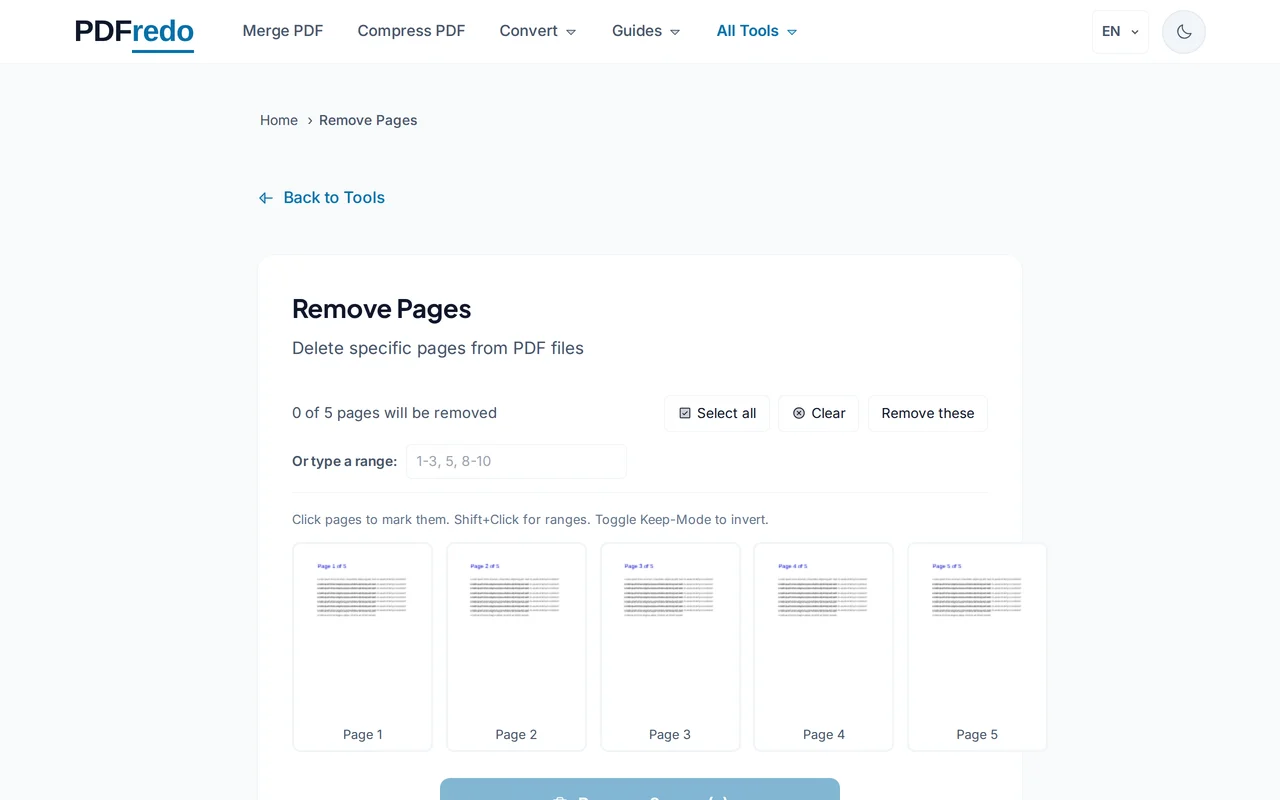
Mark pages to remove
Click a thumbnail to mark a page for deletion, or type a range like "2, 5-7". Marked pages are crossed out in the preview.
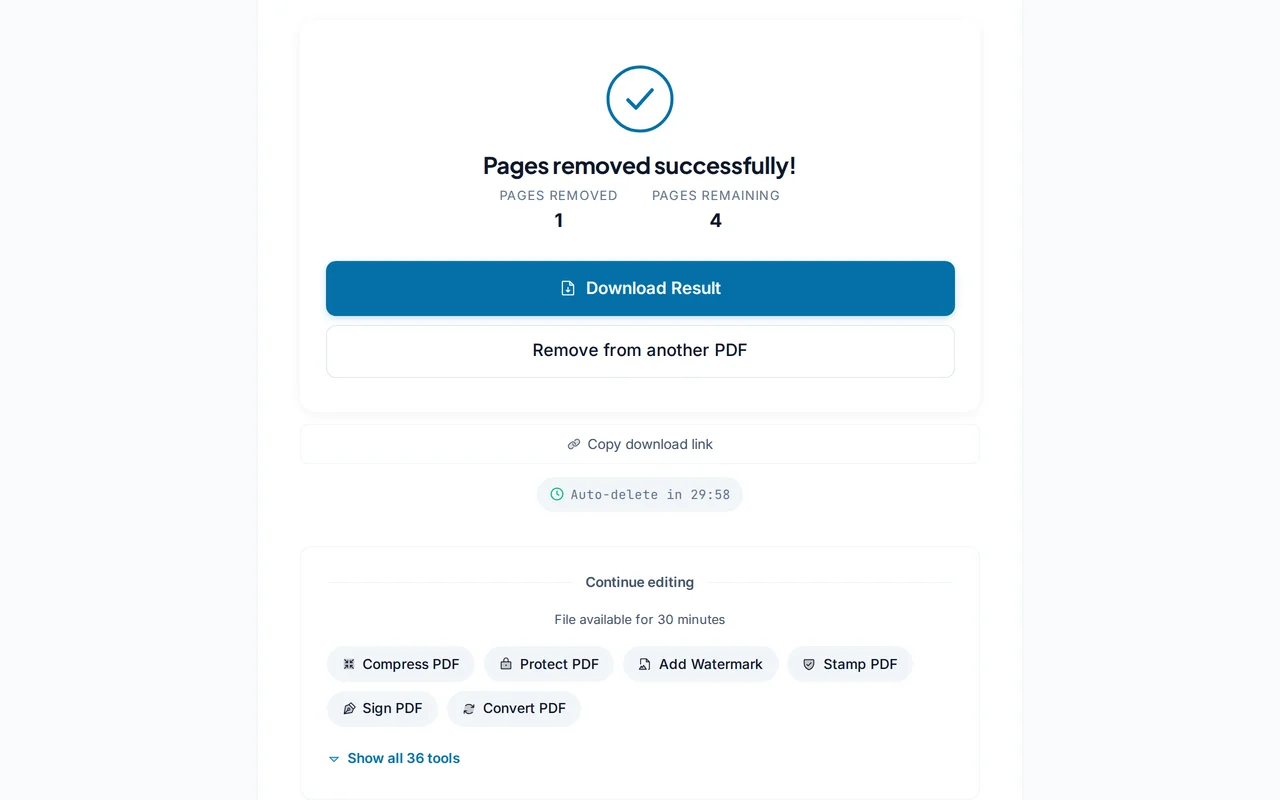
Download the cleaned PDF
Click "Remove Pages". PDFredo saves the new file on secure EU servers and offers it for download.
Pro Tips
- Use Remove Pages for small edits; use Extract Pages when you want only a few pages kept.
- Double-check your selection in the preview. Removal is permanent in the output file.
- Keep your original PDF as backup until you confirm the result is correct.
Frequently Asked Questions
Is page removal permanent?
▾
Yes. The downloaded file no longer contains the removed pages. Your original upload is untouched until it auto-deletes.
How many pages can I remove?
▾
Any number. Select as few or as many as you need within a 100 MB source file.
Will removal re-number the pages?
▾
Visible page order is re-numbered. If the PDF has printed page numbers on pages, they stay as they were. Use our Add Page Numbers tool to re-number.
Are my files private?
▾
Files are processed on EU servers (Germany) and deleted automatically after 30 minutes. We never share your documents.
Is it really free?
▾
Yes. No registration, no subscription, no watermarks on the output.
Can I remove pages from a password-protected PDF?
▾
Unlock the PDF first with our Unlock tool, then come back to remove pages.
Does it work on mobile?
▾
Yes. Works in any modern browser on iOS and Android.