How to Edit a PDF Online for Free
⏱ Takes less than 1 minute
Need to fix a typo, add a note, or drop in an image? PDFredo's free online PDF editor lets you edit text, add shapes, images, and annotations right in your browser. No account, no watermarks, and your file is deleted from our EU servers after 30 minutes.
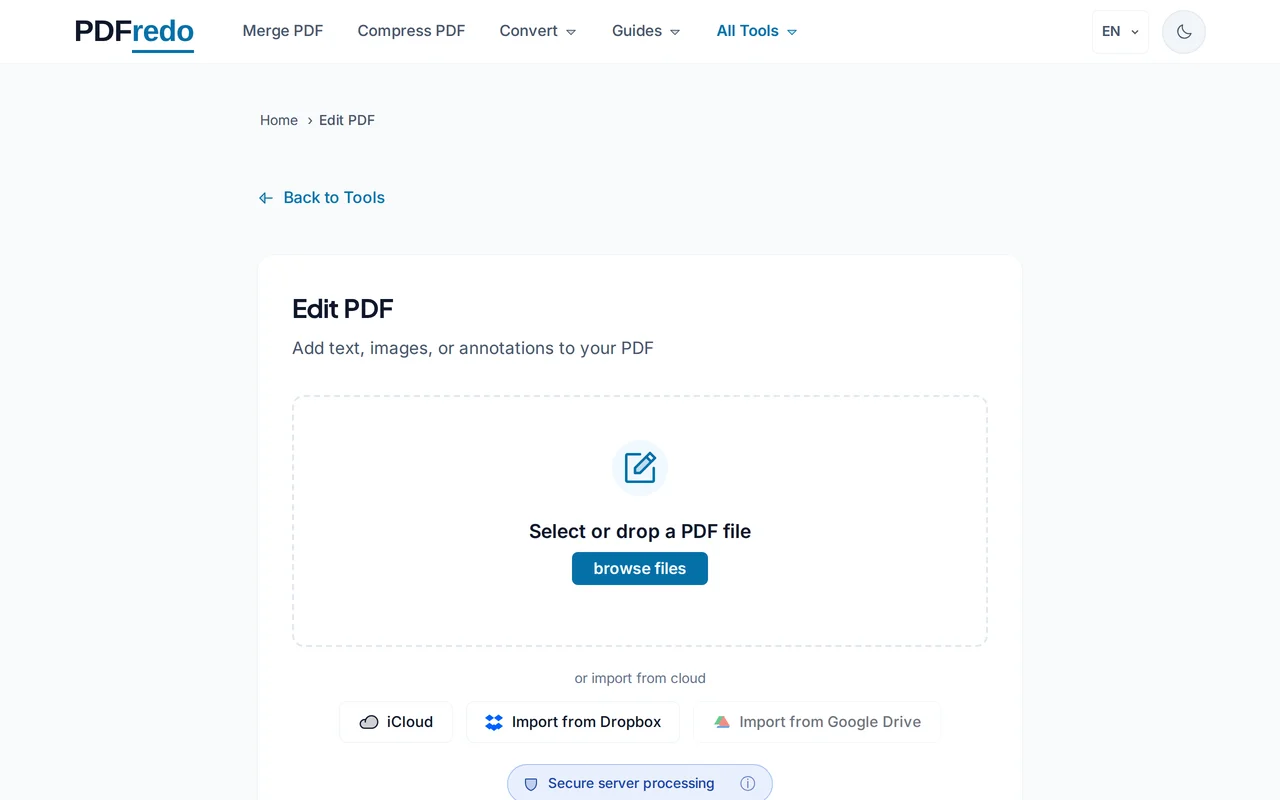
Upload your PDF
Click "Select File" or drag your PDF in. The document loads in the editor with a toolbar on top.
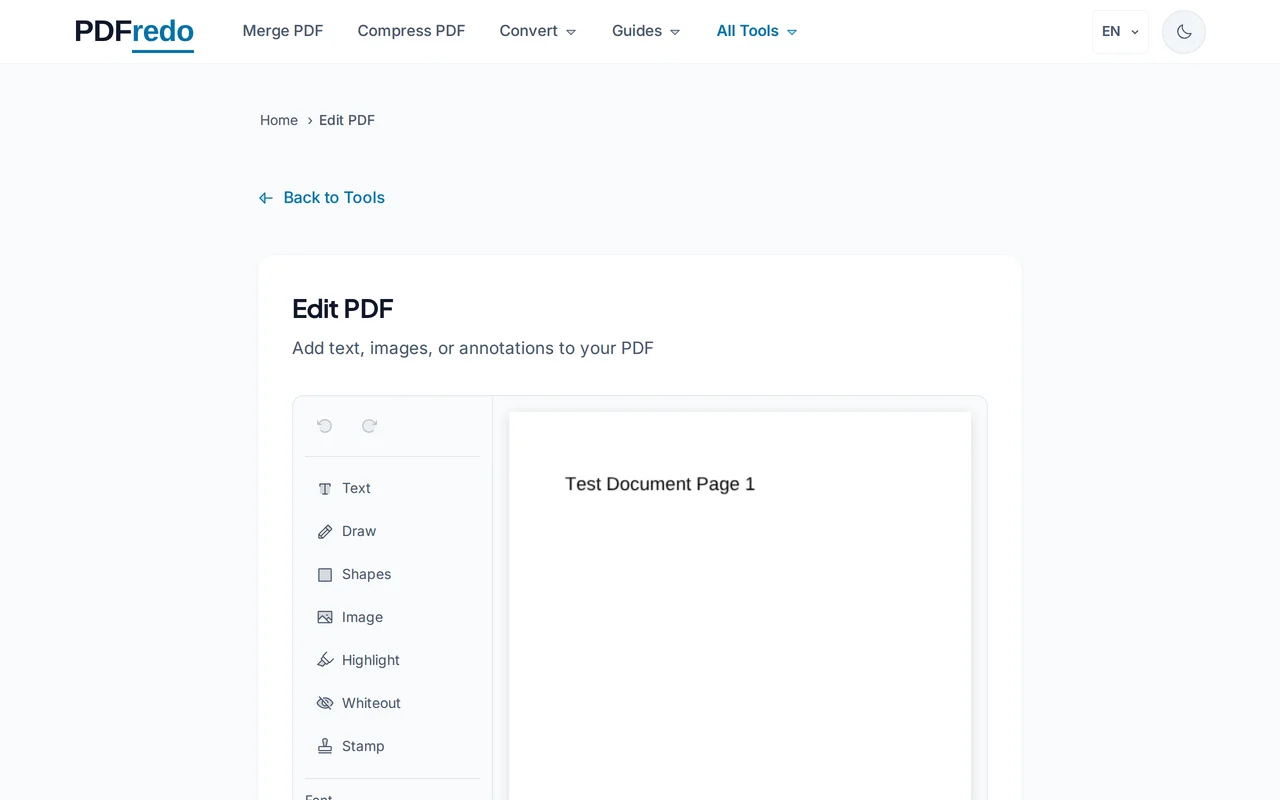
Pick an editing tool
Choose Text, Shape, Image, Highlight, or Freehand. Click in the document to insert, or double-click existing text to modify it.
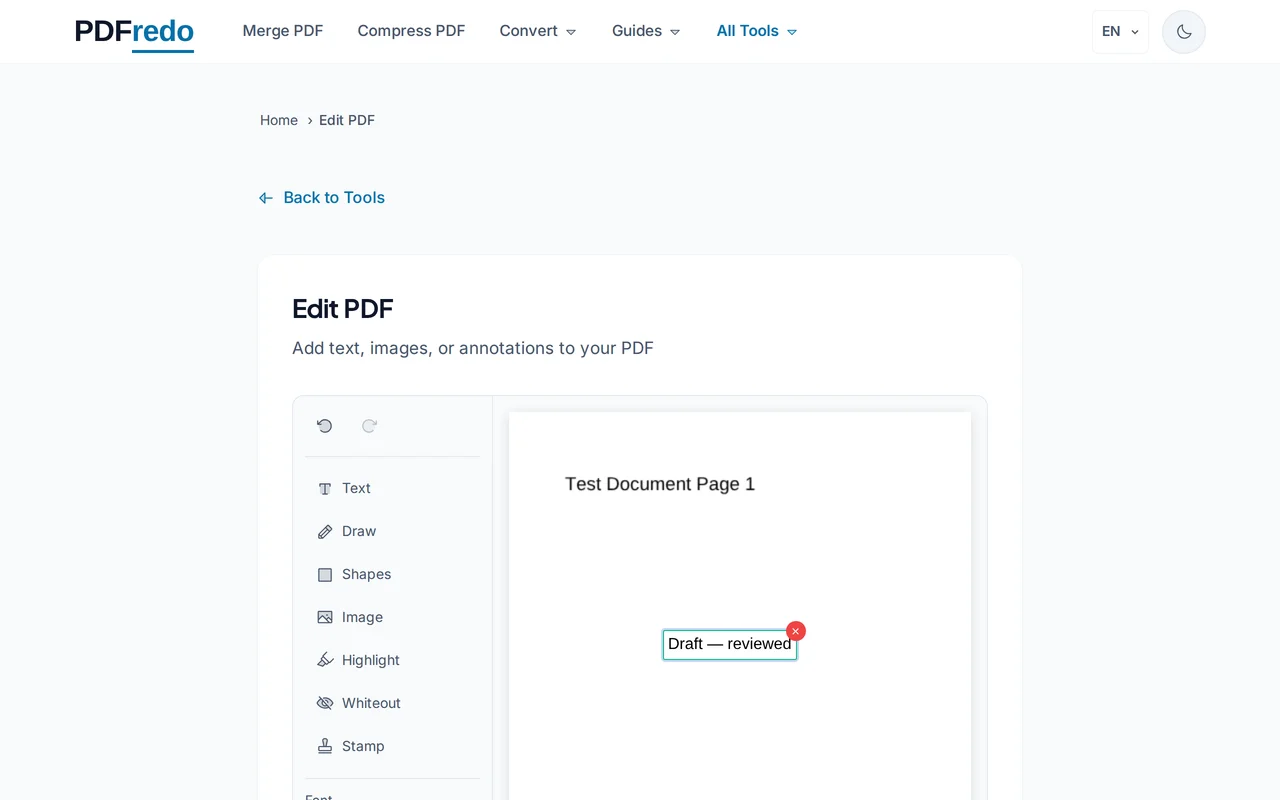
Apply your changes
Use the toolbar to adjust font, color, and stroke. Move, resize, or delete any element before saving.
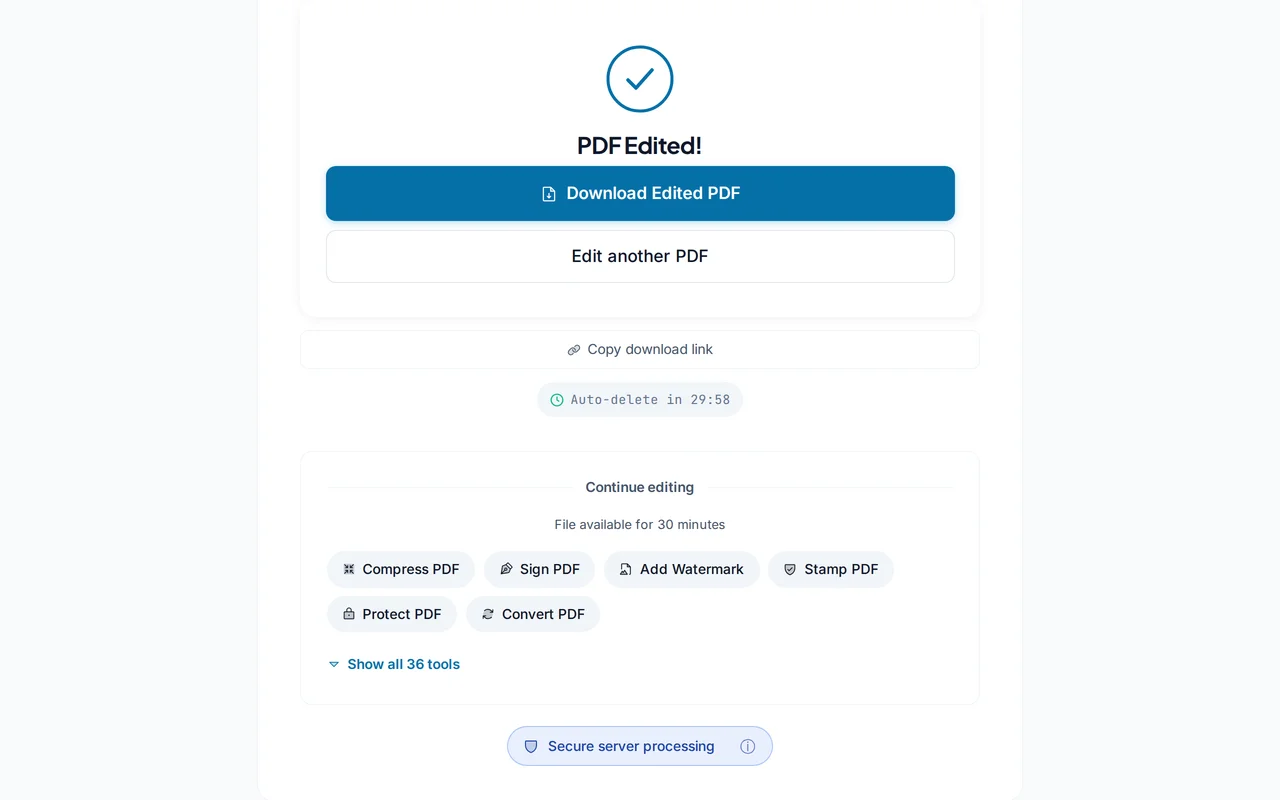
Download the edited PDF
Click "Save PDF". PDFredo renders the final document on secure EU servers and offers it for download.
Pro Tips
- For scanned PDFs, run OCR first. Editing works on real text, not images of text.
- Use the Undo button generously; changes are non-destructive until you click Save.
- Flatten the final file with our Flatten tool if you want to prevent further edits.
Frequently Asked Questions
Can I edit existing text in any PDF?
▾
Text added as real text layers can be edited. Scanned or image-only PDFs need OCR first so the text becomes editable.
Can I replace an image?
▾
Yes. Click an image to select it, then use the Image tool to replace it with a new one.
Will fonts look right if I edit text?
▾
PDFredo tries to match the original font. If it is not embedded, we fall back to the closest system font.
Is my data private?
▾
Files are processed on EU servers (Germany) and deleted automatically after 30 minutes. We never share your documents.
Is the editor free?
▾
Yes. No registration, no subscription, no watermarks.
Can I undo changes?
▾
Yes. Unlimited undo and redo until you download. After saving, reload the original to start over.
Does it work on mobile?
▾
Yes, though a tablet or desktop gives a much better editing experience.