How to Extract Images from a PDF for Free
⏱ Takes less than 1 minute
Need the photos, charts, or logos from a PDF? PDFredo's free online image extractor pulls every embedded image out and delivers them as a ZIP in their original quality. No account, no watermarks, and your file is deleted from our EU servers after 30 minutes.
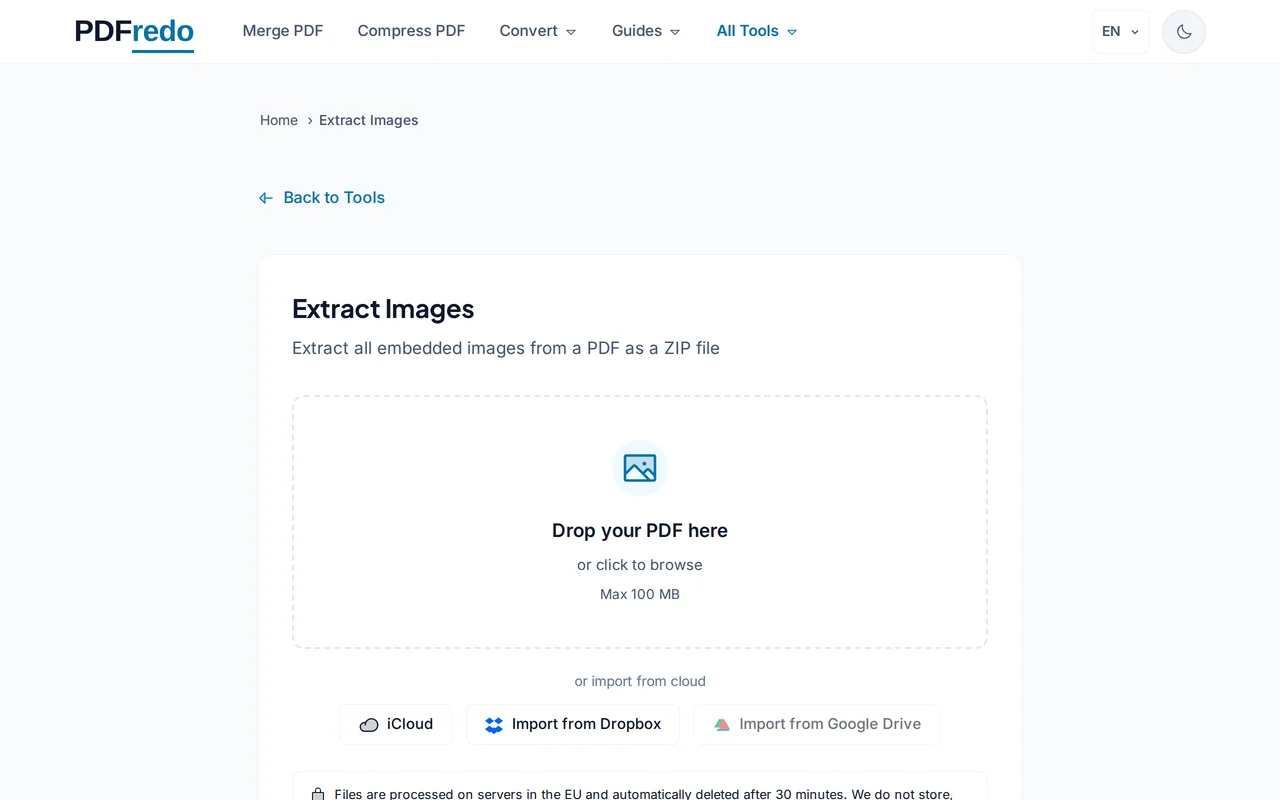
Upload your PDF
Drag your file or click "Select File". Files up to 100 MB are supported.
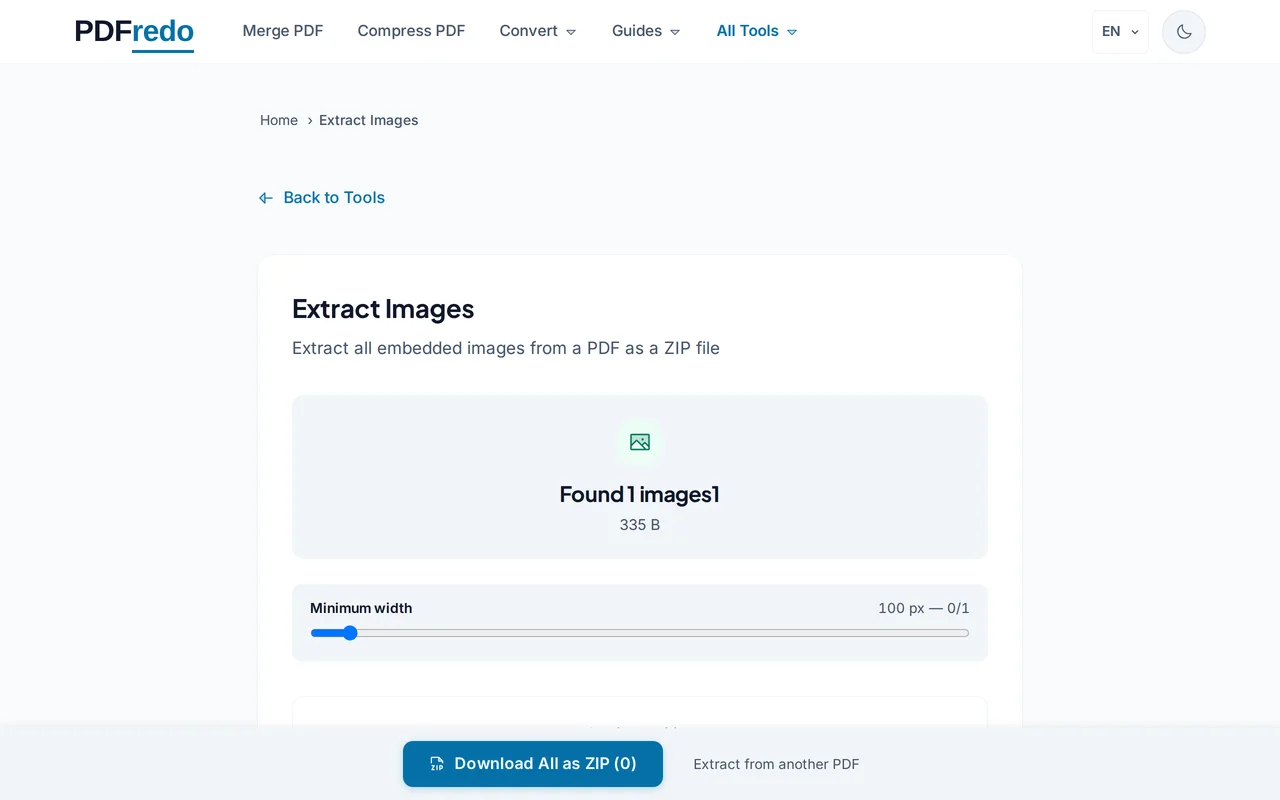
Review detected images
PDFredo scans every page and lists each image with size and format (JPG, PNG). Deselect the ones you do not need.
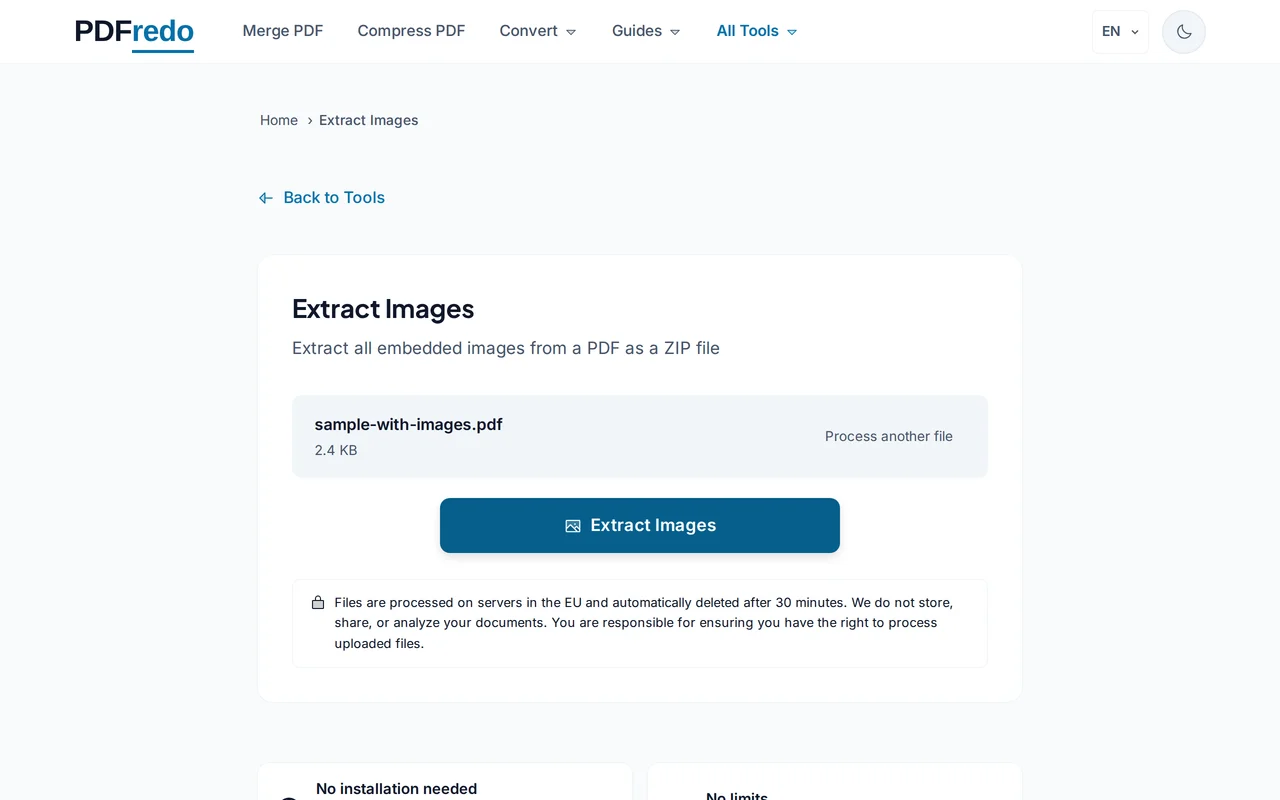
Download the ZIP
Click "Extract Images". PDFredo packages every selected image on secure EU servers and offers the ZIP for download.
Pro Tips
- Original quality is preserved. No re-encoding, so photos stay sharp.
- For page snapshots instead of embedded images, use our PDF-to-Image tool.
- Duplicate images are listed separately. Deselect them to shrink the ZIP.
Frequently Asked Questions
What is the difference between extract-images and pdf-to-image?
▾
Extract-images pulls original embedded images (the real assets inside the PDF). PDF-to-image renders each page as a new image.
Will the images keep their original quality?
▾
Yes. PDFredo exports images exactly as they are stored in the PDF, without re-encoding.
What if my PDF is a scan?
▾
Each page will appear as one big image. Use PDF-to-Image instead if you want clean page renders.
Are my files private?
▾
Files are processed on EU servers (Germany) and deleted automatically after 30 minutes.
Is the extractor free?
▾
Yes. No registration, no subscription, no watermarks.
Can I extract images from password-protected PDFs?
▾
Unlock them first with our Unlock tool, then extract images.
Does it work on mobile?
▾
Yes. Any modern browser on iOS or Android.