How to Convert PDF to Text (.txt) for Free
⏱ Takes less than 1 minute
Need a plain-text copy of a PDF? PDFredo's free online PDF-to-Text converter extracts clean text in seconds. No account, no watermarks, and your file is deleted from our EU servers after 30 minutes.
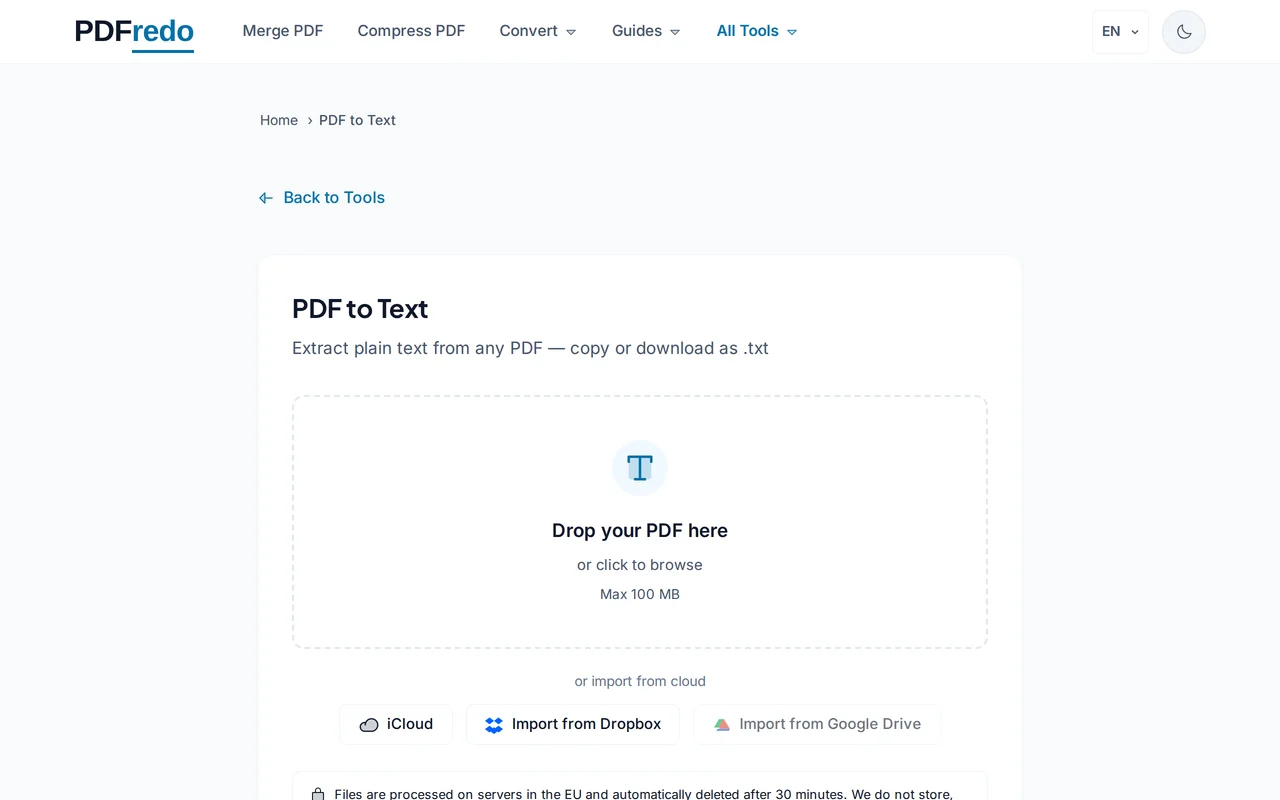
Upload your PDF
Drag your file or click "Select File". Files up to 100 MB are supported.
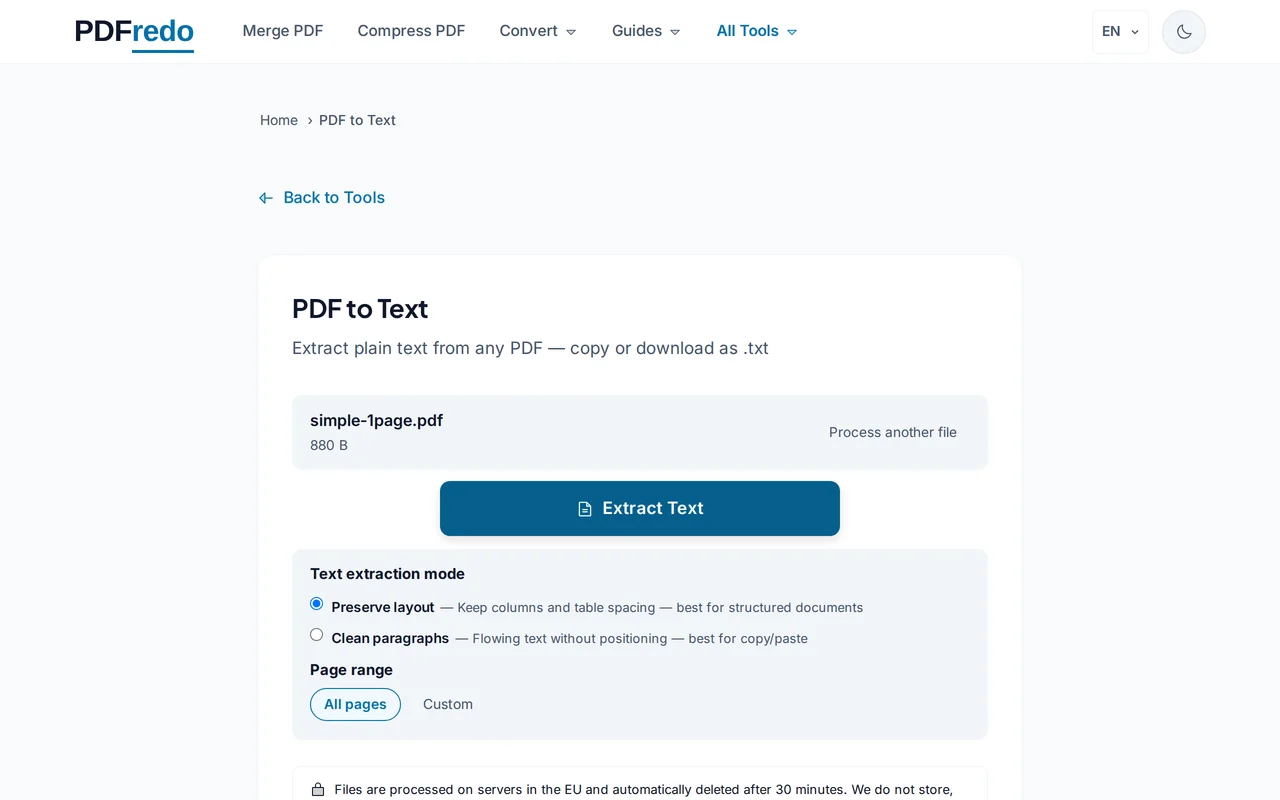
Pick text options
Keep the original layout, or flatten to a single column of flowing text. Preview the output before downloading.
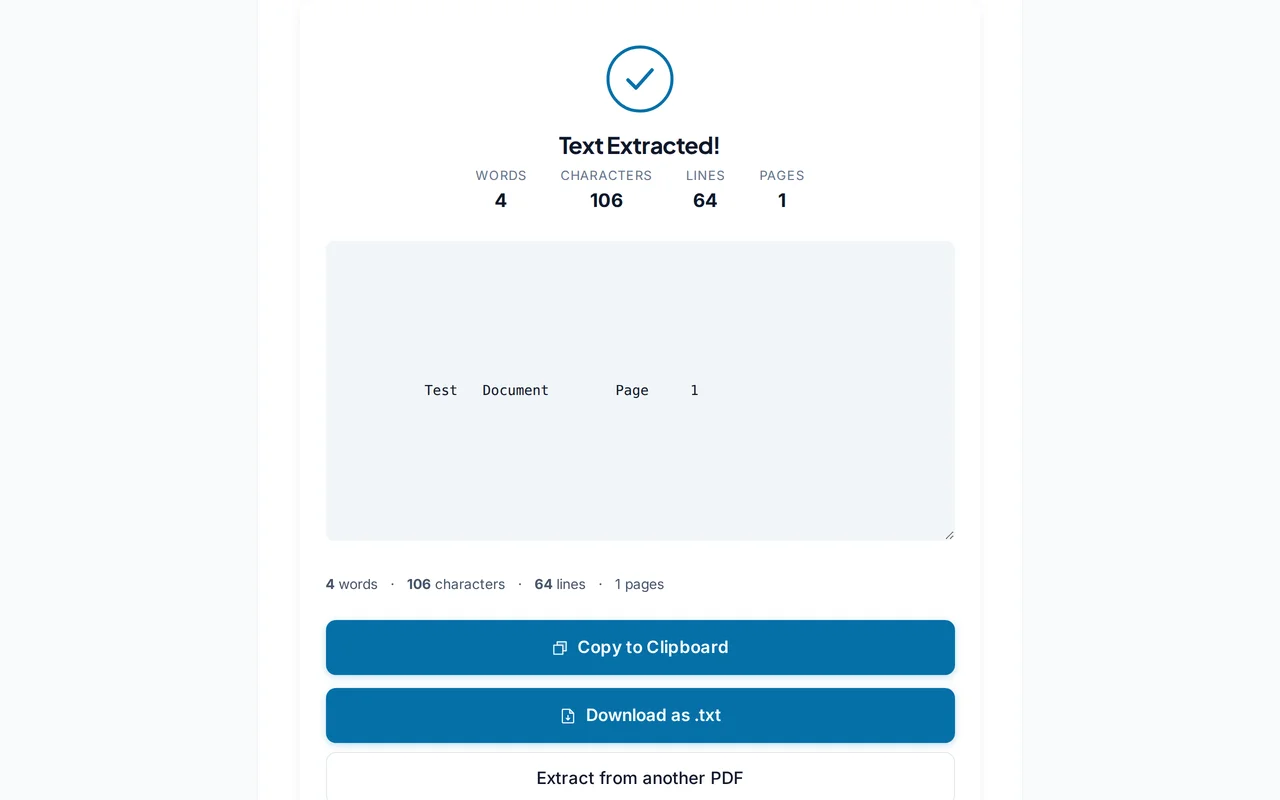
Download the .txt file
Click "Convert". PDFredo extracts every character on secure EU servers and offers the text file for download.
Pro Tips
- For scanned PDFs, run our OCR tool first. Plain extraction returns nothing without a text layer.
- Use "Preserve layout" when exact line breaks matter; otherwise flattened text is easier to process.
- Feed the .txt into scripts or LLMs. It is the cleanest input format.
Frequently Asked Questions
What if my PDF is scanned?
▾
Plain text extraction returns empty results. Run our OCR tool first to create a text layer, then extract.
Will formatting be preserved?
▾
Pure .txt has no formatting. Choose "Preserve layout" to keep line breaks and indentation close to the original.
What encoding is the output?
▾
UTF-8 by default. Safe for any language including Chinese, Japanese, Arabic, and emoji.
Are my files private?
▾
Files are processed on EU servers (Germany) and deleted automatically after 30 minutes.
Is the converter free?
▾
Yes. No registration, no subscription, no watermarks.
Can I convert password-protected PDFs?
▾
Unlock them first with our Unlock tool, then extract text.
Does it work on mobile?
▾
Yes. Any modern browser on iOS or Android.