How to Flatten a PDF Online for Free
⏱ Takes less than 1 minute
Want to send a PDF so form fields and comments can no longer be changed? PDFredo's free online flatten tool merges every layer into the page content. No account, no watermarks, and your file is deleted from our EU servers after 30 minutes.
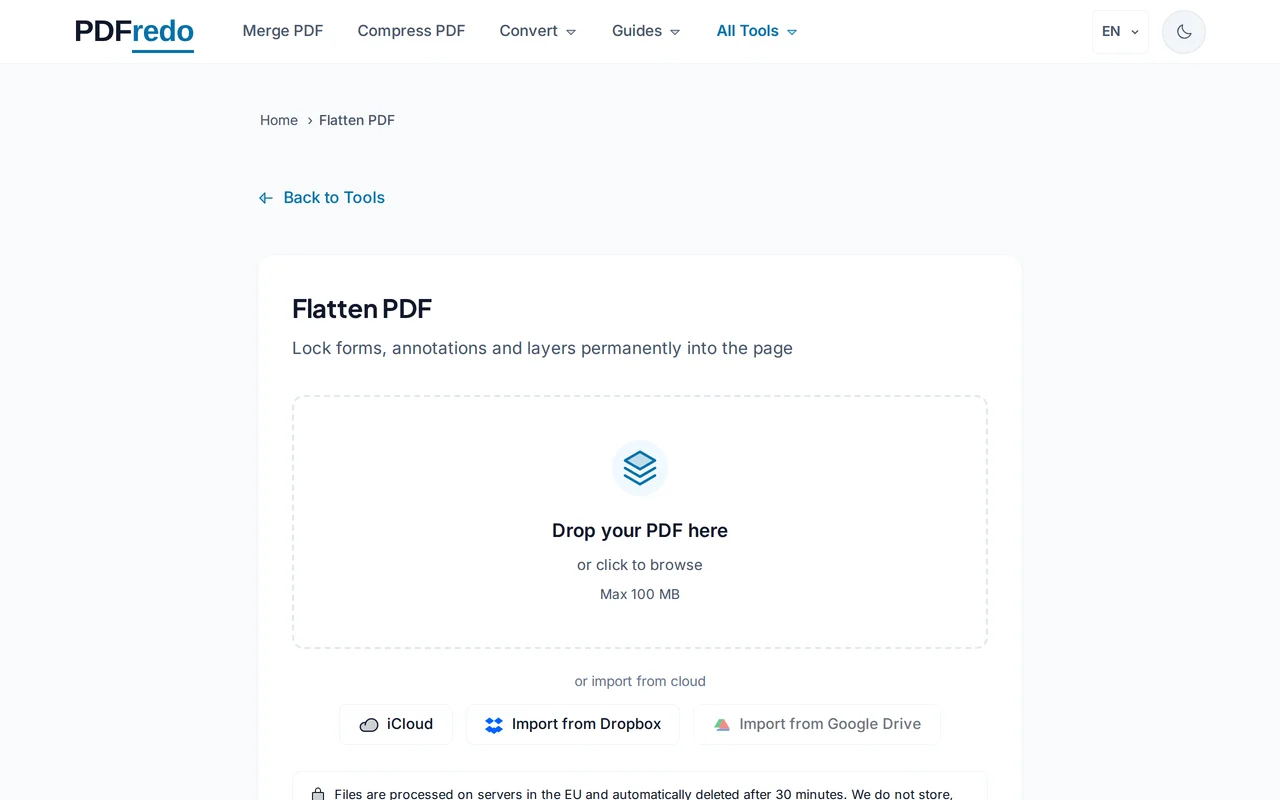
Upload your PDF
Drag your file or click "Select File". Files up to 100 MB are supported.
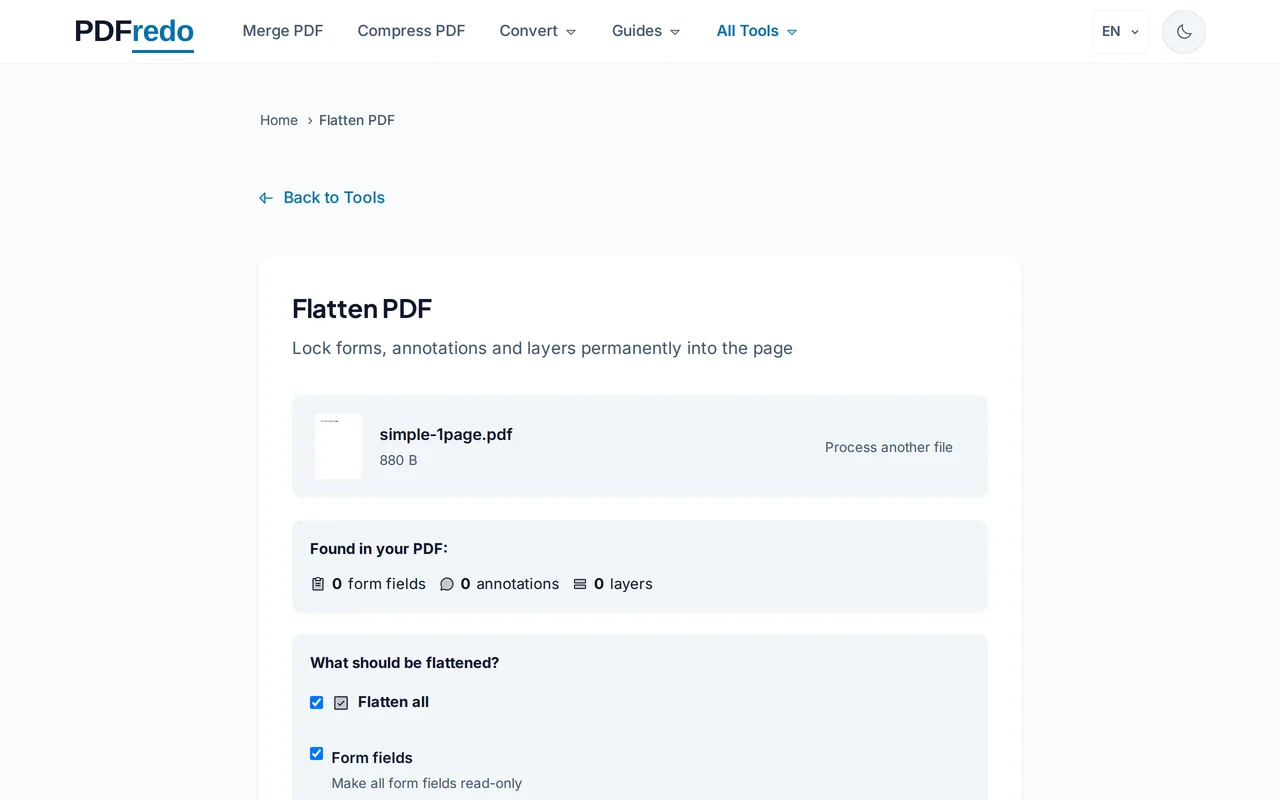
Choose what to flatten
Pick "Form fields", "Annotations", or both. Optionally preserve non-printing comments as a visible note.
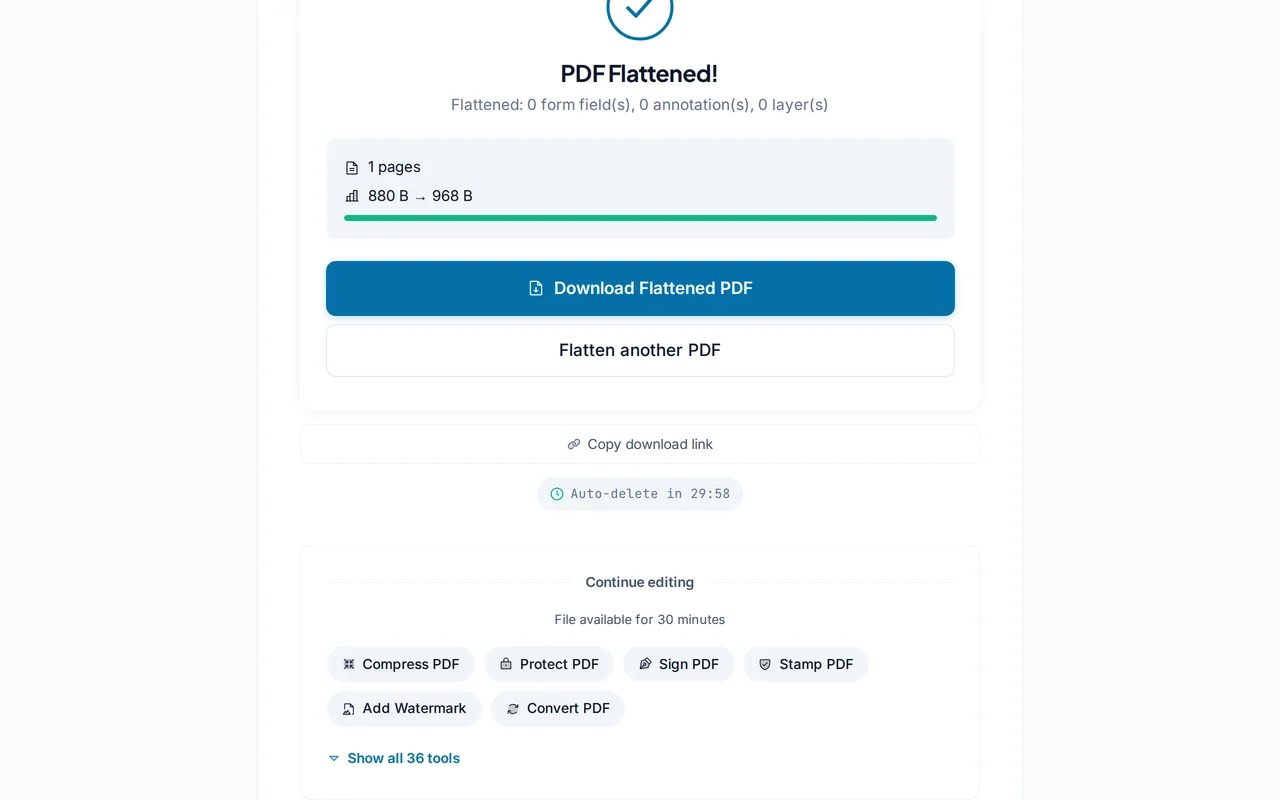
Download the flattened PDF
Click "Flatten PDF". PDFredo bakes the selected layers into the page content on secure EU servers and offers the file for download.
Pro Tips
- Flatten after signing to lock in the signature and form data.
- Keep an unflattened backup in case you ever need to edit the form fields again.
- Flatten before printing. Some printers drop form fields or annotations otherwise.
Frequently Asked Questions
What does "flatten" actually do?
▾
It turns interactive layers (form fields, annotations, signatures) into regular page content that cannot be edited by standard PDF viewers.
Is flattening reversible?
▾
No. Once flattened, fields and annotations are part of the page image. Keep the original if you may need to re-edit.
Does it change how the PDF looks?
▾
Visually identical. Only the underlying layer structure changes; text and images stay sharp.
Are my files private?
▾
Files are processed on EU servers (Germany) and deleted automatically after 30 minutes.
Is the flatten tool free?
▾
Yes. No registration, no subscription, no watermarks.
Can I flatten only annotations and keep form fields?
▾
Yes. The options let you flatten each layer independently.
Does it work on mobile?
▾
Yes. Any modern browser on iOS and Android.