How to Organize PDF Pages Online for Free
⏱ Takes less than 1 minute
Need to reshuffle a big PDF? PDFredo's free online page organizer lets you reorder, rotate, delete, and insert pages with drag-and-drop. No account, no watermarks, and your file is deleted from our EU servers after 30 minutes.
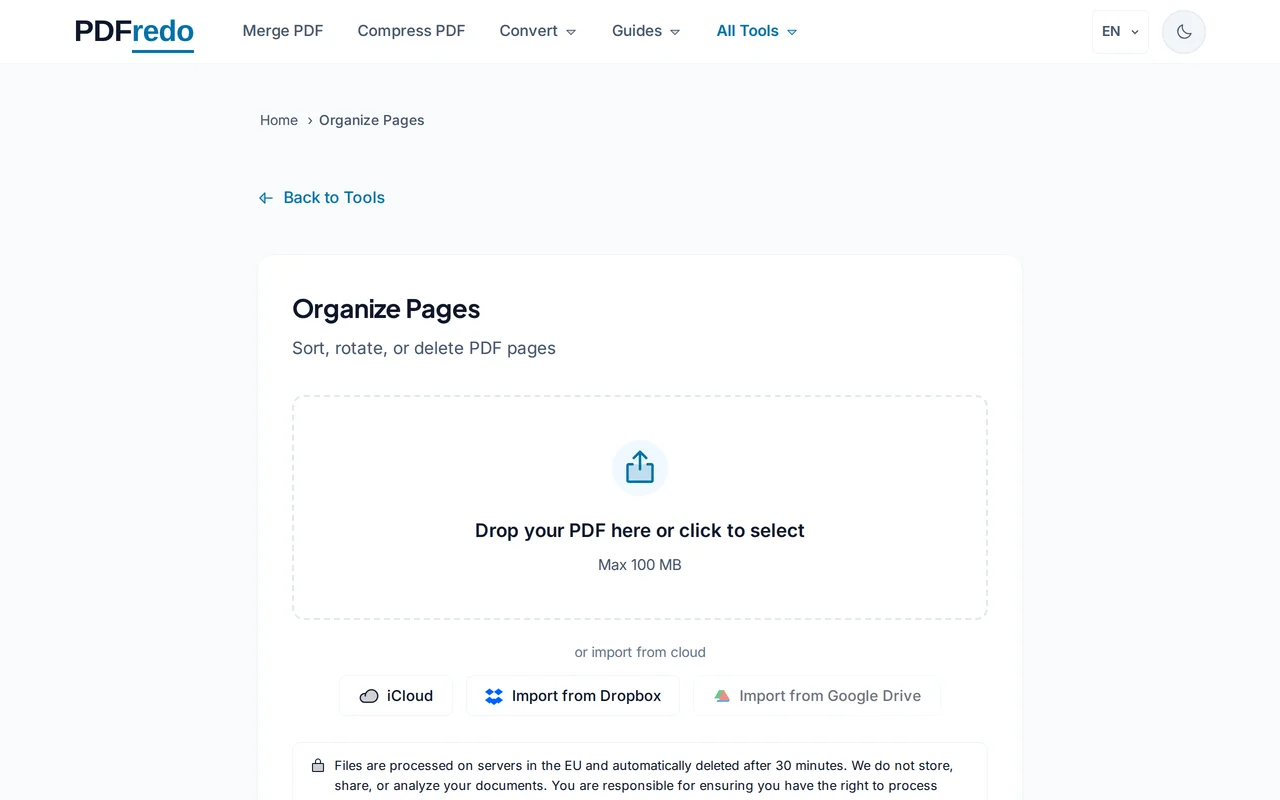
Upload your PDF
Drag your file or click "Select File". All pages load as thumbnails in a grid.
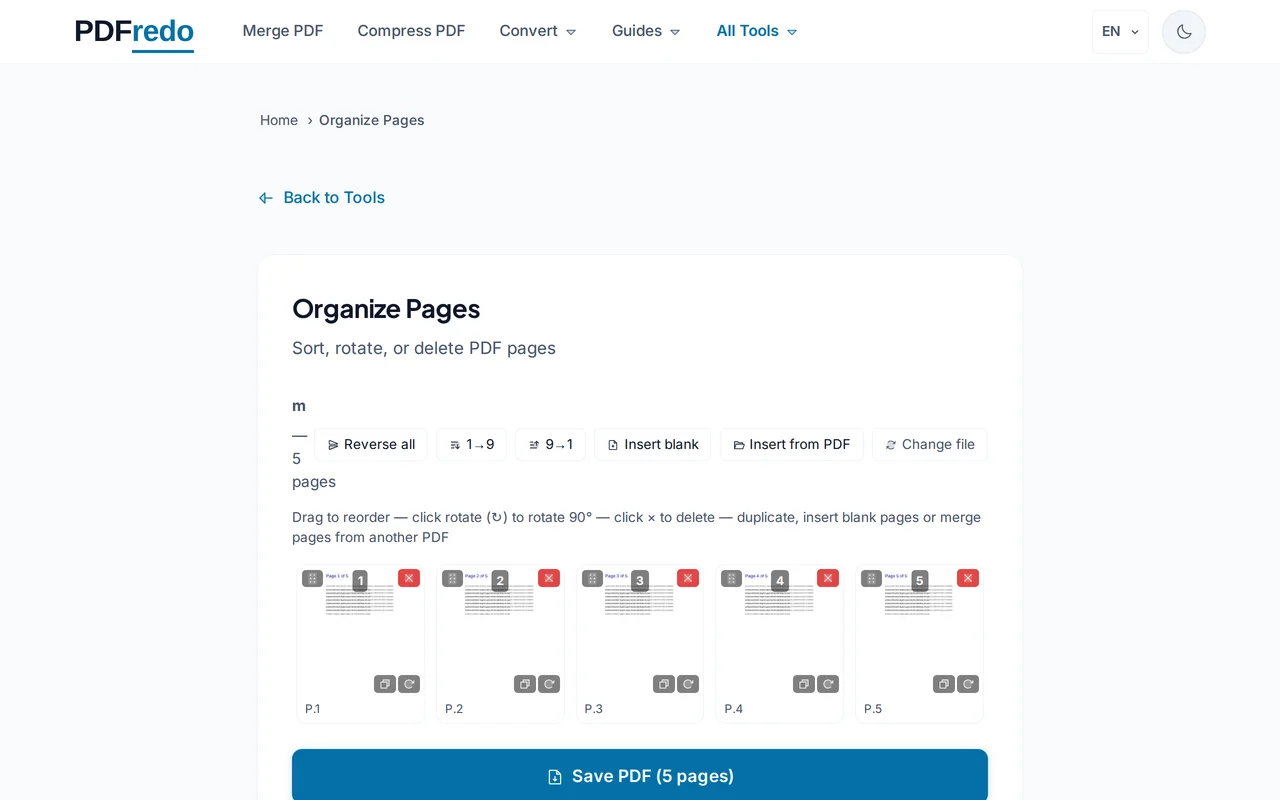
Rearrange pages
Drag thumbnails to reorder. Click a page to rotate, delete, or duplicate it. Click "Insert" to add pages from another PDF.
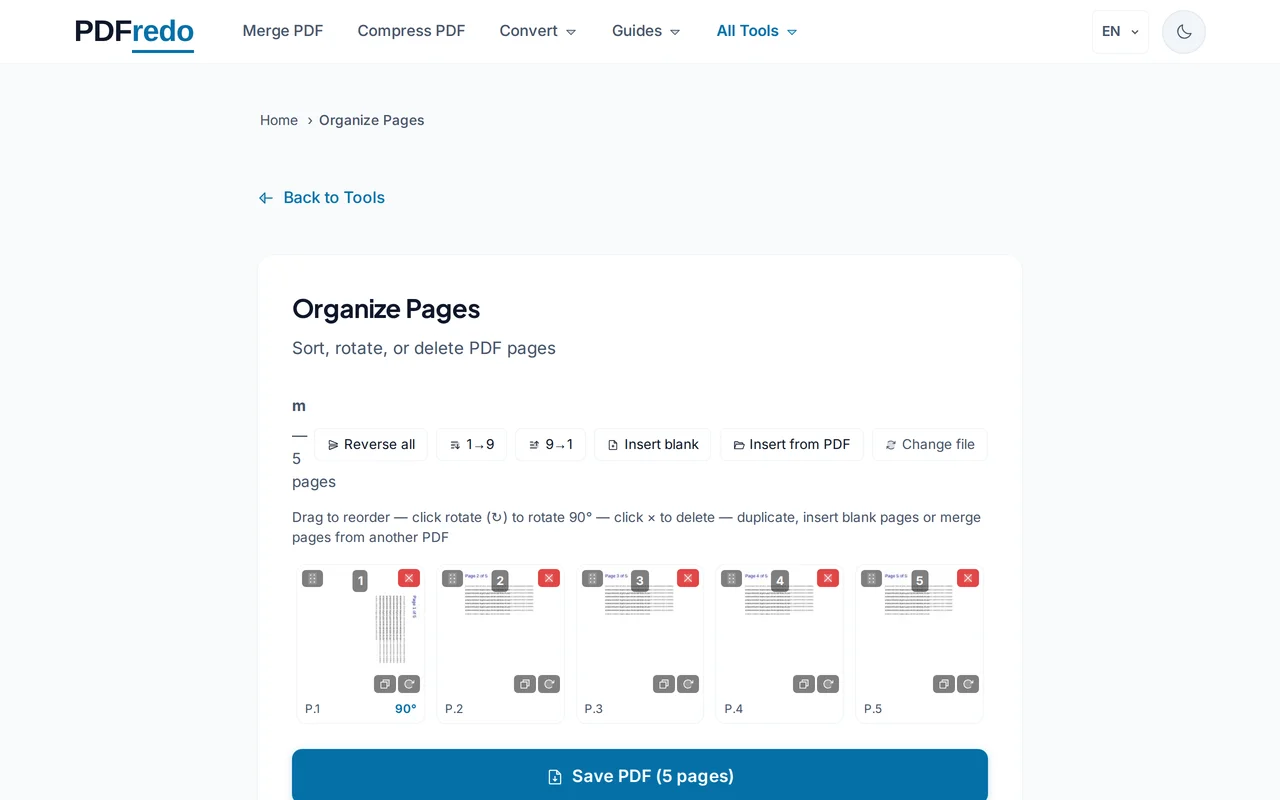
Review the final order
Scroll through the preview to confirm. The page-number badge on each thumbnail shows the new position.
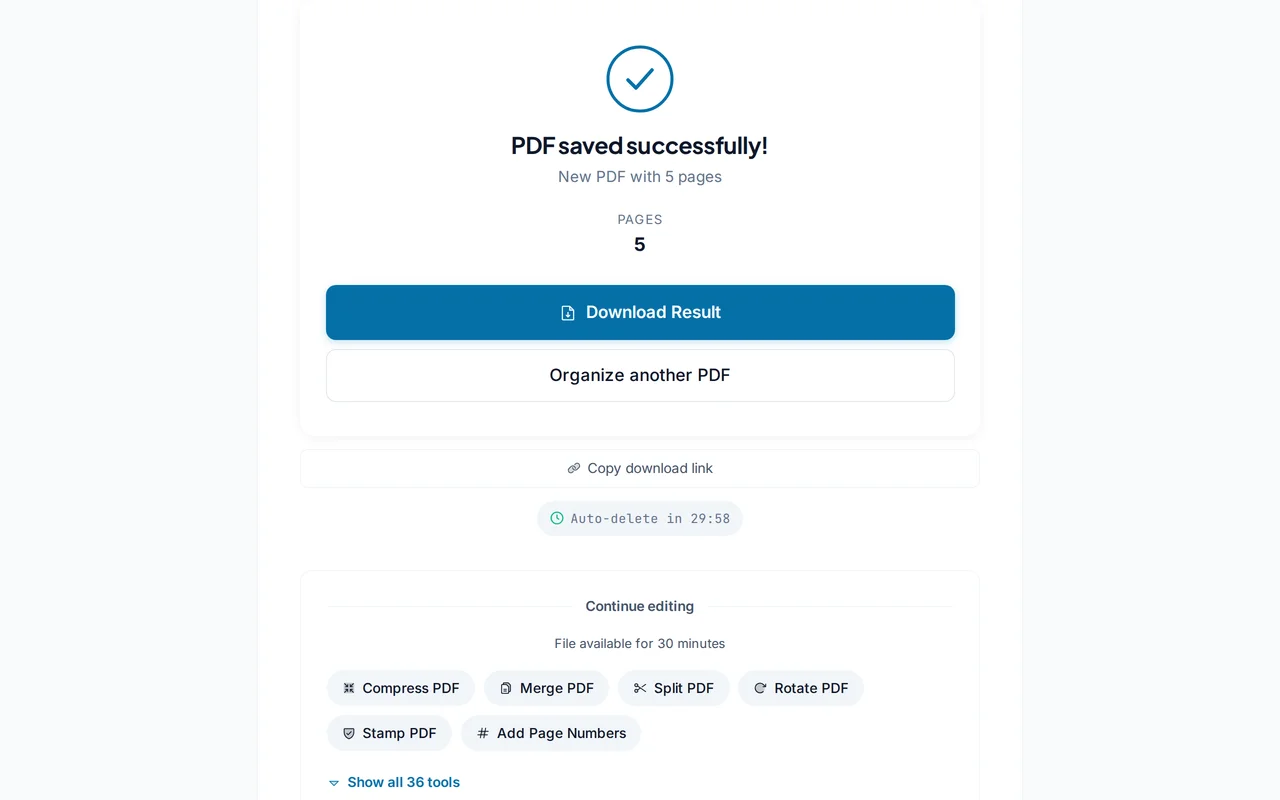
Download the organized PDF
Click "Save PDF". PDFredo builds the new document on secure EU servers and offers it for download.
Pro Tips
- Hold Shift and click to select a range of thumbnails for bulk moves or deletes.
- Use "Insert from PDF" to pull pages from another file without leaving the organizer.
- Undo is unlimited until you save. Experiment freely before committing.
Frequently Asked Questions
Can I insert pages from another PDF?
▾
Yes. Click "Insert" and choose another PDF. Its pages appear as thumbnails you can drop wherever you want.
Can I duplicate pages?
▾
Yes. Right-click a thumbnail and choose "Duplicate" to add an identical copy.
Does organizing reduce quality?
▾
No. Pages are copied without re-encoding, so text, fonts, and images remain identical.
Are my files private?
▾
Files are processed on EU servers (Germany) and deleted automatically after 30 minutes.
Is the organizer free?
▾
Yes. No registration, no subscription, no watermarks.
Can I organize password-protected PDFs?
▾
Unlock them first with our Unlock tool, then organize.
Does it work on mobile?
▾
Yes. Touch drag-and-drop works on iOS and Android, though a tablet or desktop is easier for big documents.