How to Convert Any File to or from PDF
⏱ Takes less than 1 minute
One tool for every conversion. PDFredo's free universal converter auto-detects your source file (Word, Excel, PowerPoint, images, PDF) and lets you pick the target format. No account, no watermarks, and your files are deleted from our EU servers after 30 minutes.
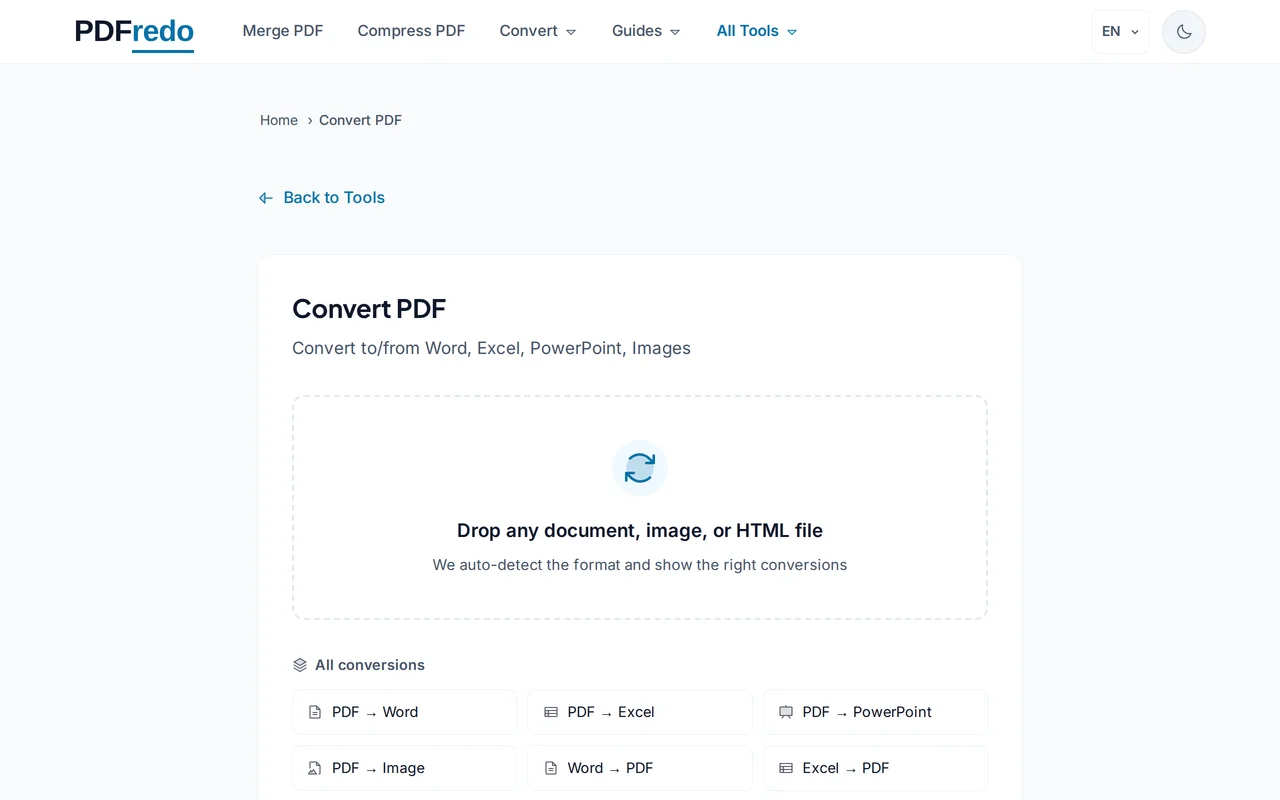
Upload your file
Drag any supported file (PDF, DOCX, XLSX, PPTX, JPG, PNG, HEIC, HTML) or click "Select File". Files up to 100 MB are supported.
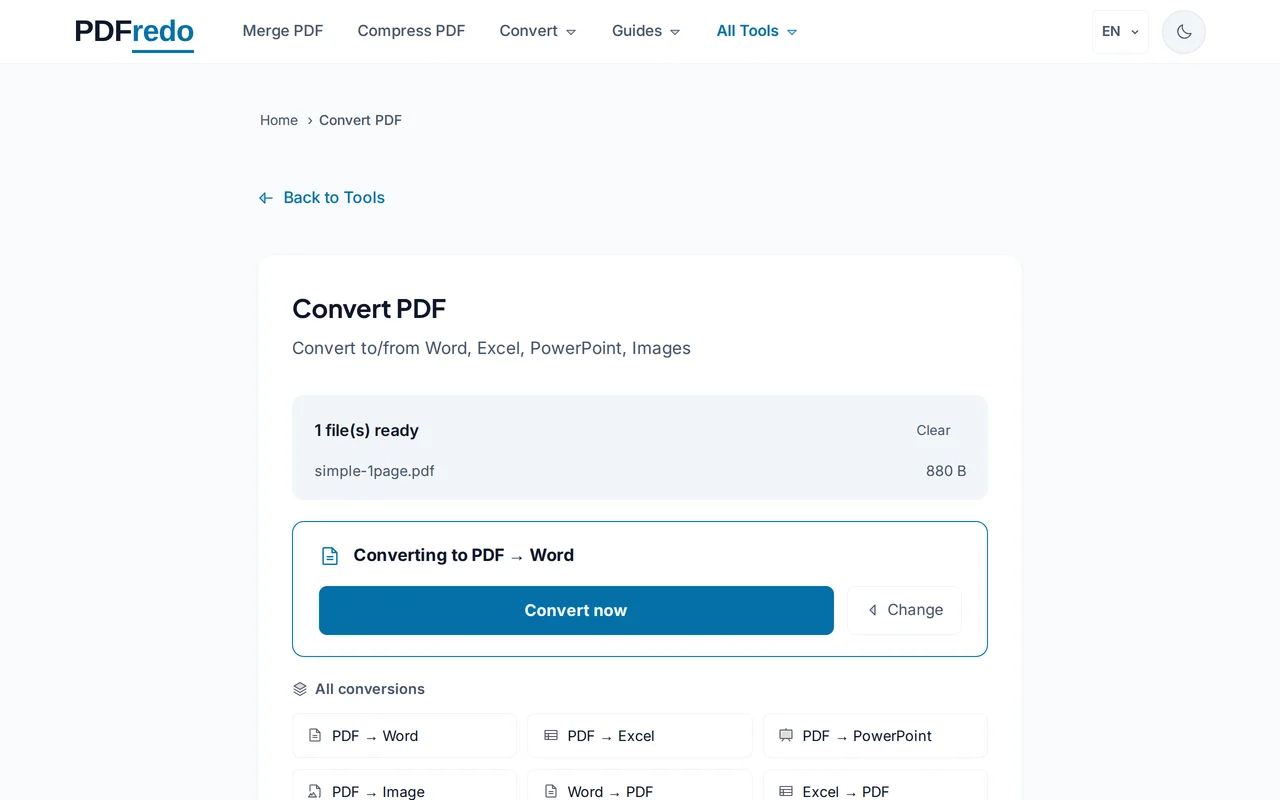
Pick the target format
PDFredo suggests valid targets based on your input. For example, PDF → Word, Excel, JPG, or text.
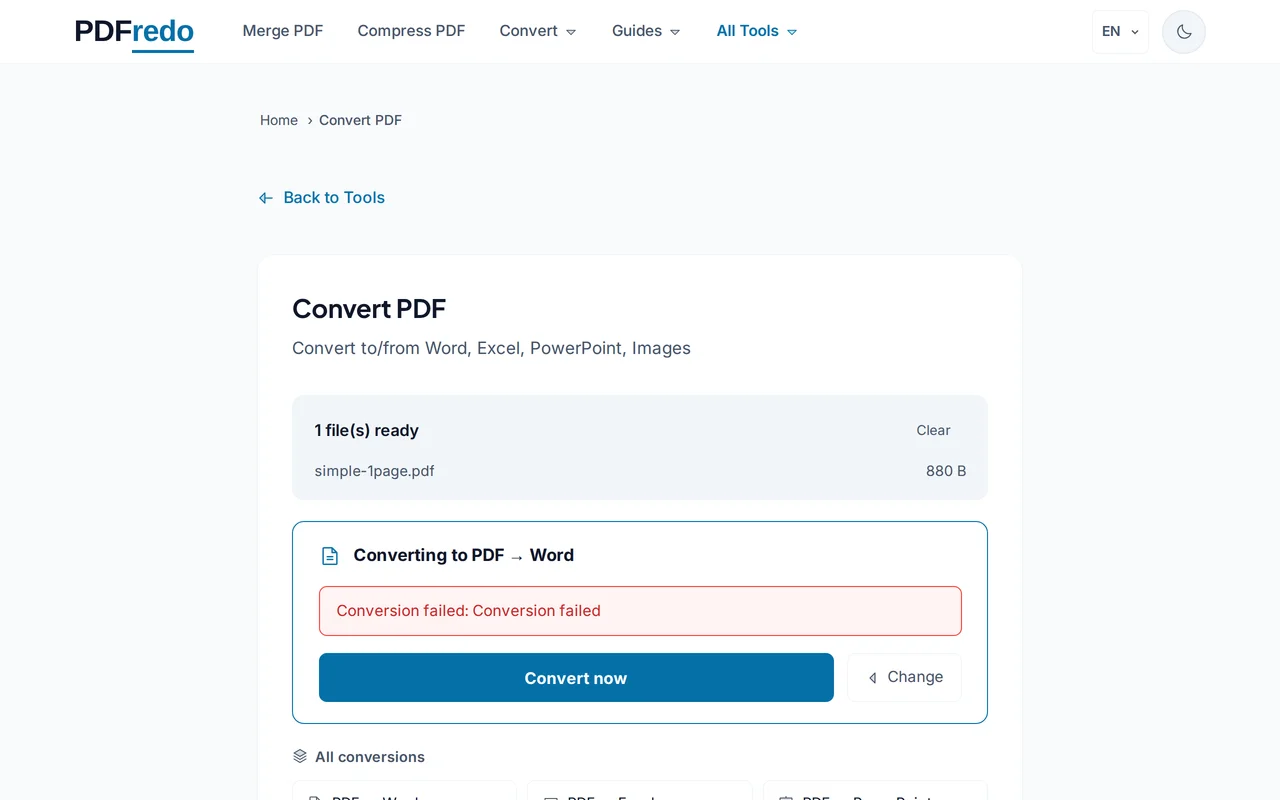
Download the converted file
Click "Convert". PDFredo processes on secure EU servers and offers the output for download.
Pro Tips
- If you know the exact target, use the dedicated tool (e.g., PDF-to-Word). Results are identical.
- For scanned PDFs, run OCR first so text stays editable in the target format.
- Large batches? Convert one file, then reuse the same target for every subsequent upload.
Frequently Asked Questions
Which formats are supported?
▾
PDF, DOCX/DOC, XLSX/XLS, PPTX/PPT, TXT, HTML, JPG, PNG, HEIC, WebP, and more. Targets depend on the source file.
How accurate is the conversion?
▾
Same quality as the dedicated tools. This universal tool just auto-picks the right one for you.
Can I convert multiple files at once?
▾
One file per conversion. For bulk conversions, run them in sequence or use our Merge tool after.
Are my files private?
▾
Files are processed on EU servers (Germany) and deleted automatically after 30 minutes.
Is it free?
▾
Yes. No registration, no subscription, no watermarks.
What is the maximum file size?
▾
Up to 100 MB per file for all formats.
Does it work on mobile?
▾
Yes. Any modern browser on iOS or Android.