How to Redact a PDF and Remove Sensitive Data
⏱ Takes less than 1 minute
Sharing a contract or medical form? PDFredo's free online PDF redactor permanently removes sensitive text and regions before you send the file. No account, no watermarks, and your file is deleted from our EU servers after 30 minutes.
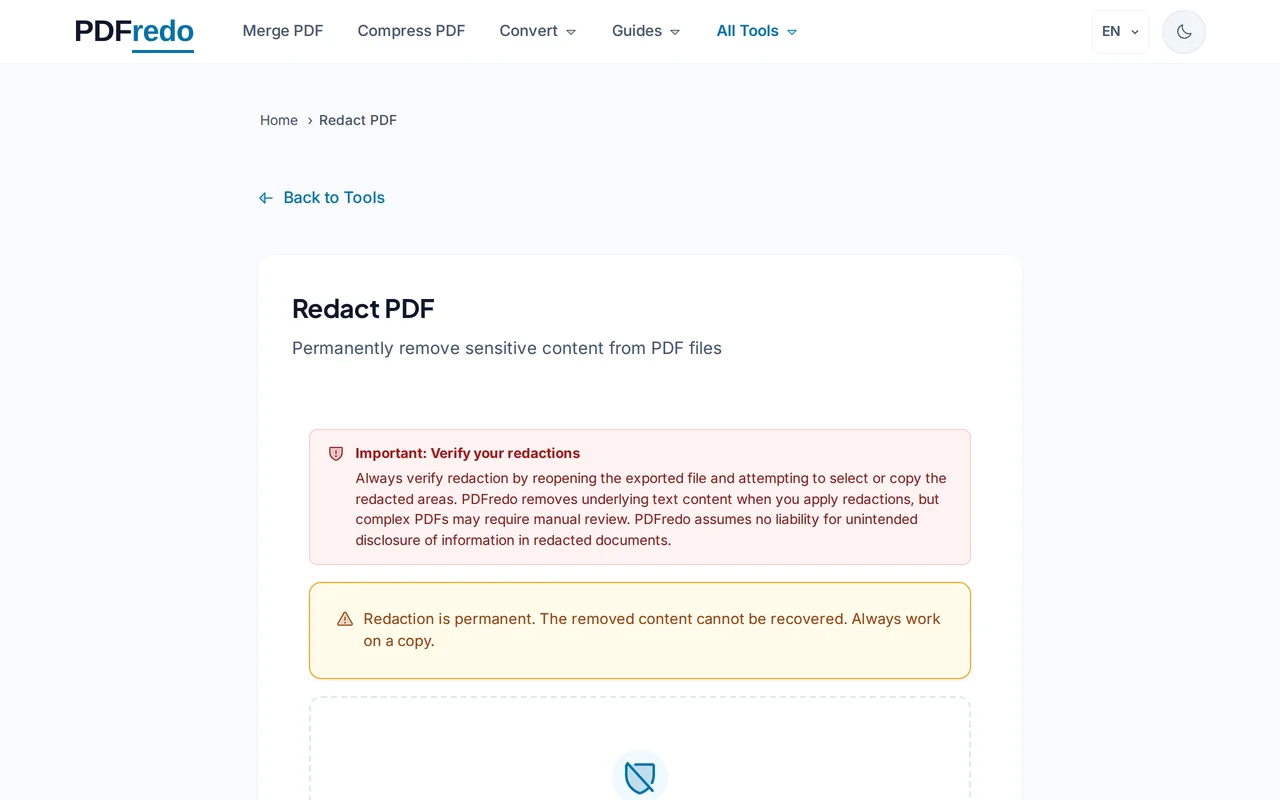
Upload your PDF
Drag your file or click "Select File". The document loads in the redaction view with every page visible.
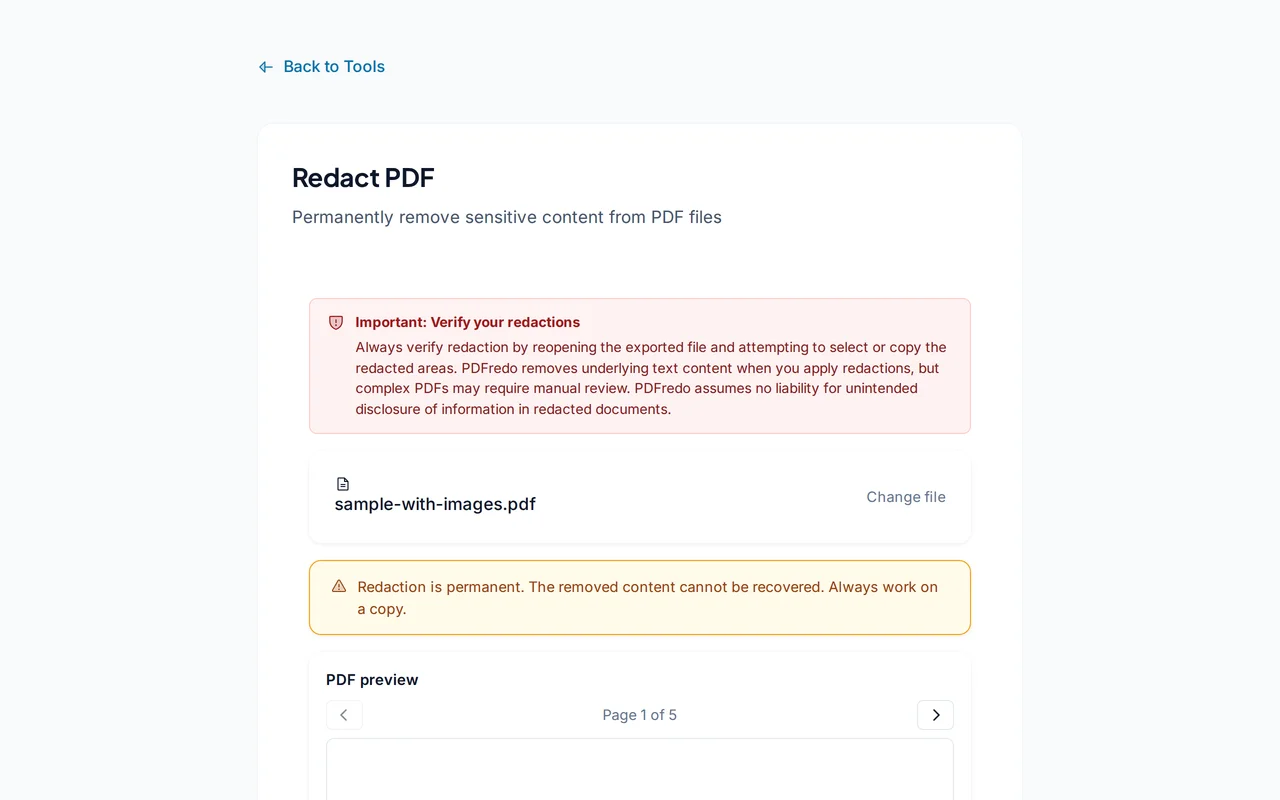
Mark areas to redact
Drag a box over any sensitive text or region. Use "Find text" to highlight every match of a word or phrase across the whole document.
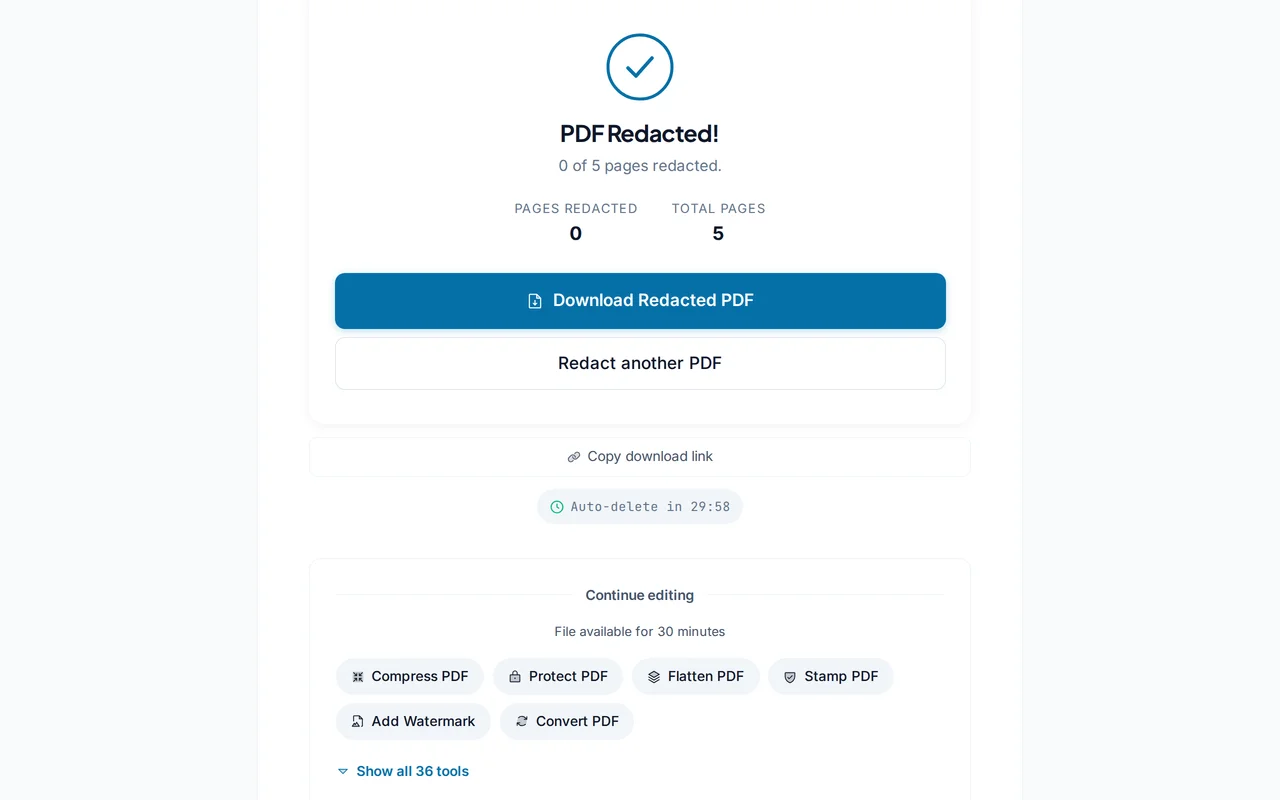
Download the redacted PDF
Click "Apply Redaction". PDFredo removes the underlying content and draws a solid black box on top before offering the file for download.
Pro Tips
- Use "Find text" to redact every occurrence of a name or account number in one sweep.
- Always review the downloaded file before sharing. Once sent, redactions cannot be undone.
- Keep an unredacted backup in a secure location in case you need the original later.
Frequently Asked Questions
Is redaction permanent?
▾
Yes. PDFredo removes the underlying text and image data, not just covers it with a box. The result cannot be un-redacted.
Can redactions leak through metadata?
▾
Page metadata and comments may still contain sensitive content. Run our Metadata tool after redaction to scrub title, author, and keywords.
Can I redact scanned PDFs?
▾
Yes. Draw boxes visually. For text-based redaction by search, run OCR first to make scans searchable.
Are my files private during redaction?
▾
Files are processed on EU servers (Germany) and deleted automatically after 30 minutes. The redacted output is created in memory, not stored.
Is the redactor free?
▾
Yes. No registration, no subscription, no watermarks.
Can I undo a redaction before saving?
▾
Yes. Click a redaction box to remove it before you hit "Apply". After applying, redactions are final.
Does it work on mobile?
▾
Yes. Any modern browser on iOS or Android, though a tablet or desktop is easier.