How to Rotate PDF Pages Online for Free
⏱ Takes less than 1 minute
Scanned a document sideways or upside down? PDFredo's free online PDF rotator lets you turn any page 90°, 180°, or 270° and save the fix permanently. No account, no watermarks, and files are deleted from our EU servers after 30 minutes.
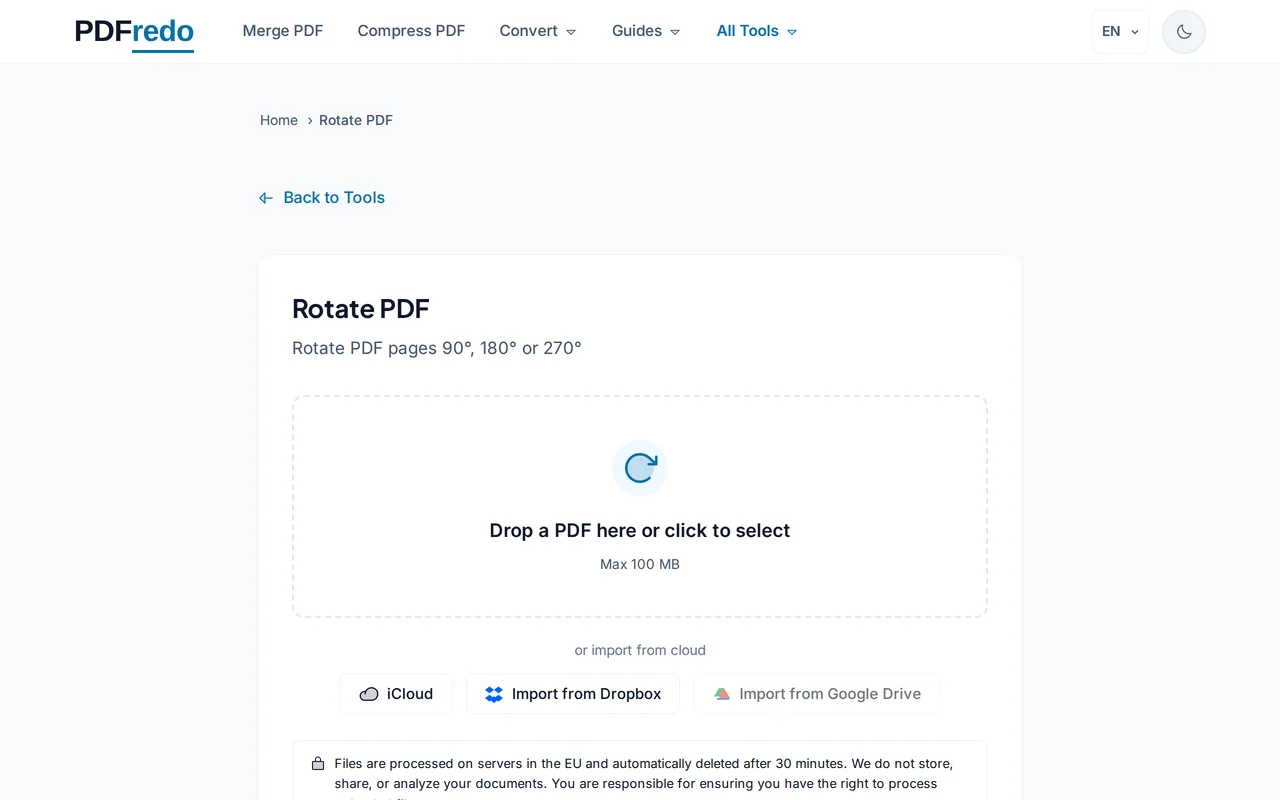
Upload your PDF
Drag your file into the upload area or click "Select File". The thumbnails of every page will load.
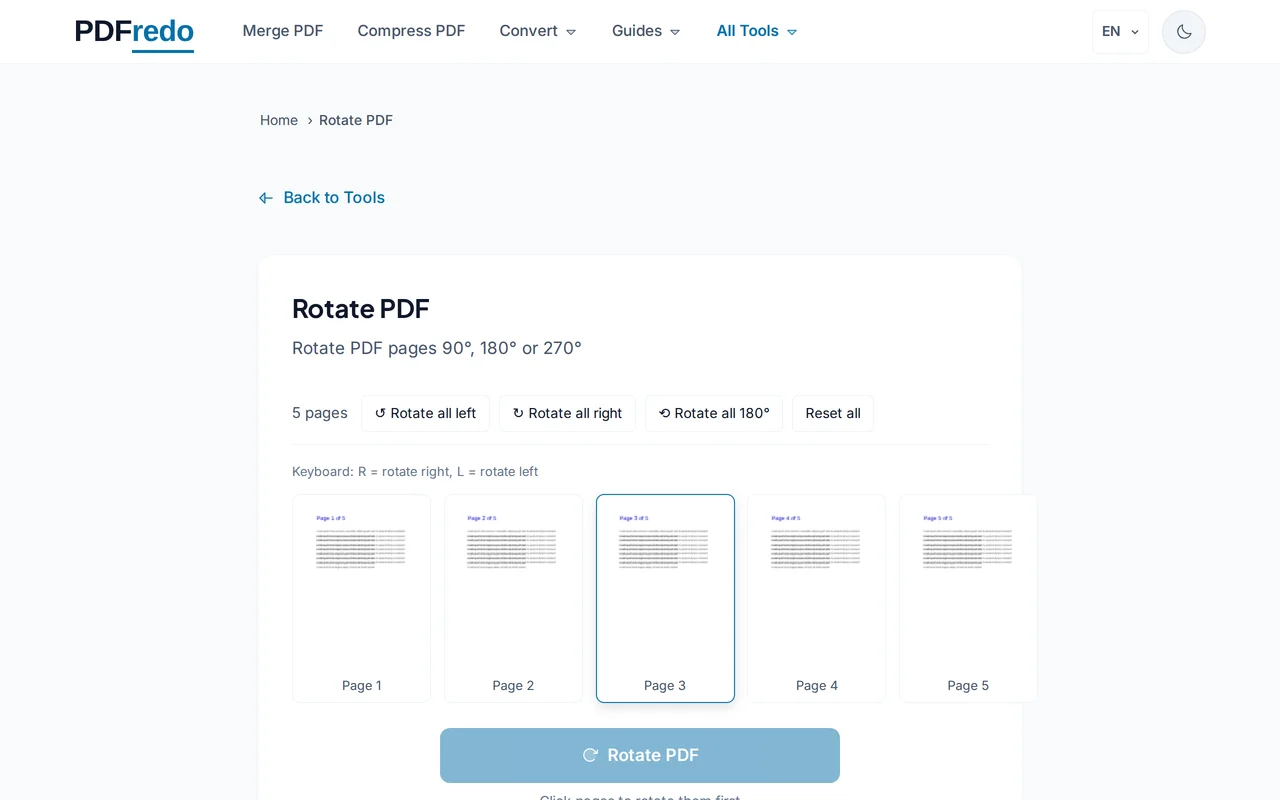
Select pages and rotation
Click a thumbnail to select a page (or use "Select all"), then pick 90°, 180°, or 270°. The preview updates instantly.
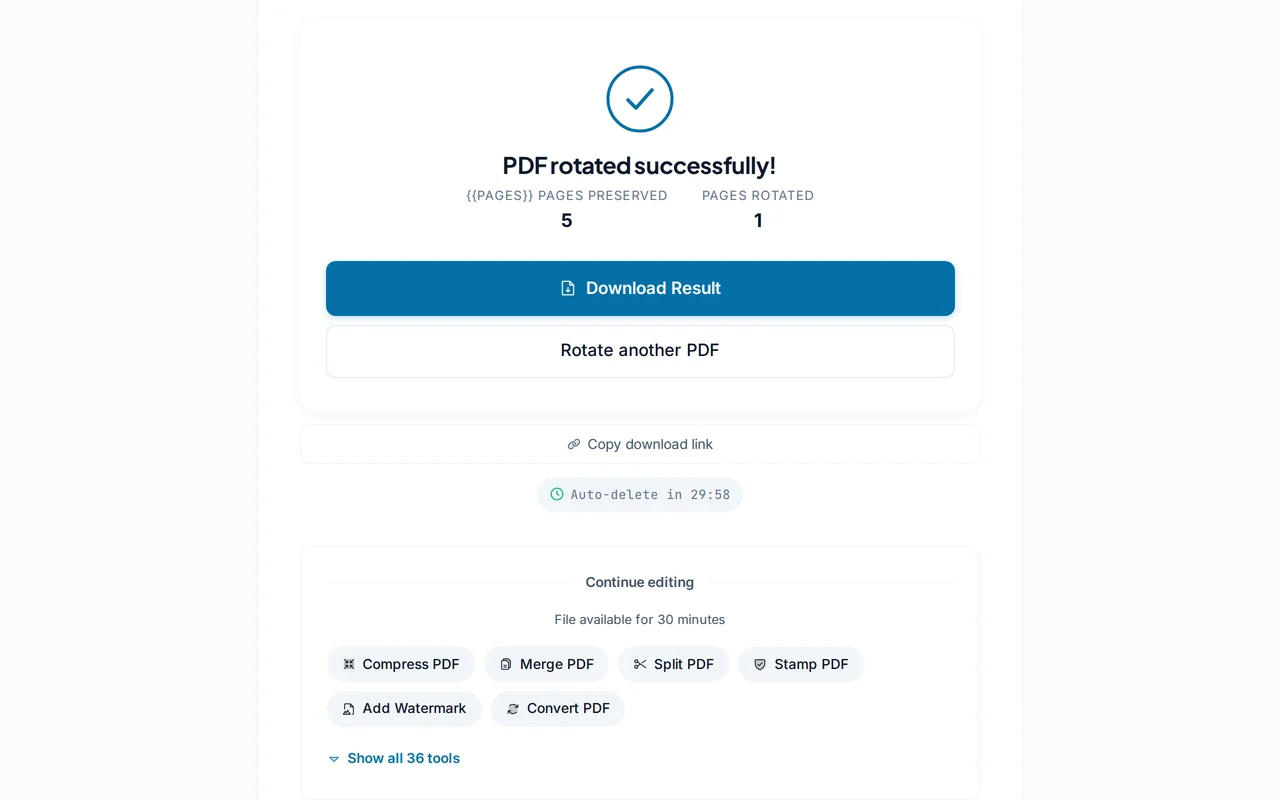
Download the rotated PDF
Click "Apply Rotation". PDFredo saves the new orientation on secure EU servers and offers the file for download.
Pro Tips
- Use "Select all" + 180° to flip an entire upside-down scan in one click.
- Only rotate the pages that are wrong. Rotating correct pages will cause extra work later.
- After rotating, use our Crop tool to trim scanner margins for a clean final document.
Frequently Asked Questions
Does rotation stay after I close the file?
▾
Yes. The new orientation is written into the PDF itself, so every viewer will open it correctly.
Can I rotate only some pages?
▾
Yes. Click individual thumbnails to select them. Unselected pages keep their original orientation.
Is the rotator free?
▾
Completely free. No registration, no subscription, no watermarks.
Are my files private?
▾
Files are processed on EU servers (Germany) and deleted automatically after 30 minutes. We never share your documents.
Will rotating reduce quality?
▾
No. PDFredo only updates page orientation metadata, so image and text quality stay identical.
What is the maximum file size?
▾
You can rotate PDFs up to 100 MB.
Does it work on mobile?
▾
Yes. Any modern browser on iOS or Android works with no app installation.