How to Sign a PDF Online for Free
⏱ Takes less than 1 minute
Need to sign a contract without printing it? PDFredo's free online PDF signer lets you draw, type, or upload a signature and place it anywhere on any page. No account, no watermarks, and your file is deleted from our EU servers after 30 minutes.
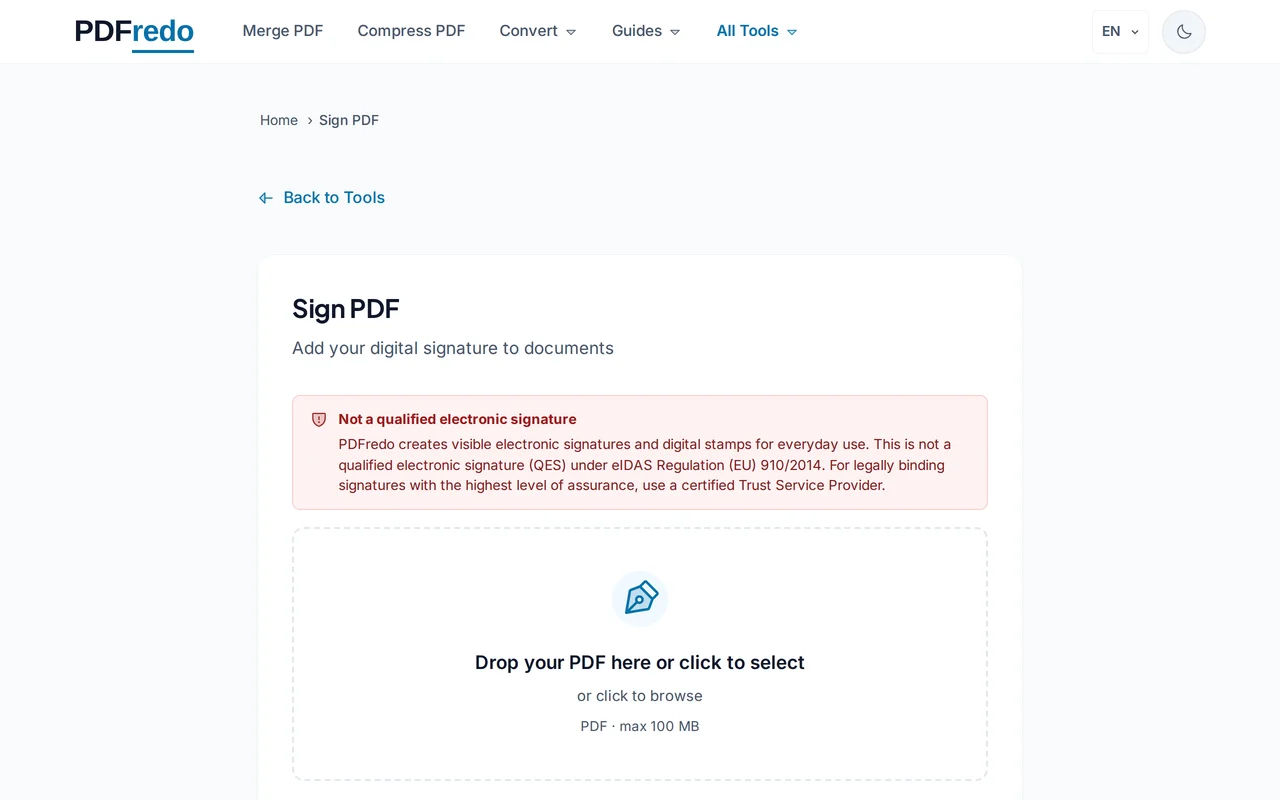
Upload your PDF
Click "Select File" or drag your PDF into the upload area. The document loads with a signature panel on the side.
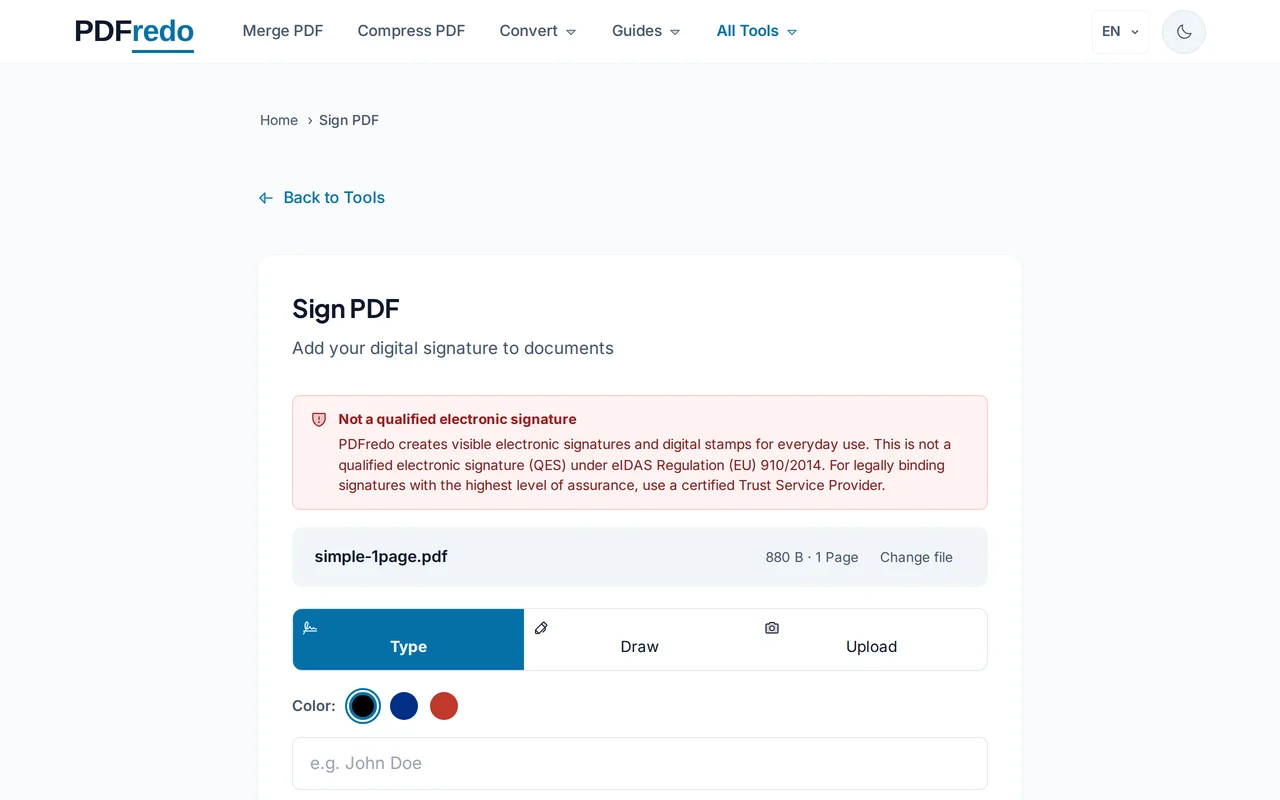
Create your signature
Draw with your mouse or finger, type your name in a handwriting-style font, or upload an image of your signature.
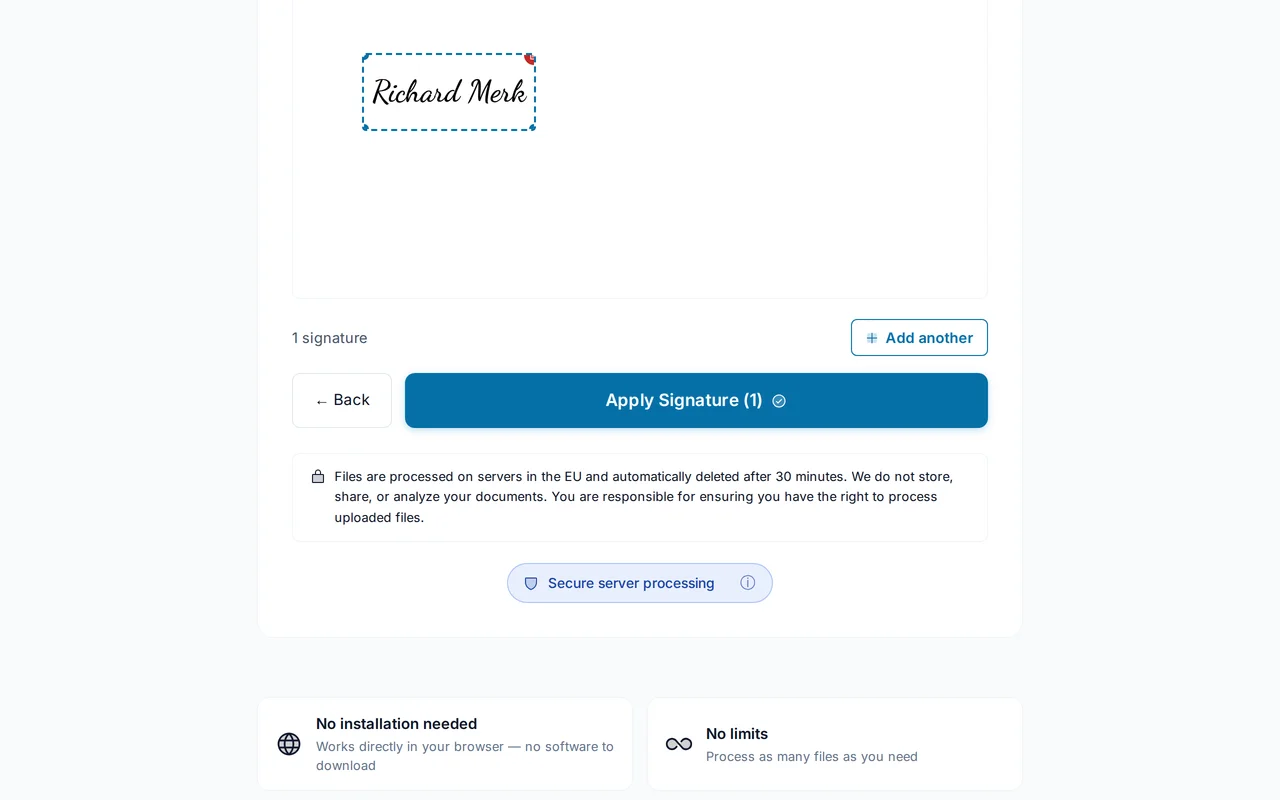
Place it on the PDF
Drag the signature to the right spot and resize it. Add initials, date, or a text field if needed.
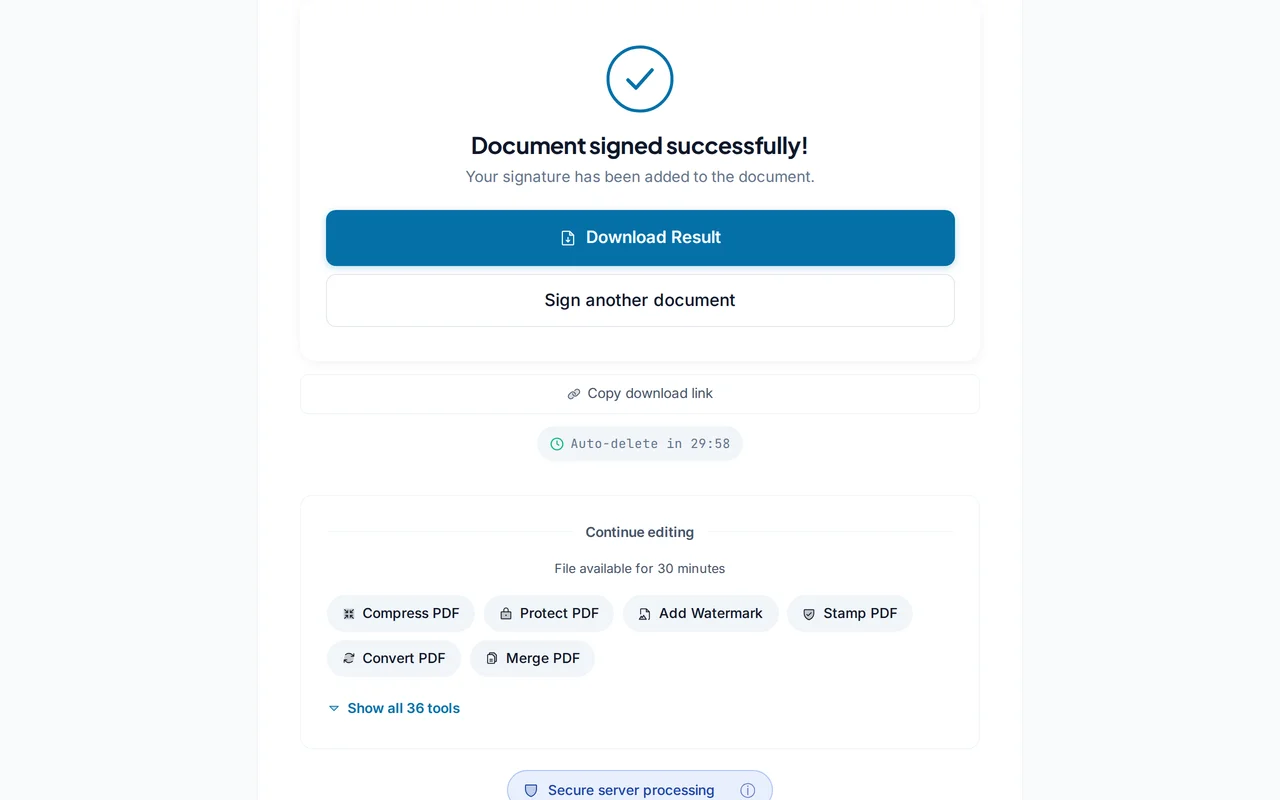
Download the signed PDF
Click "Apply Signature". PDFredo flattens the signature into the page on secure EU servers and offers the file for download.
Pro Tips
- Draw on a tablet or phone for the most natural-looking handwritten signature.
- Save a signature image once, then reuse it in future documents.
- Add the date next to the signature for a clear paper trail.
Frequently Asked Questions
Is an electronic signature legally valid?
▾
PDFredo creates simple electronic signatures (SES). These are widely accepted for everyday agreements in the EU and US, but are not qualified electronic signatures (QES) under eIDAS. Use a certified provider if QES is required.
Can multiple people sign the same PDF?
▾
Yes. Sign, download, and pass the signed file to the next person, who signs in turn.
Can I reuse my signature?
▾
Yes. Save a signature image once and re-upload it for every future document.
Are my files private?
▾
Files are processed on EU servers (Germany) and deleted automatically after 30 minutes. Your signature image is deleted with the file.
Is the signer free?
▾
Yes. No registration, no subscription, no watermarks.
Can the signature be edited after signing?
▾
No. Once you download, the signature is flattened into the page. Use our Flatten tool to also flatten any form fields.
Does it work on mobile?
▾
Yes. Drawing on a phone or tablet is the easiest way to sign naturally.