How to Unlock a PDF and Remove Password
⏱ Takes less than 1 minute
Tired of typing a password every time you open a PDF? PDFredo's free online PDF unlocker removes the password from any PDF you have rights to. No account, no watermarks, and your file is deleted from our EU servers after 30 minutes.
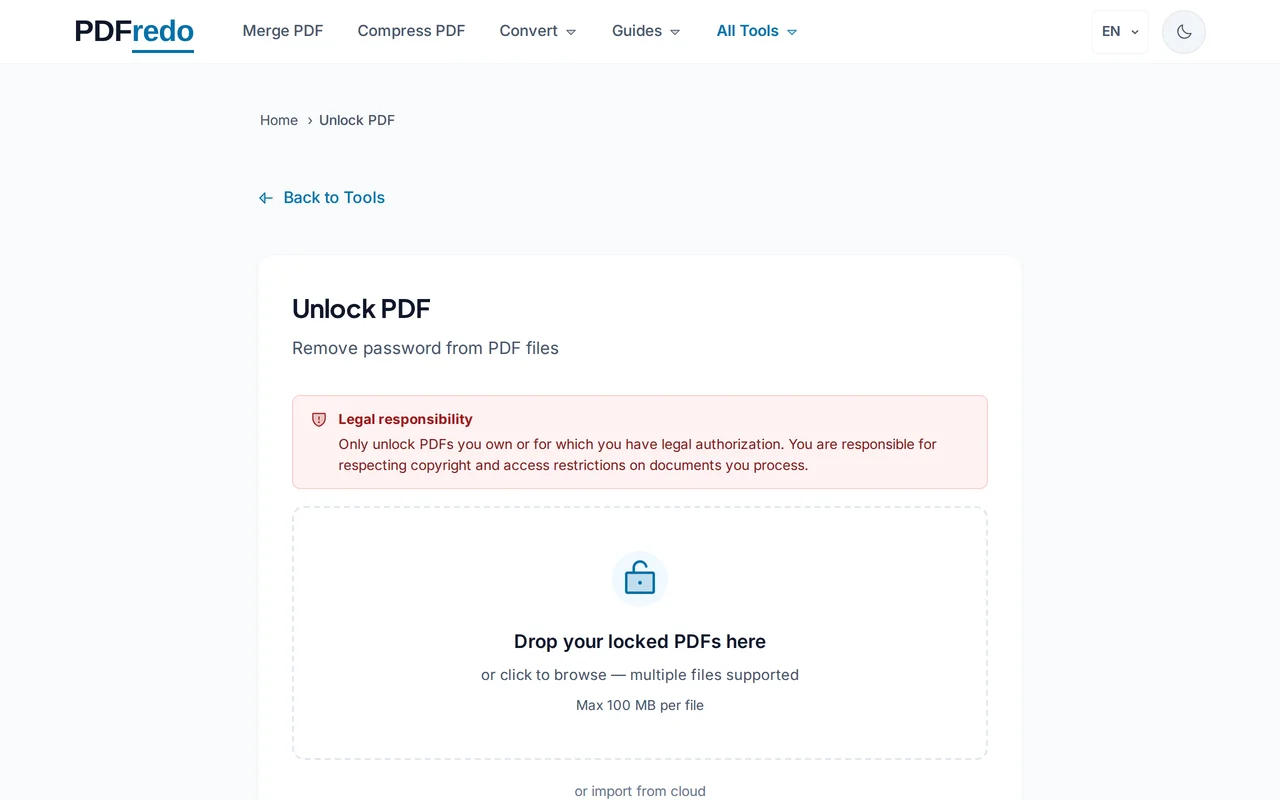
Upload your protected PDF
Click "Select File" or drag your PDF in. Files up to 100 MB are supported.
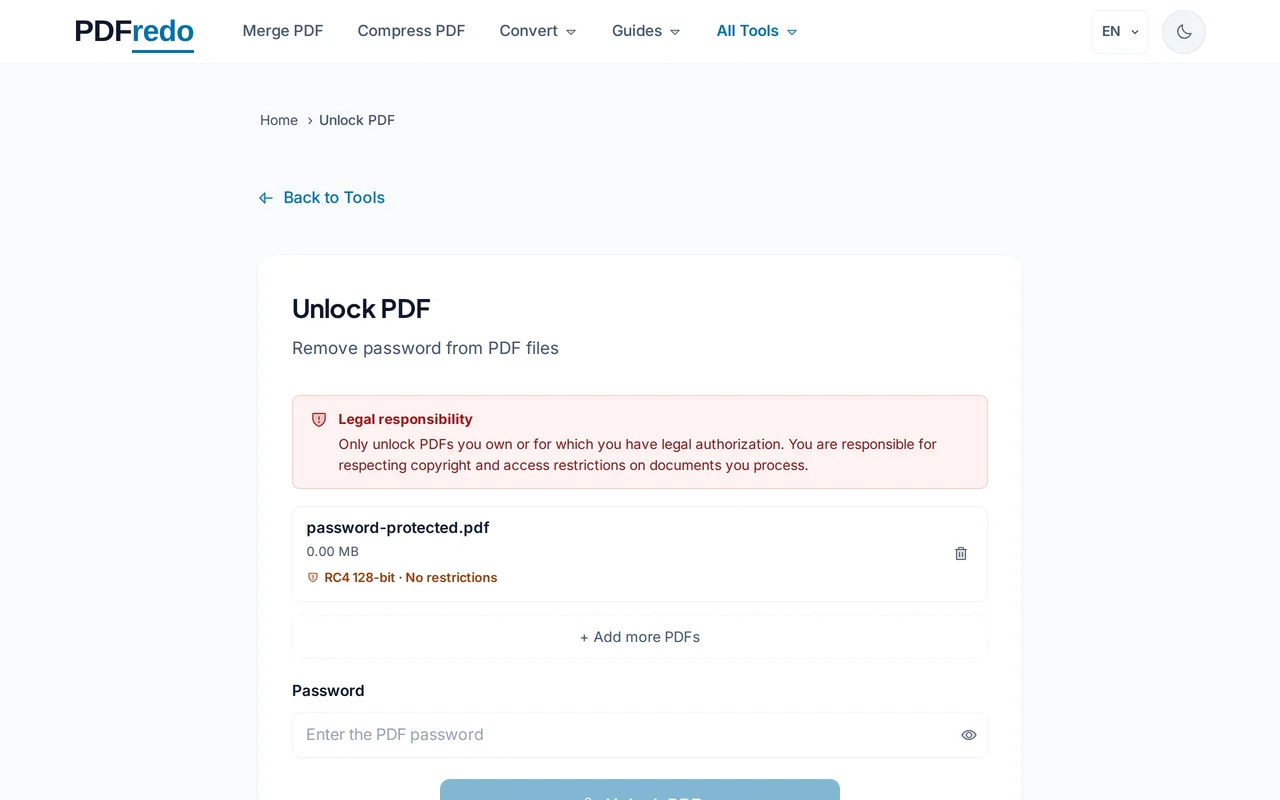
Enter the current password
Type the password used to open the PDF. We need it to decrypt the file. PDFredo cannot guess or crack unknown passwords.
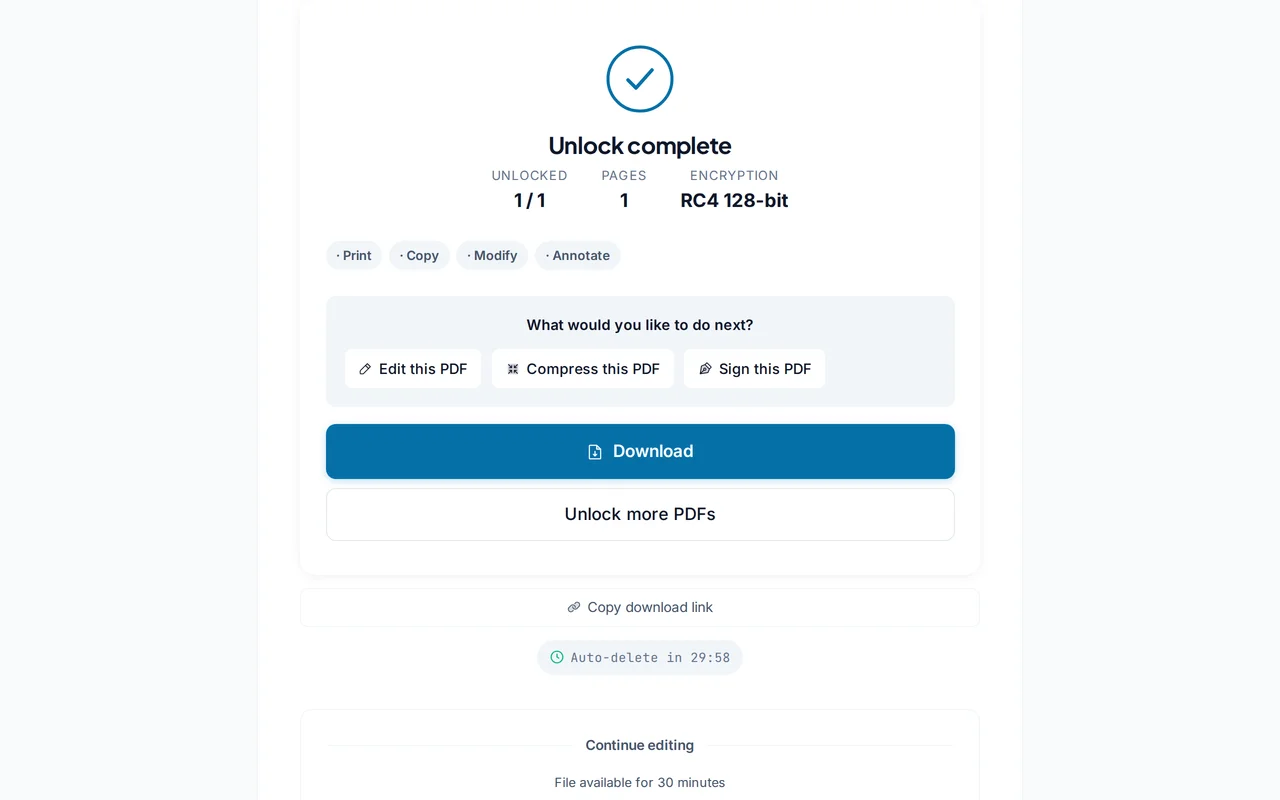
Download the unlocked PDF
Click "Unlock PDF". PDFredo removes the password on secure EU servers and offers the unlocked file for download.
Pro Tips
- Only unlock PDFs you own or have permission to unlock. Breaking copyright or privacy is illegal.
- Once unlocked, re-protect the file with our Security tool if you need different permissions.
- Large PDFs may take a few seconds. The delay is normal, not a failure.
Frequently Asked Questions
Can you unlock a PDF without the password?
▾
No. PDFredo requires the current password to decrypt the file legally. We do not crack or guess unknown passwords.
Is it legal to unlock a PDF?
▾
Yes, if the PDF belongs to you or you have permission. Unlocking files without authorization may violate copyright or privacy laws.
Will unlocking change the content?
▾
No. Pages, text, images, and formatting remain identical. Only the encryption is removed.
Is my password stored?
▾
No. Your password is used once in memory and never written to disk or logs. It is discarded when the file auto-deletes.
Are my files private?
▾
Files are processed on EU servers (Germany) and deleted automatically after 30 minutes.
Is the unlocker free?
▾
Yes. No registration, no subscription, no watermarks.
Does it work on mobile?
▾
Yes. Any modern browser on iOS and Android.