Edit PDF
Add text, images, or annotations to your PDF
Select or drop a PDF file
browse files
or import from cloud
Secure server processing
Files uploaded via HTTPS and deleted immediately after download
No installation neededWorks directly in your browser — no software to download
No limitsProcess as many files as you need
GDPR compliantFiles deleted after download
100% FreeNo account or subscription needed
How to Edit PDF
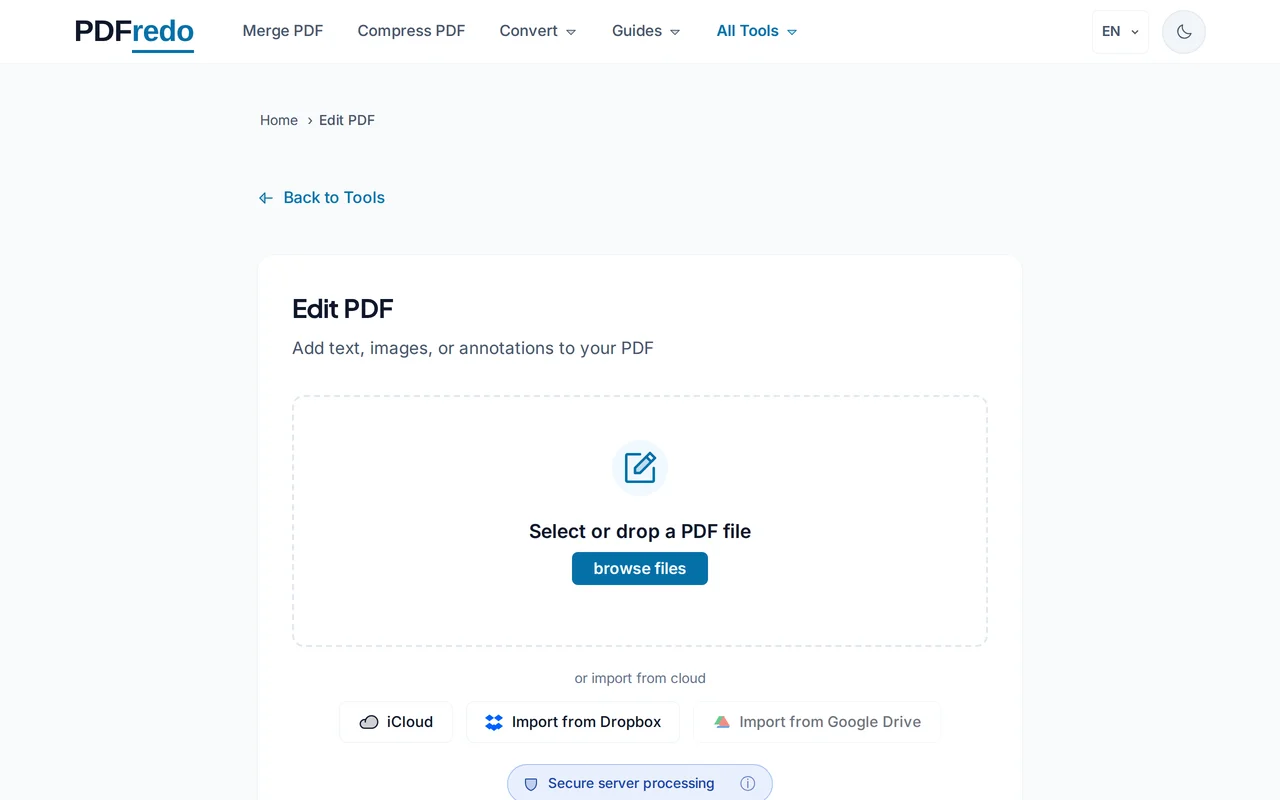
Upload your PDF
Select or drag and drop the PDF you want to edit.
Show screenshot
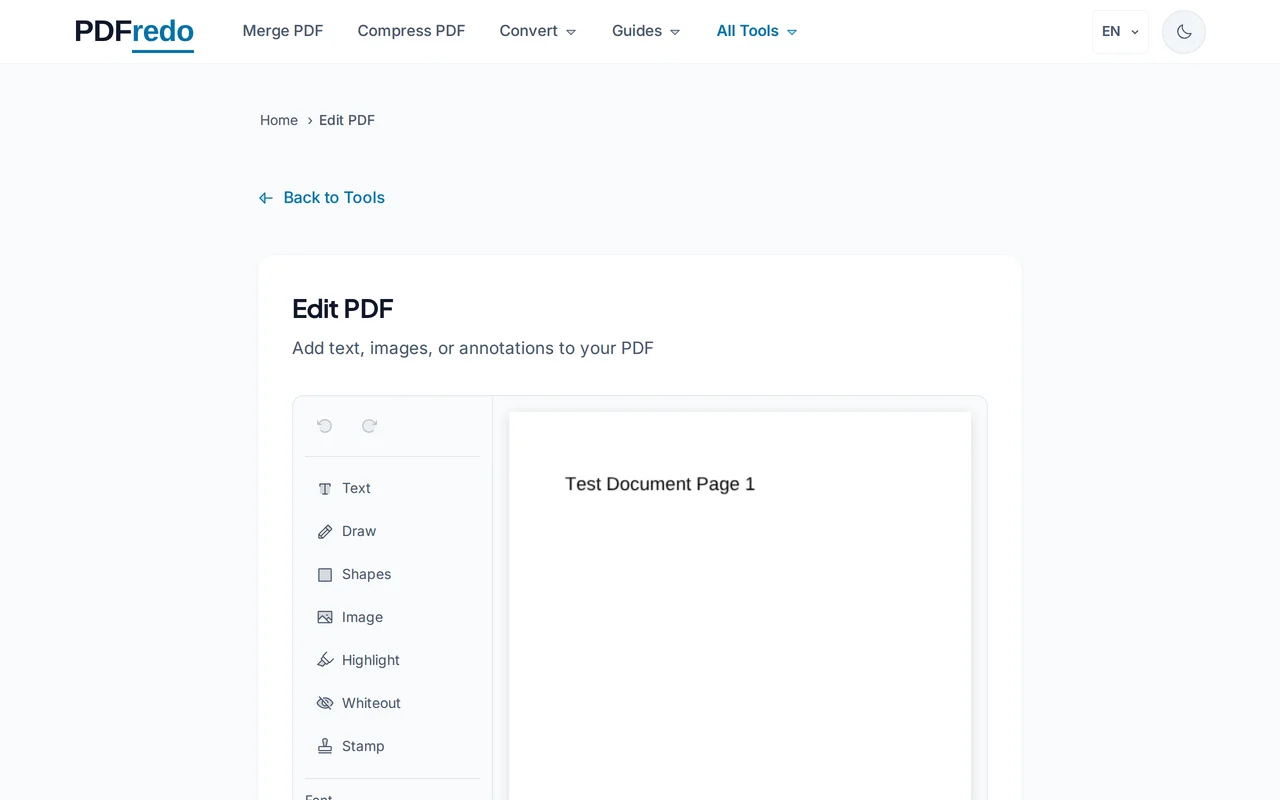
Add text or annotations
Type the text you want to add, choose a page number, font size, and position on the page.
Show screenshot
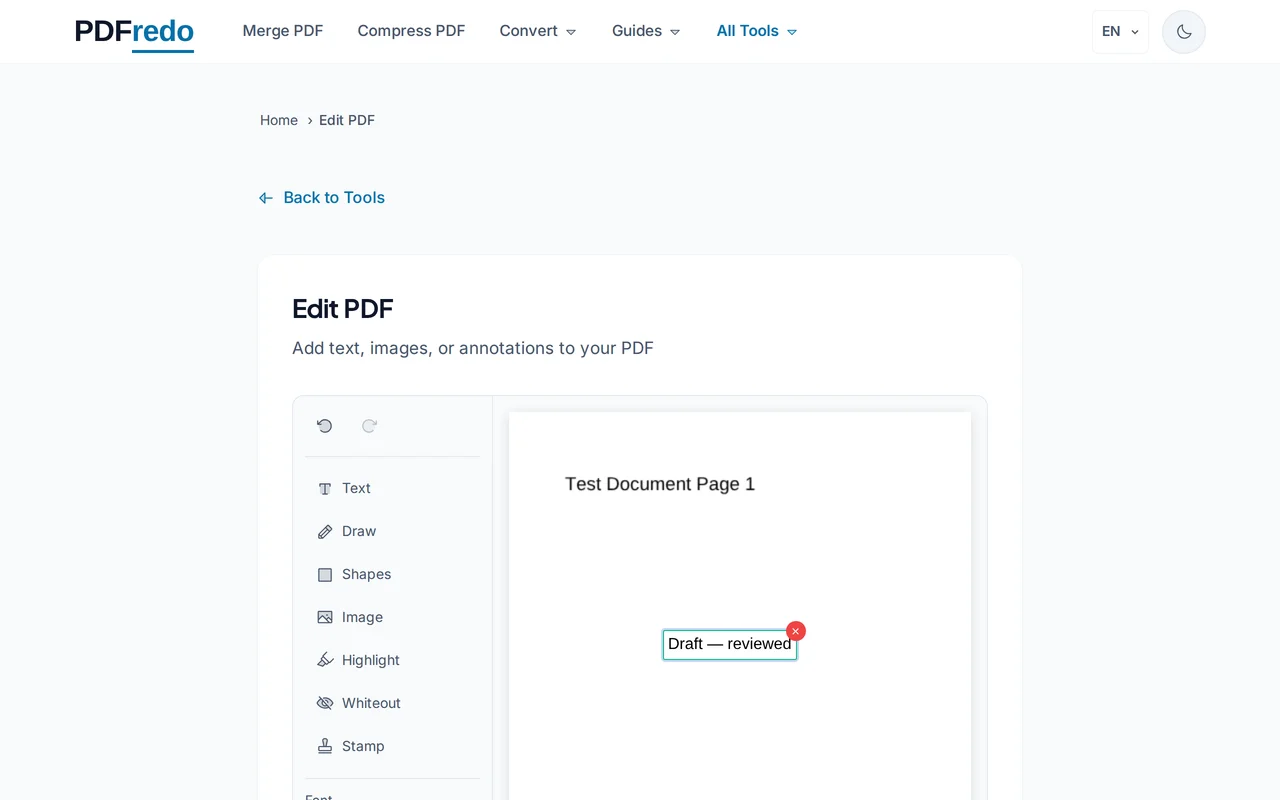
Apply your edits
Click "Add Text to PDF" to apply the changes to your document.
Show screenshot
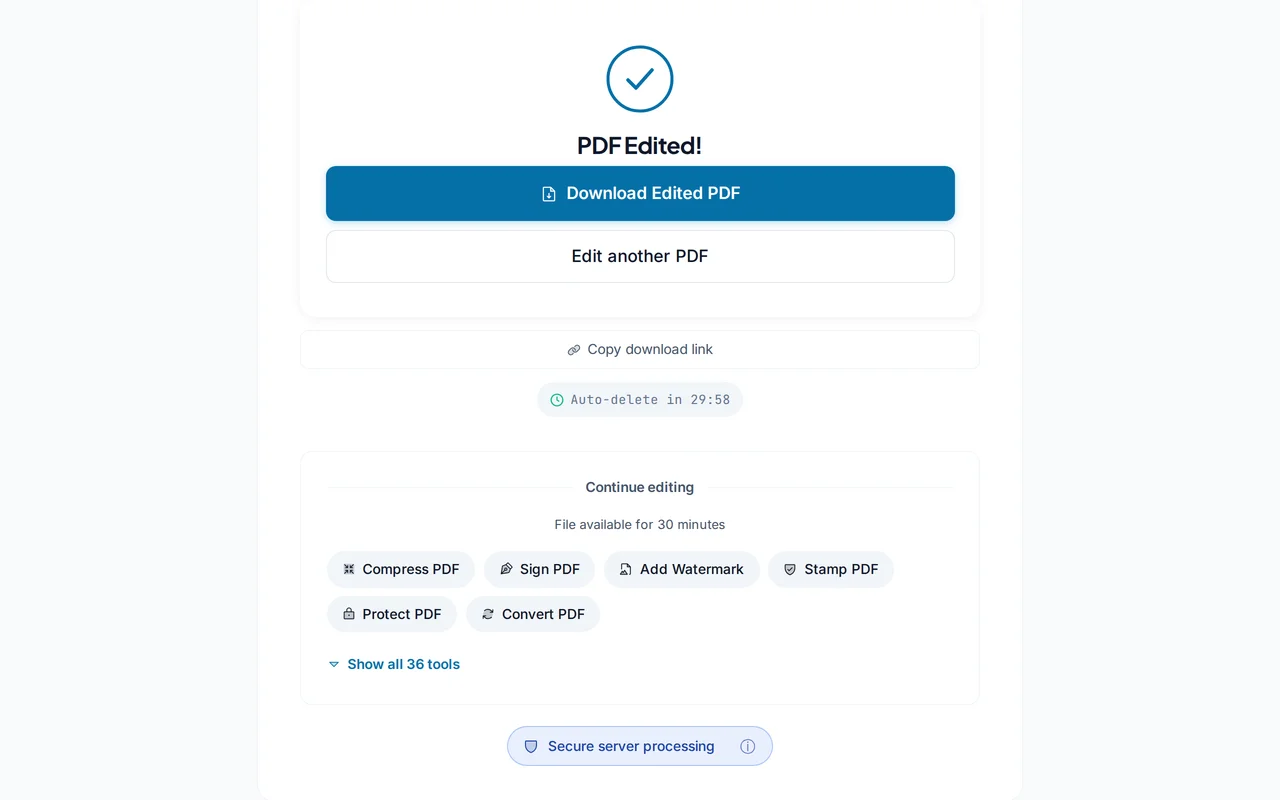
Download edited PDF
Download the edited PDF with your additions included.
Show screenshot