Rotate PDF
Rotate PDF pages 90°, 180° or 270°
Drop a PDF here or click to select
Max 100 MB
or import from cloud
Files are processed on servers in the EU and automatically deleted after 30 minutes. We do not store, share, or analyze your documents. You are responsible for ensuring you have the right to process uploaded files.
Secure server processing
Files uploaded via HTTPS and deleted immediately after download
No installation neededWorks directly in your browser — no software to download
No limitsProcess as many files as you need
GDPR compliantFiles deleted after download
100% FreeNo account or subscription needed
How to Rotate PDF
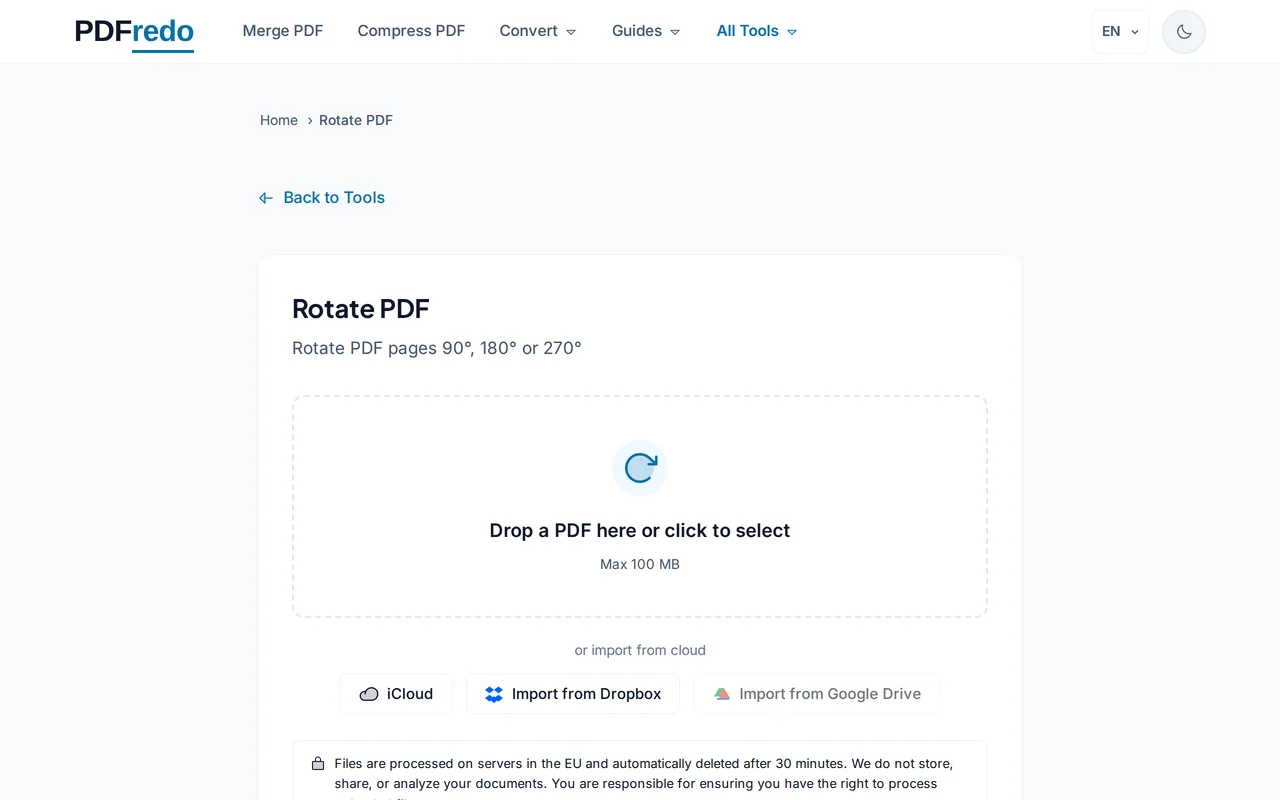
Upload your PDF
Select or drag your PDF into the upload area.
Show screenshot
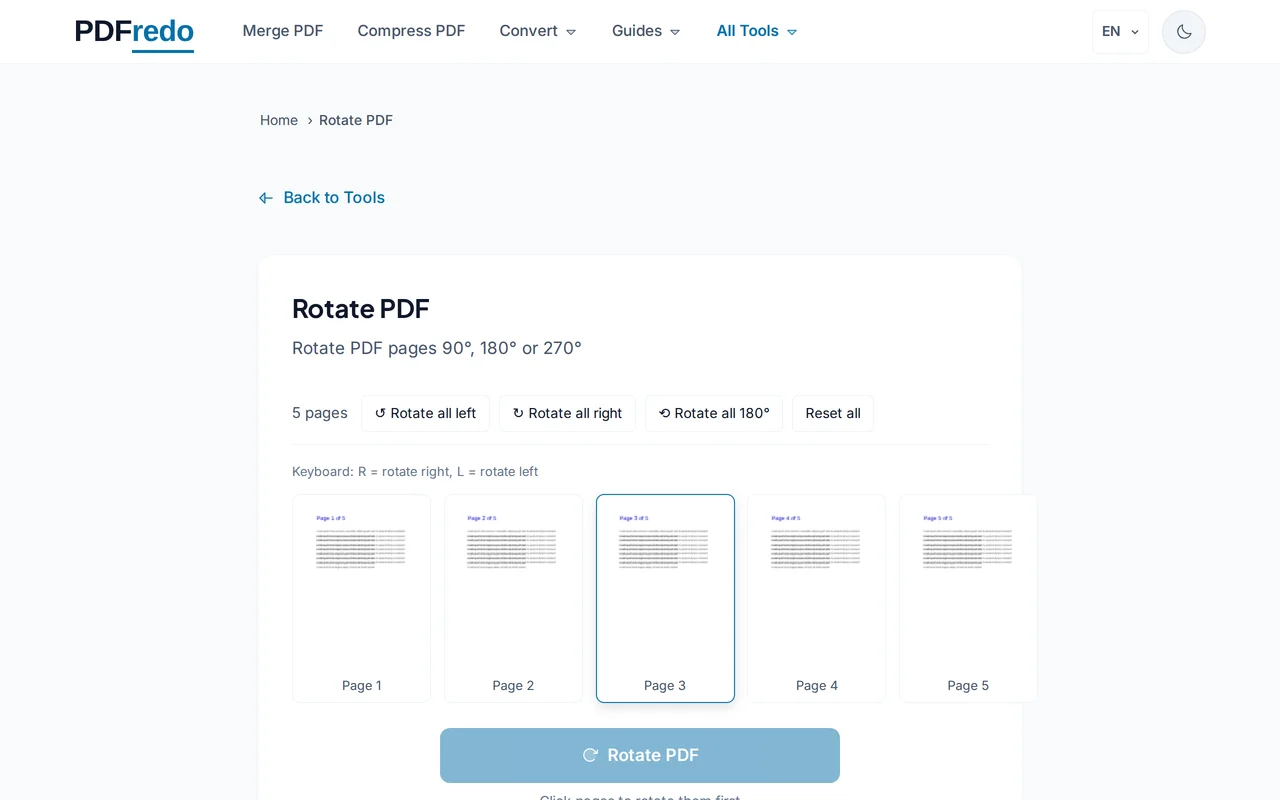
Choose rotation angle
Select 90°, 180°, or 270° rotation. This will apply to all pages.
Show screenshot
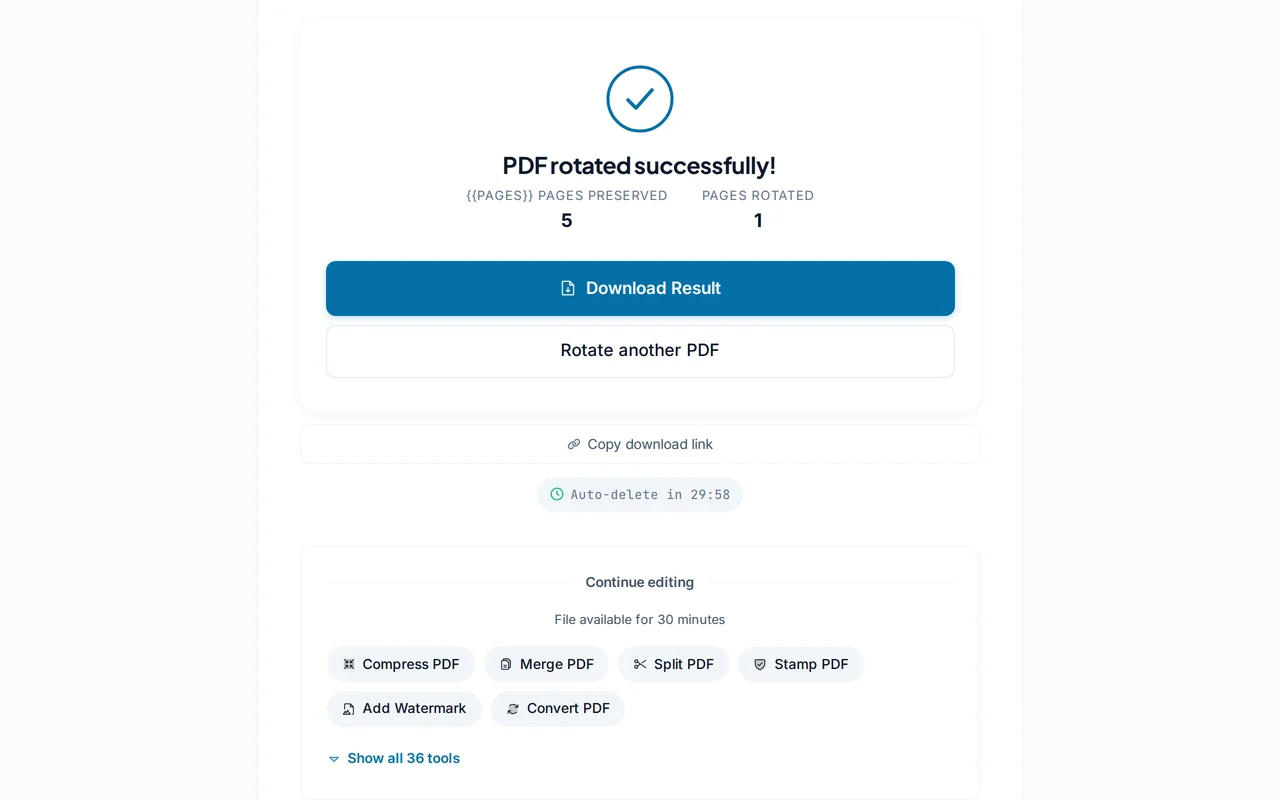
Rotate the PDF
Click "Rotate PDF" to apply the rotation to your document.
Show screenshot
Download the rotated PDF
Download your PDF with all pages correctly oriented.